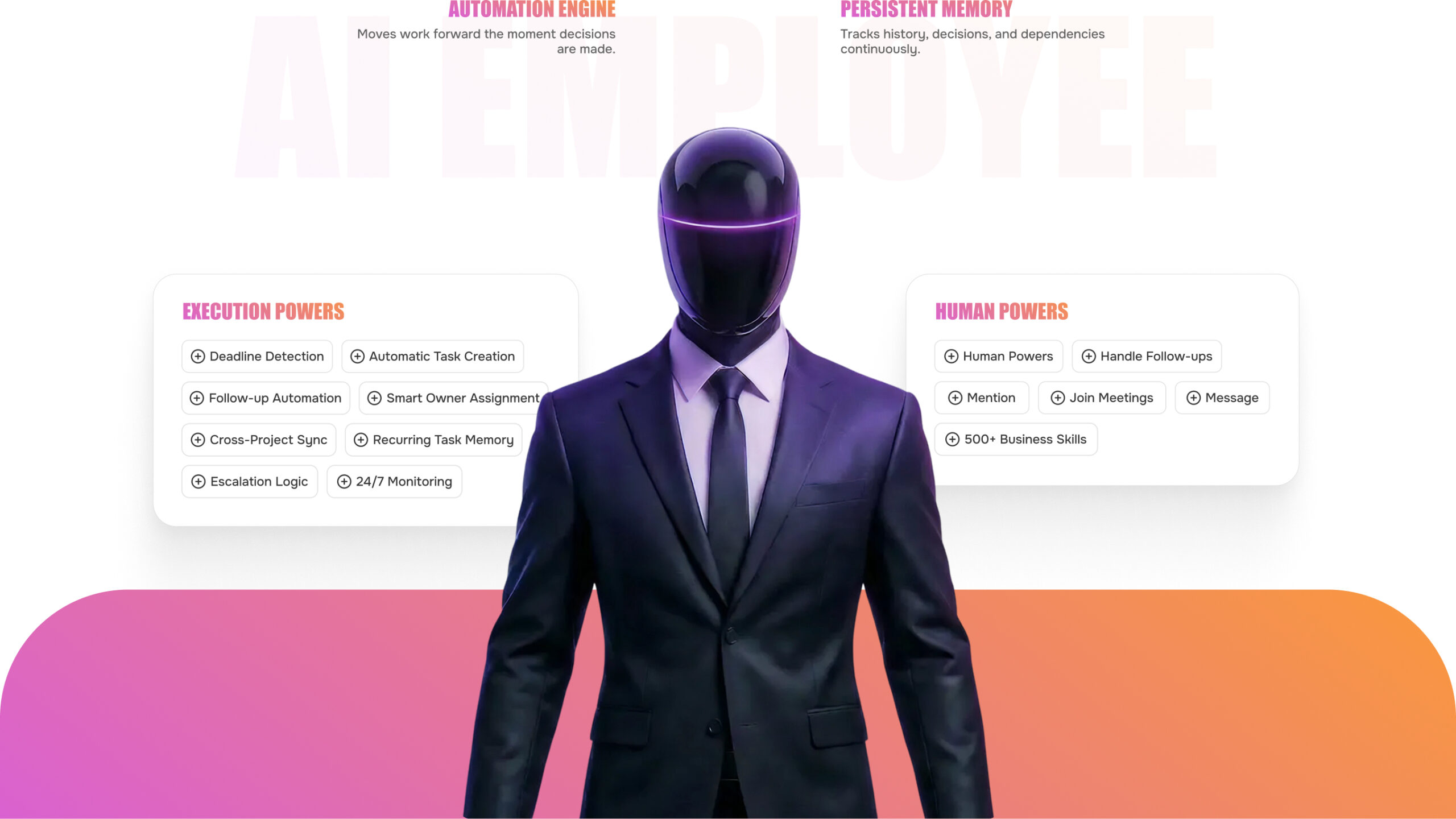
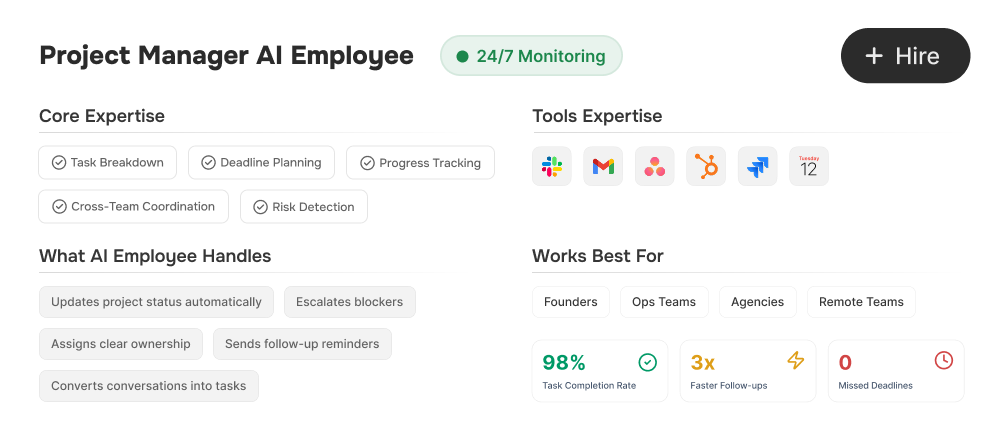
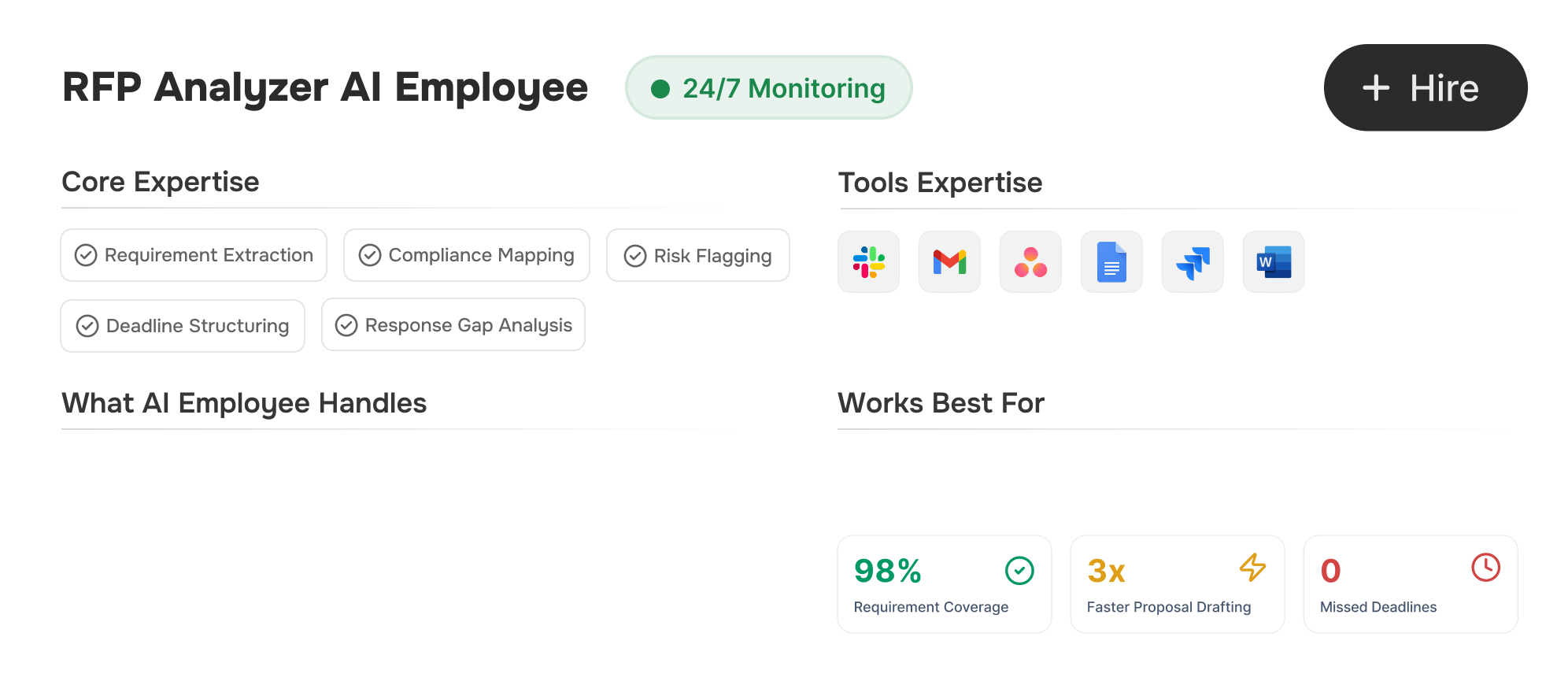
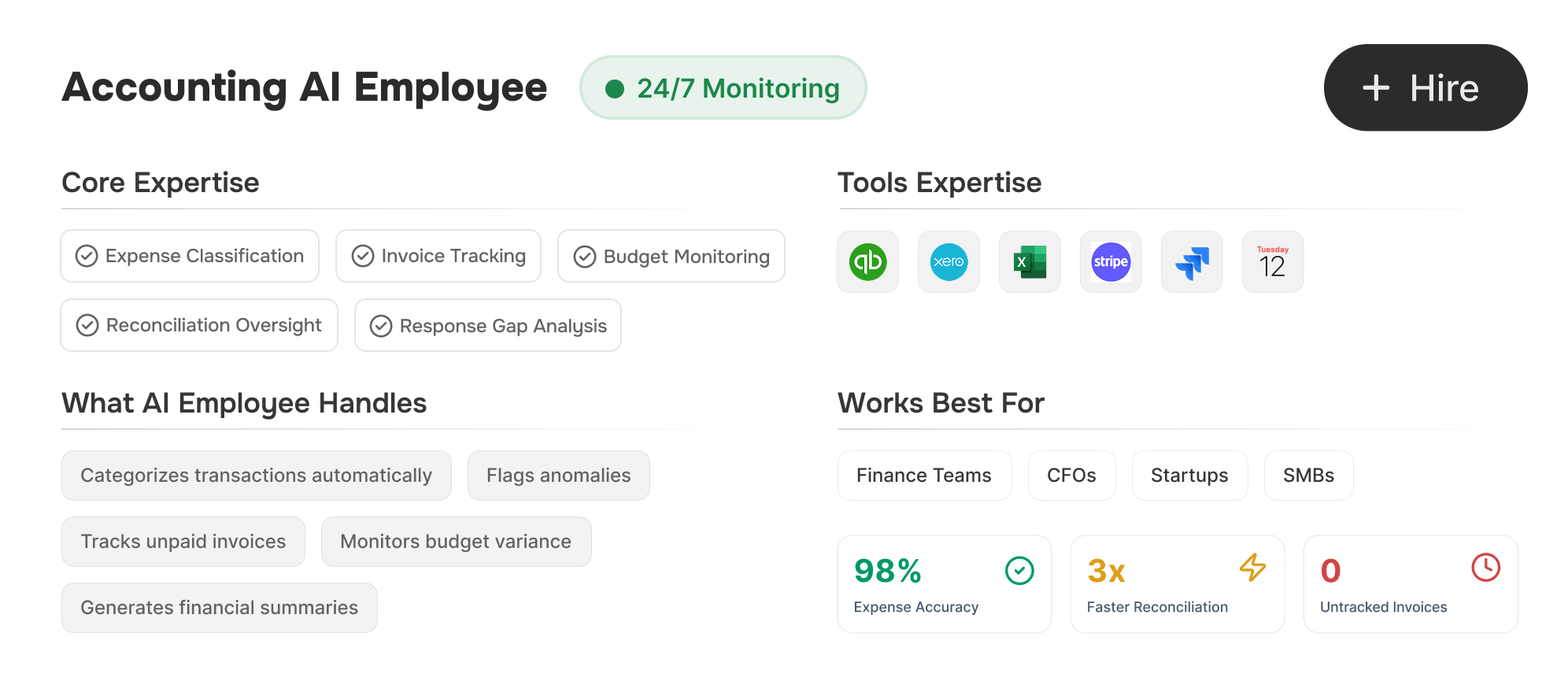
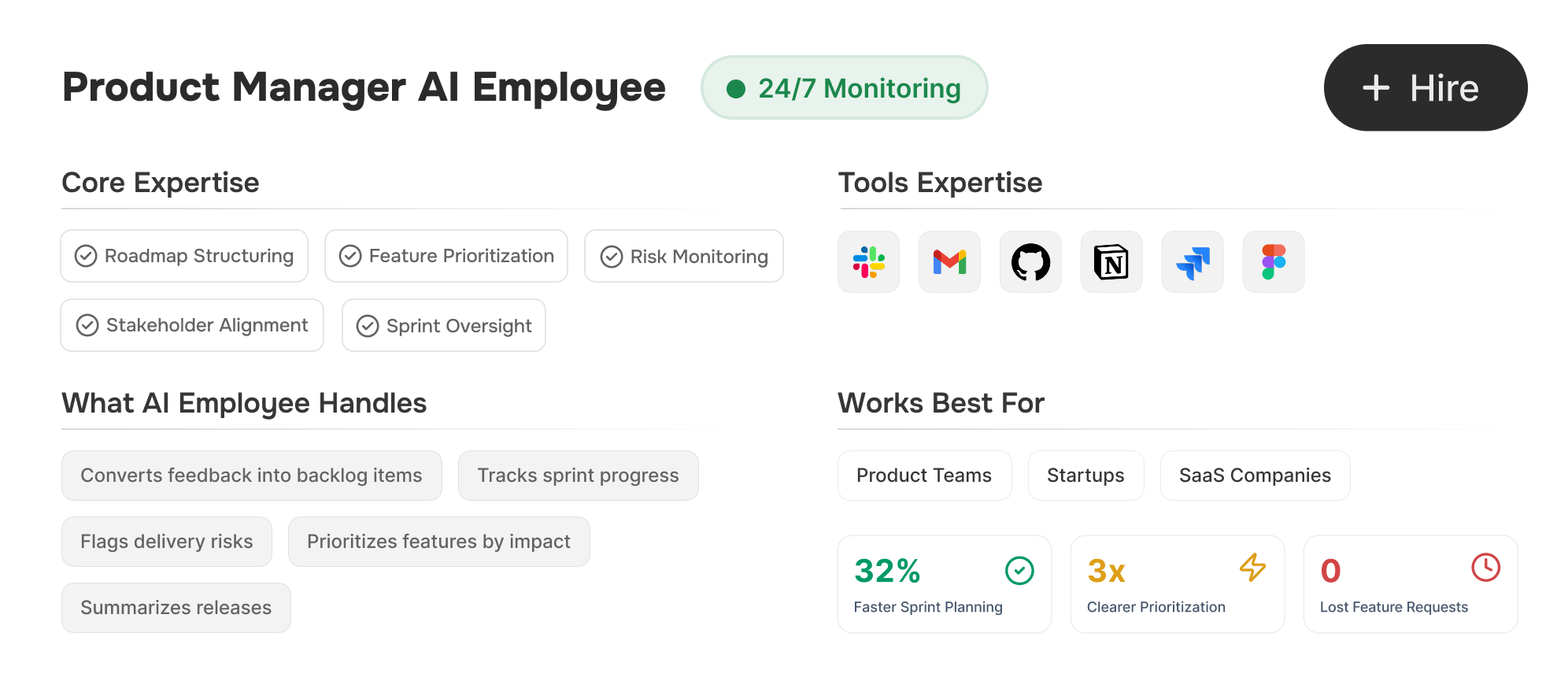
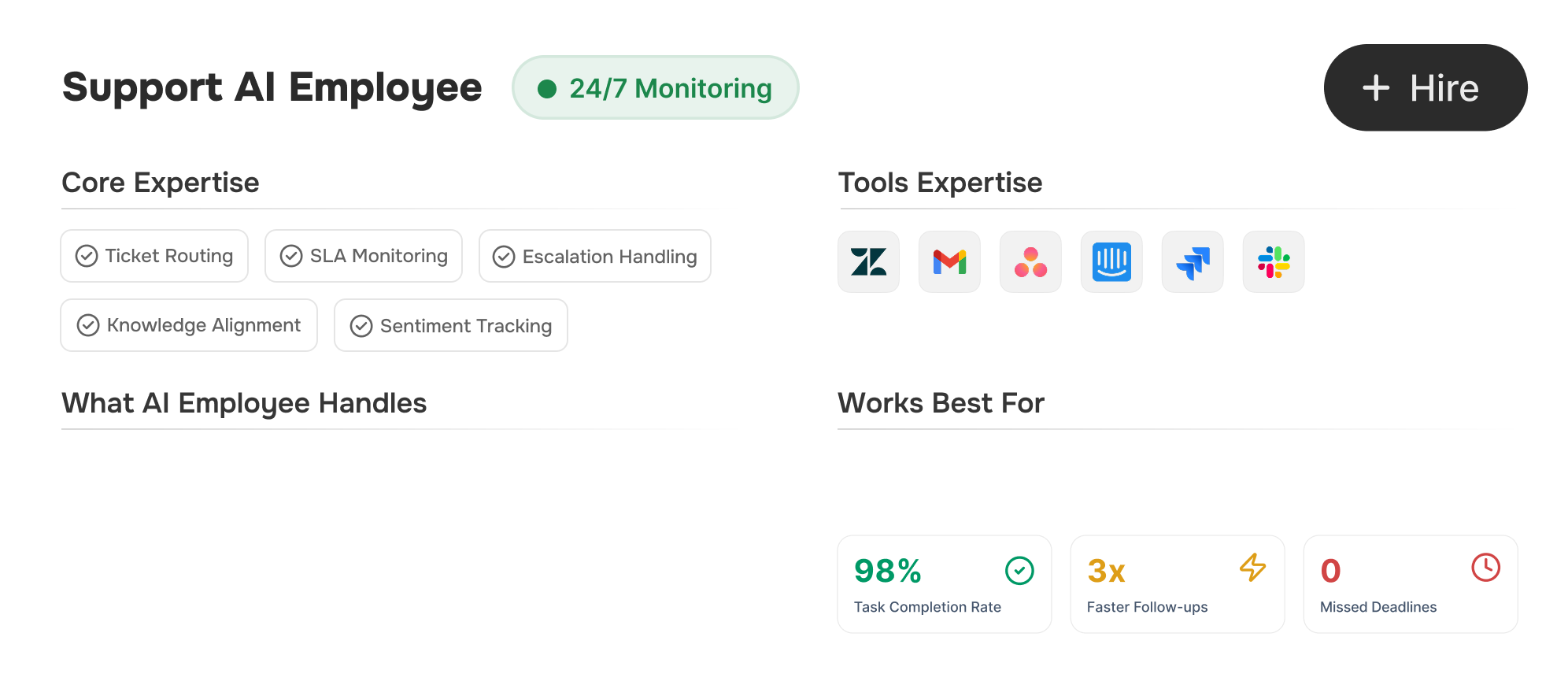
Workly AI Employees take ownership of execution — turning conversations into tasks, enforcing deadlines, and keeping your company aligned automatically.
See progress instantly instead of waiting for weekly summaries.
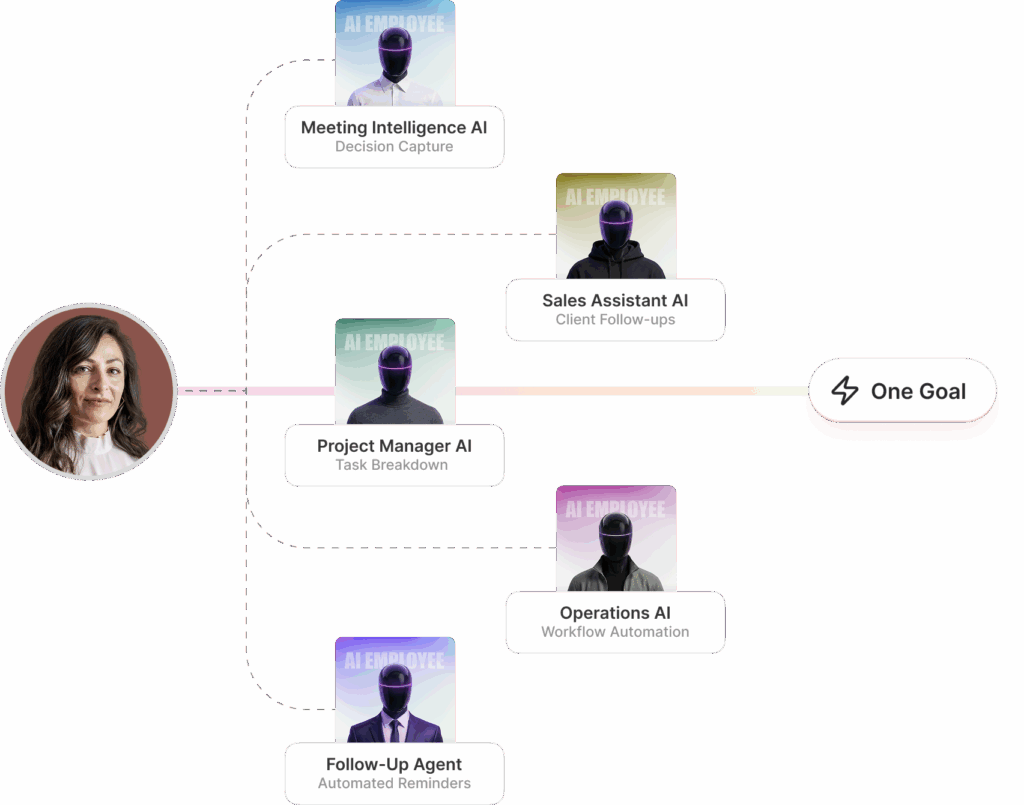
One Goal Activates Your Entire AI Team.
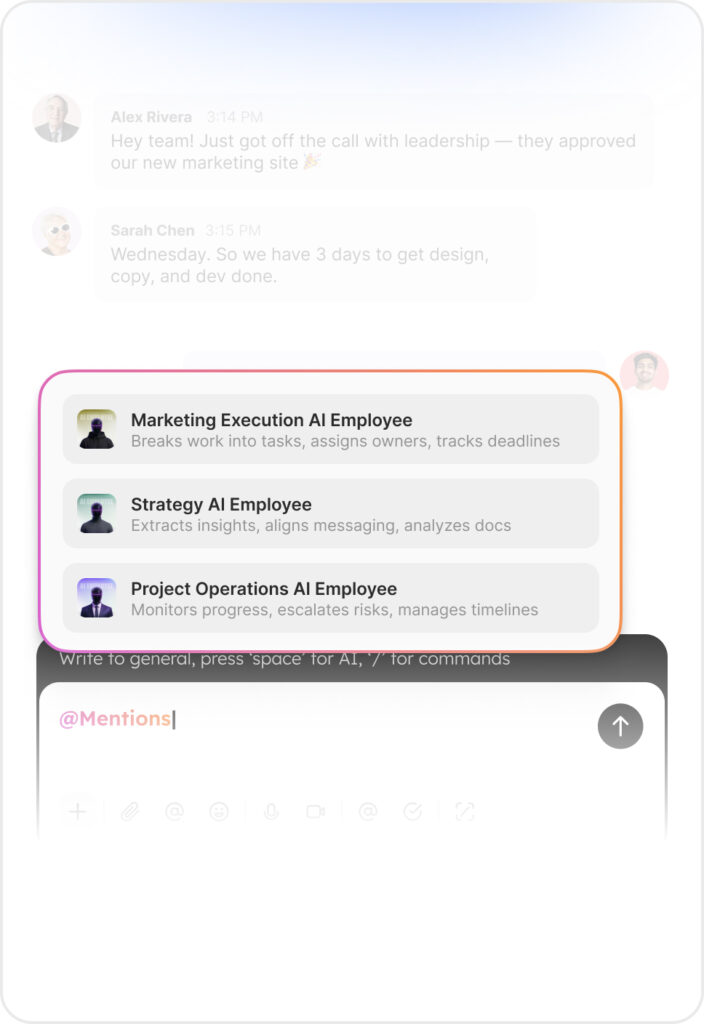
Describe what you want done. Workly deploys specialized AI Employees to plan, assign, track, and execute automatically.
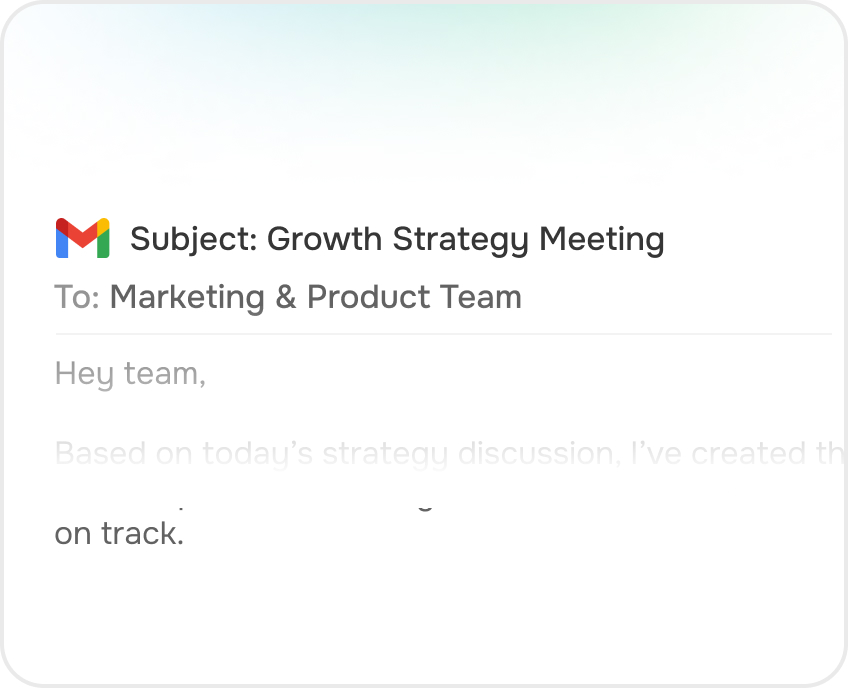
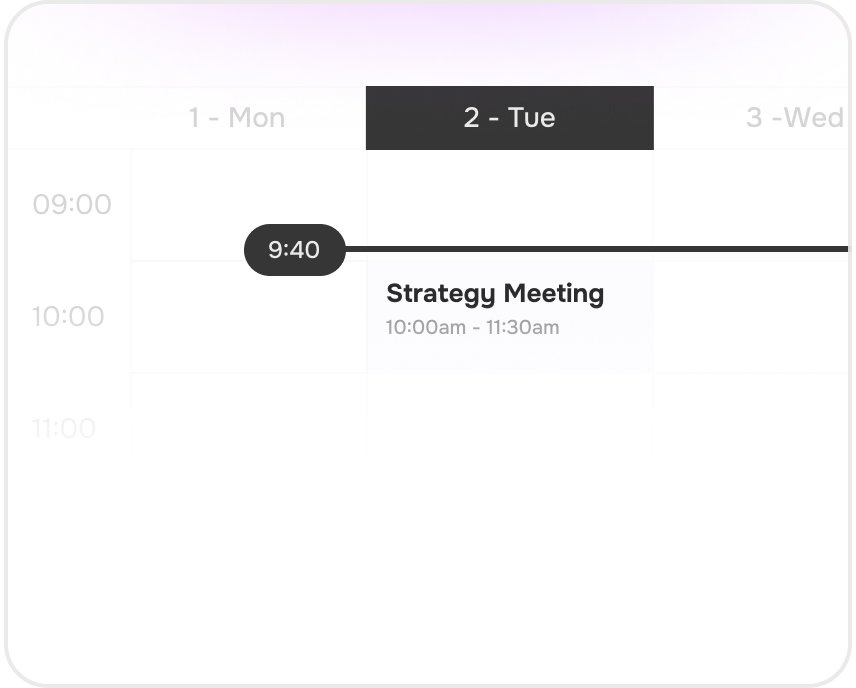
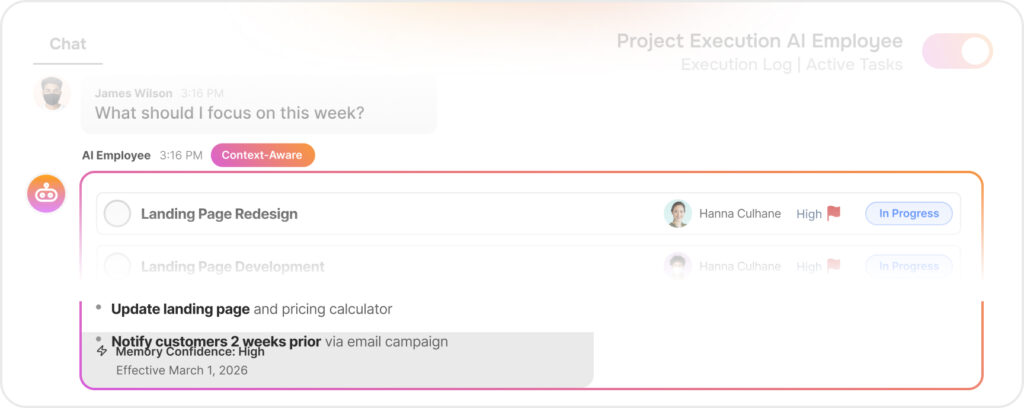
The AI Employee listens to team discussions, identifies action items, creates tasks, sends reminders, and tracks progress — so managers don’t have to manually follow up.
Yes. The AI Employee is especially useful for remote and hybrid teams because it ensures clarity, accountability, and alignment — even when team members are working across different time zones.
Yes. The AI Employee operates within your workspace and follows strict security and privacy standards. Your data remains protected and accessible only to authorized users.
Yes. The AI Employee adapts to your team’s workflow. It understands how your team communicates and structures tasks accordingly, so it fits naturally into your existing process.
You can start using the AI Employee immediately after setup. There’s no complex training required — it works within your workspace and begins assisting with coordination and follow-ups from day one.