
Workly Everywhere
Workly AI Employees stay active across desktop and mobile — tracking decisions, assigning
ownership, and driving execution in real time.
Workly AI Employees stay active across desktop and mobile — tracking decisions, assigning ownership, and driving execution in real time.

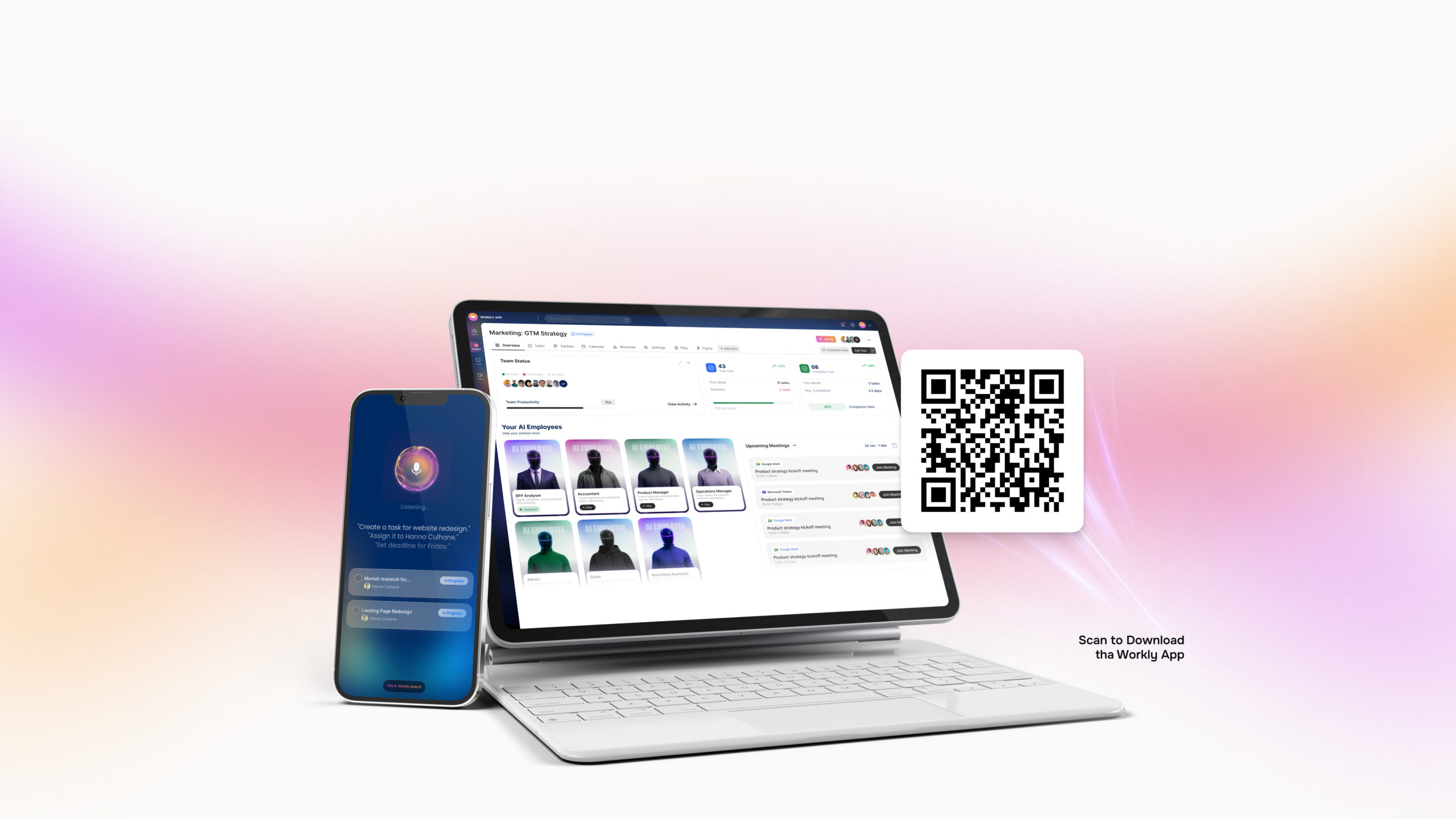
Download Workly for Mobile
Stay connected anywhere on the go.
Download Workly for desktop
Stop managing work. Start deploying execution.
Our team will map Workly to your org structure and show you how AI
Employees operate in your environment.
Our team will map Workly to your org structure and show you how AI Employees operate in your environment.
Frequently Asked Questions
Can I try Workly before committing to a paid plan?
Absolutely. You can start using Workly right away and explore its features at your own pace. This helps you understand how it fits into your workflow before making any upgrade decision.
Can I switch from my current tool to Workly easily?
Yes, switching to Workly is simple. You can quickly recreate workflows, add tasks, and bring your team onboard without disrupting your ongoing work. Plus, Workly integrates with 1000+ tools, so you can seamlessly connect your existing stack without starting from scratch.
Can I use Workly as an individual, or is it only for teams?
Workly is designed for both individuals and teams. Whether you're managing personal tasks or coordinating across departments, it adapts to your workflow effortlessly.
How secure is my data on Workly?
Workly uses industry-standard security practices to protect your data, ensuring that your projects, conversations, and files remain safe and private at all times.
What happens after I download Workly? How do I get started?
Once you download Workly, you can quickly create your workspace, invite your team (if needed), and start assigning tasks. The platform is designed to guide you step-by-step so you can move from setup to execution without confusion.