The way we work is fundamentally broken.Teams spend hours in meetings, endless chats, and constant follow ups—yet execution still lags behind. The problem isn't effort; it's the gap between decision and action. In fact, this is the same chaos to clarity challenge that most growing organisations face today. The Future of Work Isn’t Assistance — …

The way we work is fundamentally broken.
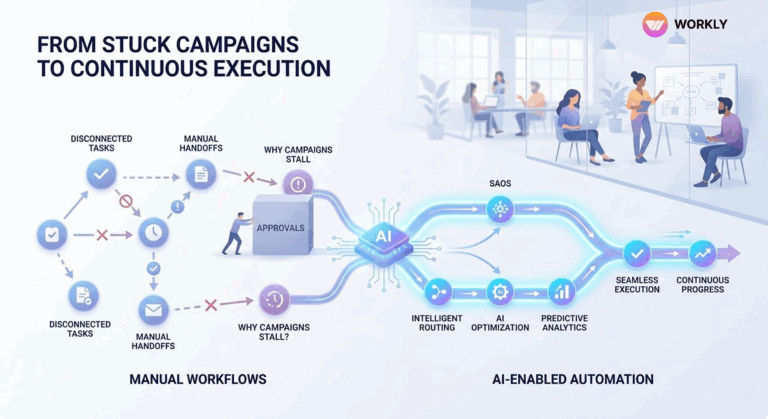
Teams spend hours in meetings, endless chats, and constant follow ups—yet execution still lags behind. The problem isn’t effort; it’s the gap between decision and action. In fact, this is the same chaos to clarity challenge that most growing organisations face today.
The Future of Work Isn’t Assistance — It’s Autonomous Execution by AI Employees.
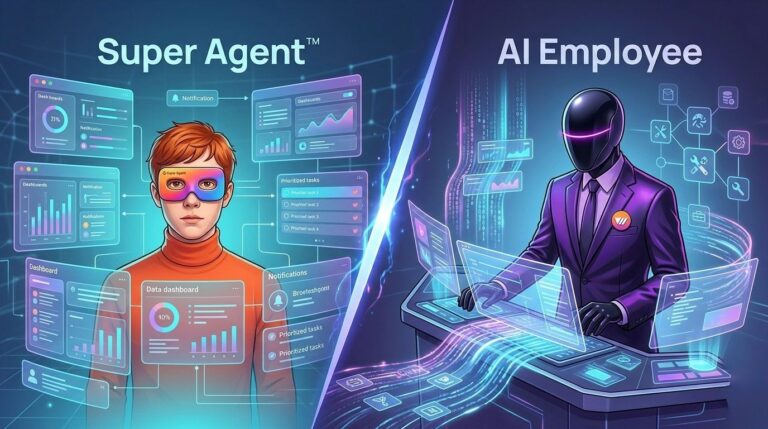
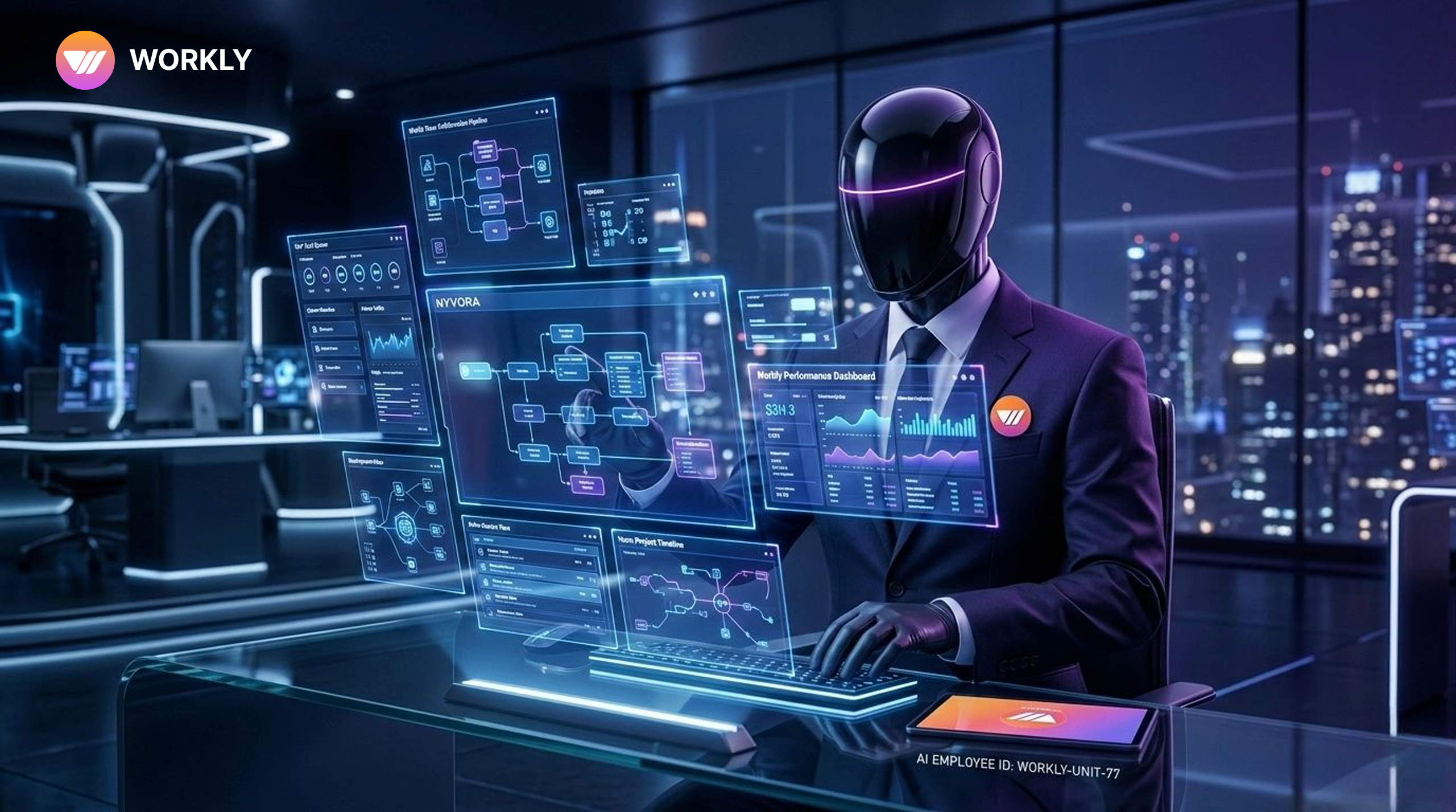
Now imagine this an AI employee that doesn’t just assist but actually executes tasks using its own secure computer environment—logging into tools, completing workflows, and delivering outcomes without human intervention.
This is the next evolution of work—and platforms like Workly are leading this shi
What Is Workly?
Workly is an AI first Collaborative Operating System built for modern teams. It goes beyond traditional project management by integrating task management, communication, meetings, and AI driven automation into a single unified platform.
Unlike conventional tools that require constant manual input, Workly deploys autonomous AI Employees that handle coordination, follow ups, and repetitive work. With over 1,000+ tool integrations connecting Slack, Google Workspace, Salesforce, Notion, and CRMs, Workly acts as the central nervous system of your organization.
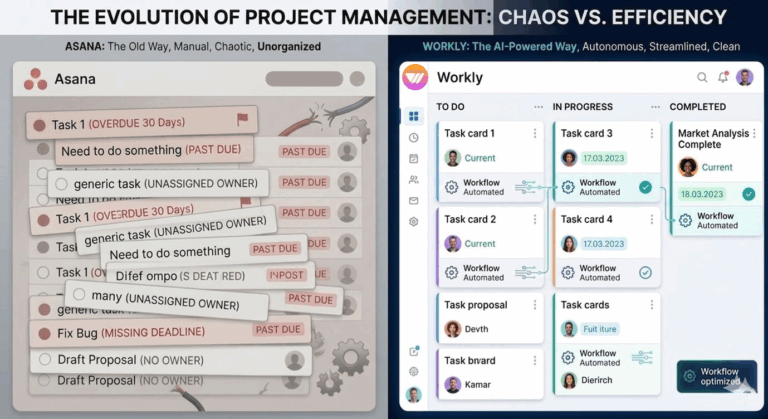
If you’re evaluating how Workly stacks up against legacy solutions, check out our comparison of the best project management tools in 2026.
What Is an AI Employee?
An AI employee is a digital worker powered by advanced artificial intelligence that can:
- Understand instructions
- Analyze context
- Make decisions
- Execute tasks independently
Unlike basic automation tools, AI employees are:
- Context aware — they understand conversations and workflows
- Proactive — they act without waiting for manual triggers
- Goal driven — focused on outcomes, not just processes
Think of them as a virtual team member that works 24/7, never misses a task, and continuously improves. Learn more about how Workly’s AI Employees are designed to work like real teammates.
AI Employees with Their Own Computer: What Does It Mean?
The concept of AI employees having their own “computer” refers to a secure, isolated execution environment where AI can safely perform real tasks.
This includes the ability to:
- Access business tools (CRM, dashboards, documents)
- Execute workflows end to end
- Send emails, update tasks, generate reports
- Operate within permission based systems
This is often called agentic AI—where AI doesn’t just suggest actions but actually performs them. It’s the core of how Workly turns conversations into execution.
What Do AI Employees Do?
AI employees are designed to handle both repetitive and complex workflows across teams.
1. Convert Conversations into Action
AI employees listen to meetings and chats, then:
- Extract action items
- Create tasks automatically
- Assign owners and deadlines
Studies show employees spend over 58% of their time on coordination work, which AI can significantly reduce. This is exactly how Workly makes communication become execution instead of noise.
2. Automate Repetitive Workflows
They eliminate manual tasks like:
- Status updates
- Follow ups
- Data entry
Around 61% of workers say AI helps automate repetitive tasks, improving efficiency and focus. This is key to how teams scale work, not headcount.
3. Execute Tasks Across Tools
With their own execution environment, AI employees can:
- Log into systems
- Update dashboards
- Send communications
- Complete workflows
Advanced AI systems have demonstrated up to 80% faster workflow execution in enterprise environments.
4. Provide Real Time Insights
AI employees can:
- Analyze data instantly
- Generate reports
- Suggest next actions
Businesses using AI report up to 40% improvement in productivity.
5. Manage End to End Workflows
From instruction to completion:
- Break down tasks
- Execute steps
- Track progress
- Deliver outcomes
This eliminates the need for constant human intervention—the kind of work that runs itself.
Why AI Employees Are the Future of Work
1. Massive Productivity Gains
AI is redefining productivity. Teams report productivity increases of up to 4x in AI driven workflows, with employees saving 8-10 hours per week on average.
2. Reduced Context Switching
Switching between tools is a major productivity killer. AI employees solve this by working across tools seamlessly and keeping execution centralized. Read how Workly tackles this with its context switching vs clarity approach.
3. Better Work Quality
AI reduces human error, missed deadlines, and miscommunication. Teams report higher accuracy and faster decision making with AI support.
4. Always On Execution
Unlike human teams, AI employees work 24/7, never forget tasks, and follow up consistently.
The Problem with Traditional Tools
Most workplace tools today are built for communication, task tracking, and documentation. But they fail at one critical thing: Execution.
This leads to endless follow ups, delayed projects, and lack of accountability.
For a deeper look at how outdated tools create this mess, see how Workly brings one place, one version of the truth to replace scattered workflows.
How Workly Enables AI Employees
Workly is built specifically to power AI employees that execute work. Here’s how it works:
1. Conversations Become Tasks Instantly
Meetings and chats are automatically converted into actionable tasks—the same principle behind Workly’s conversations to execution engine.
2. AI Takes Ownership of Execution
AI employees assign tasks, set deadlines, and track progress—without waiting for a manager to intervene.
3. Continuous Follow Ups
No more manual chasing. AI ensures work moves forward by sending reminders, escalating blockers, and keeping stakeholders informed.
4. Closed Loop Workflow System
Workly creates a seamless cycle from start to finish:
Discussion → Task → Execution → Completion
Security: Safe Execution Environment
AI employees operate within a secure and controlled system:
- Role based access control — AI only sees what it’s permitted to
- Data privacy protections — encrypted in transit and at rest
- Audit trails — every action logged and reviewable
- Isolated execution environments — actions cannot leak across workspaces
FAQs
What does it mean for an AI Employee to have its own computer?
It means the AI operates within an isolated, sandboxed virtual environment where it can independently execute tasks like creating projects, sending follow ups, and generating reports—without accessing systems beyond its defined scope.
Is my company data safe with Workly's AI Employees?
Yes. Workly encrypts all data in transit and at rest, never trains models on customer data, and enforces strict role based access controls. Every AI action is logged and auditable.
How is this different from ChatGPT or other AI chatbots?
Chatbots respond to prompts. Workly's AI Employees proactively act—they join meetings, create tasks, follow up with team members, and manage workflows without waiting for instructions.
Can AI Employees integrate with tools my team already uses?
Absolutely. Workly integrates with 1,000+ tools including Slack, Google Workspace, Salesforce, Notion, and popular CRM systems.
What does Workly cost?
Workly offers a free tier for teams of up to 10 members. Paid plans start at Rs. 999/user/month (Team) and Rs. 1,499/user/month (Business), with enterprise pricing available on request.
AI-First Collaborative OS
Stop managing tools. Start running work.


Emily Carter
Technical writer specializing in SaaS product documentation and in-app guides. Converts engineer-heavy inputs into clear user journeys, FAQs, and release notes.