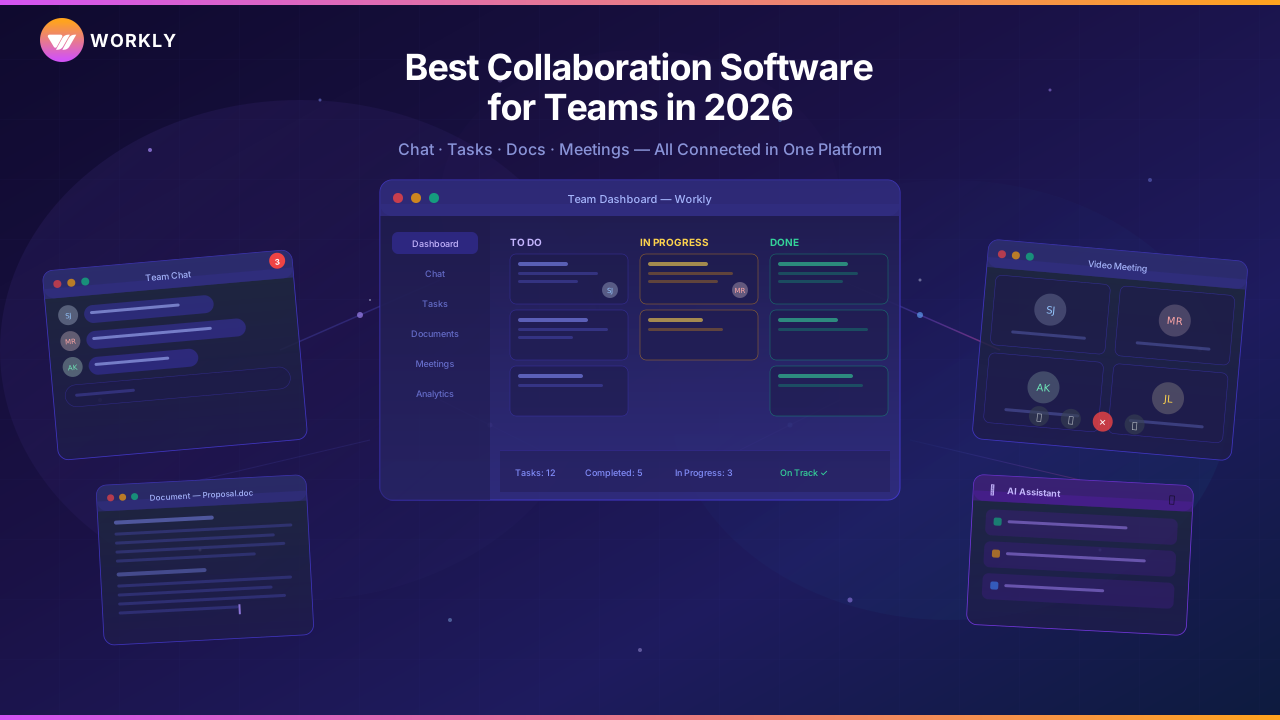
Ever walked out of a meeting thinking, "Wait!!" Who is assigned to what roles, and does anyone know whose turn it is to take the next step? Or when you have been scrolling through an entire chat thread in an attempt to find a call that was made three days ago? It is not an …

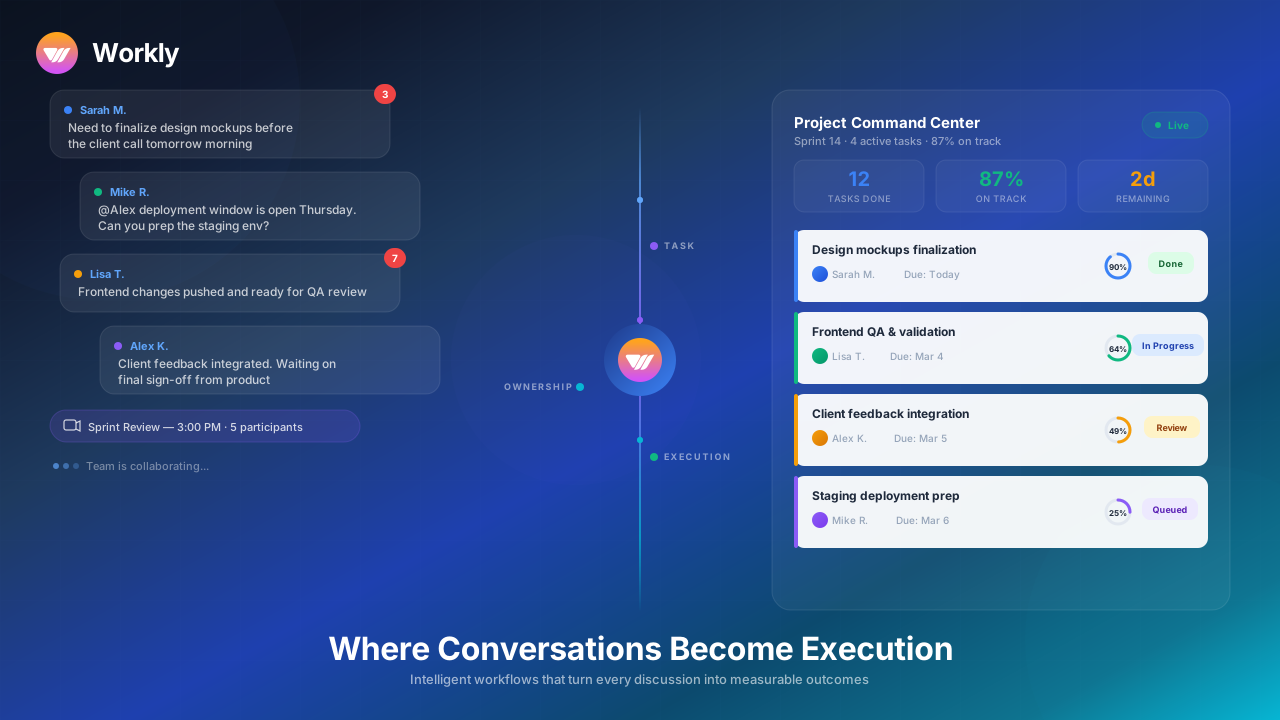
Ever walked out of a meeting thinking, “Wait!!” Who is assigned to what roles, and does anyone know whose turn it is to take the next step? Or when you have been scrolling through an entire chat thread in an attempt to find a call that was made three days ago? It is not an event most teams experience rarely; it happens daily.
The conversation in collaborative tools continues all the time, but the moment the discussion concludes, real work seems to lag.
To stay on top of everything and turn conversations into execution, you need Workly’s Collaborative tool. The all-in-one online teamwork tools, with integrated capabilities, let you manage and streamline projects with a single click. From managing deadlines and accountable ownership to meeting reminders, everything is done smartly, all under one roof, and with no endless switching.
No more returning to deadlines, getting tossed aside, or managers chasing updates, it’s time to work smarter with Workly.
Why Traditional Collaborative Tools Fail at Execution
The majority of traditional collaborative tools were created to help individuals communicate with one another, not to ensure work is completed. They are excellent for sharing ideas, exchanging files, and bringing everyone into the same virtual room.
But a good conversation is not all that it takes to be executed. It requires organization, ownership, and a system that actually makes people stick to what they have said. Here’s where they break down:
Capture Messages
Chat applications and meeting software capture people’s conversations, but they do not necessarily convert these discussions into structured activities. Action items are buried in threads and remain there until a person manually extracts and logs them.
Rely on Manual Task Creation
Once a meeting is over, somebody must go back to the meeting, reread the notes, write down the tasks, identify who does what, and stipulate deadlines. The entire additional process takes time and risks missing things.
Ownership Is Often Informal
Conventional collaboration tools do not hold anybody accountable for anything. Something may arise in the discussion, and not everyone may be able to identify it as a specific job, since it is not clearly specified.
Deadlines Aren’t Protected
A deadline that exists in a chat message is not a real deadline. Those timelines silently slide without tracking and sending notifications to people.
Visibility Requires Reporting
There is no way to observe what really goes on in reality, which is why leaders end up calling extra meetings. That translates to increased check-ins, back-and-forth, and wasted time on unnecessary coordination.
What Makes Workly's Collaborative Tools Different?
Most platforms call it a day once the message gets sent. Workly picks up from there.
Workly brings in AI Employees that work right as a part of your team’s existing workflows and turn every real decision or commitment that comes up in conversation into something structured and trackable.
Rather than waiting for a person to manually pull tasks out of a meeting or chat, Workly group coordination software handles it on its own:
- Identifies action items
- Creates structured tasks
- Assigns responsible owners
- Sets deadlines
- Syncs updates across tools
- Tracks execution in real time
That’s automated conversation-to-task conversion, working at full scale. And it takes away the number one thing that slows teams down: doing all that coordination by hand.
How Does Workly Turn Conversations into Clear Execution?
Workly turns conversations into structured work with real owners and real deadlines. Meetings stop being just discussions and start producing tasks on the spot.
AI Employees keep things moving without anyone needing to chase them. Here’s how Workly actually makes it happen.
1. AI-Powered Conversation-to-Task Automation
In most companies, someone has to sit down after every meeting and manually write up what needs to happen next. That’s exactly where accountability tends to disappear.
Workly’s AI Employees stay tuned in during meetings and keep tabs on chat threads. The moment a decision gets made or an action is taken, Workly builds a task around it with all the context attached.
That task comes with:
- Clear description based on the conversation
- An assigned owner
- Relevant stakeholders
- The original discussion is linked for reference
- Deadline, if mentioned
Nothing gets rewritten, falls through the cracks, or relies on someone’s memory. Meetings become the starting point for real execution.
Read more about the best Project management apps to streamline projects on the go.
2. Built-In Ownership and Accountability
Work falls apart right at the moment when the responsibility is not justified. Workly comes with project management features that allow you to ensure structured ownership by ensuring the following:
- Every task has a clearly defined owner
- Ownership is visible across teams
- Responsibilities cannot remain unassigned.
This cuts out the endless back-and-forth:
“Who was supposed to be on that?” “I figured someone else had it.”
With Workly, accountability isn’t something you hope happens. It’s embedded into the collaborative system.
3. Smart Deadline Management
Deadlines have a habit of coming up casually and getting forgotten just as easily. Workly captures time-bound commitments the moment they’re made and turns them into a proper, trackable due date. And then it actually protects that date.
The system:
- Sends reminders before things get urgent
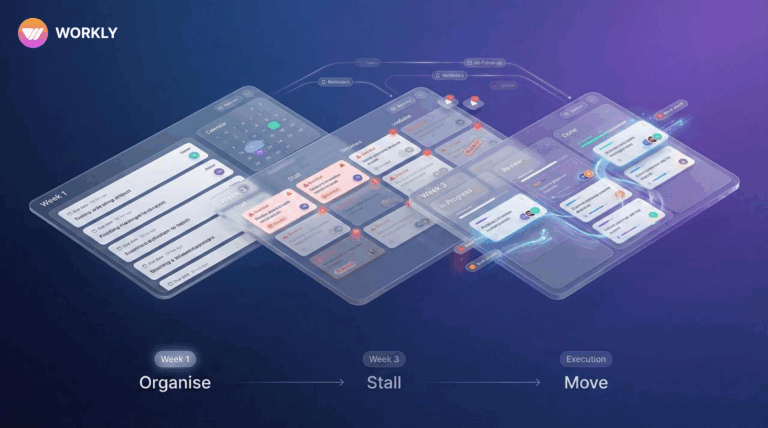
- Flags tasks that are starting to slip
- Surfaces potential delays early enough to act
- Nudges the owner before the deadline passes
Instead of managers manually monitoring every timeline, Workly’s collaborative tools keep the momentum going on their own.
4. Real-Time Visibility Without Status Meetings
Most teams hold regular status calls because they genuinely can’t tell what’s happening otherwise.
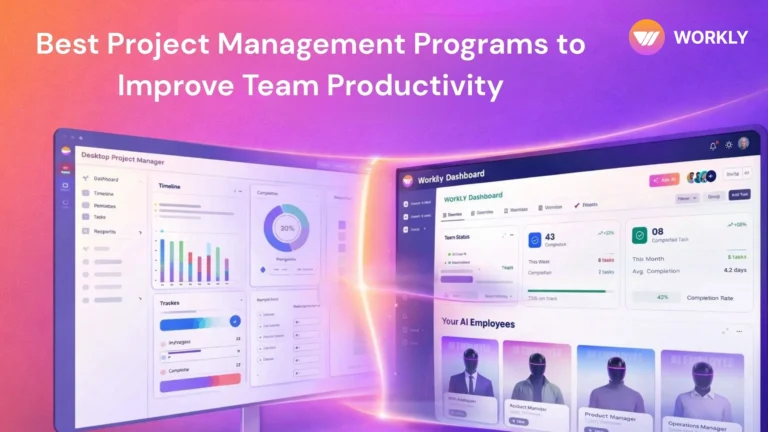
Workly replaces that reactive cycle with proactive transparency. Leaders get instant answers to:
- What’s moving forward
- What’s stuck
- Who holds each deliverable
- Which tasks are overdue
- How the conversations turned into actual work
5. Always-On Proactive Follow-Ups
Running after people for updates eats up leadership time and creates a pretty uncomfortable dynamic. Workly’s AI Employees continuously monitor workflows and send relevant, well-timed reminders the moment tasks stall.
This covers:
- Low-pressure nudges before deadlines arrive
- Escalation signals when nothing’s been touched
- Status syncing across all connected tools
- Workflow steps that advance automatically
Workly: One Smart Workspace Integrated with 1000+ Tools
Modern teams use a ton of different platforms at once: CRM tools, messaging apps, document software, project trackers, and calendars.
All that fragmentation means context is constantly lost. Workly brings it all into one smart workspace.
From Salesforce to Slack, Google Workspace to Notion, Workly takes all those scattered signals and turns them into organized, trackable execution with group coordination software.
This shared project tools integration ensures:
- Status updates happen automatically across platforms
- Tasks reflect what’s actually going on
- CRM activity kicks off the right follow-ups
- Things discussed in meetings immediately update the relevant project
Workly vs Traditional Collaborative Tools
Factor | Workly | Traditional Collaborative Tools |
Conversation to Task | Automatic AI conversion | Manual task creation |
Ownership | Enforced and visible | Often implied or unclear |
Deadline Tracking | Proactive AI monitoring | Manual reminders |
Follow-Ups | Automated nudges | Manager-dependent |
Execution Visibility | Real-time dashboards | Status meetings required |
Measurable Impact of Adopting Workly's Collaborative Tools
45% Increase in Productivity
Teams stop wasting time turning meeting notes into tasks and put that energy into doing more productive tasks. By taking manual coordination off their plate, Workly hands back hours every week that were disappearing into follow-ups and admin.
60% Reduction in Manual Updates
Status reports, task logging, and reminder chains are all handled automatically. Instead of juggling multiple shared project tools, teams lean on real-time sync powered by AI Employees.
3× Faster Follow-Ups
Proactive nudges make sure work that’s stalled doesn’t go unnoticed. Deadlines get protected before they’re missed, which speeds up response times across every project and department.
2× Faster Project Delivery
When everyone knows exactly who owns what and execution flows without interruption, projects meet the finish line with fewer slowdowns. Workly removes the gap between decision and action.
FAQs
How do Workly's collaborative tools turn conversations into tasks?
Workly's AI Employees automatically detect action items during meetings and chat threads, build out structured tasks from them, assign ownership, and set deadlines, all without anyone manually creating tasks.
Does Workly replace existing communication platforms?
No. Workly integrates with your existing tools, like Slack, CRM systems, and document platforms, and adds execution automation on top of your current workflows.
How does Workly ensure accountability across teams?
Every task Workly creates has an assigned owner, a visible deadline, and built-in follow-ups. Responsibility is structured and easy for everyone to see.
Can Workly track deadlines automatically?
Yes. Workly pulls time-based commitments straight from conversations, converts them into trackable due dates, and sends proactive reminders so nothing slips past unnoticed.
Is Workly suitable for growing teams?
Absolutely. Workly's collaborative tools are built to scale with your team, whether you're a startup, an agency, or a larger company with more complex collaboration needs.
Turn Every Conversation Into Measurable Execution with Workly
Your team already knows how to communicate. What’s missing is a system that actually makes sure
those conversations lead somewhere. Workly’s collaborative tools eliminate manual follow-ups, keep deadlines intact, and build accountability into every discussion from the start.
Stop depending on memory and weekly status calls to push things forward. Bring structure, ownership, and real momentum into the way your team works.
Let Workly automatically turn every conversation into a predictable execution, automatically, consistently, and at scale.
AI-First Collaborative OS
Stop managing tools. Start running work.


Emily Carter
Technical writer specializing in SaaS product documentation and in-app guides. Converts engineer-heavy inputs into clear user journeys, FAQs, and release notes.