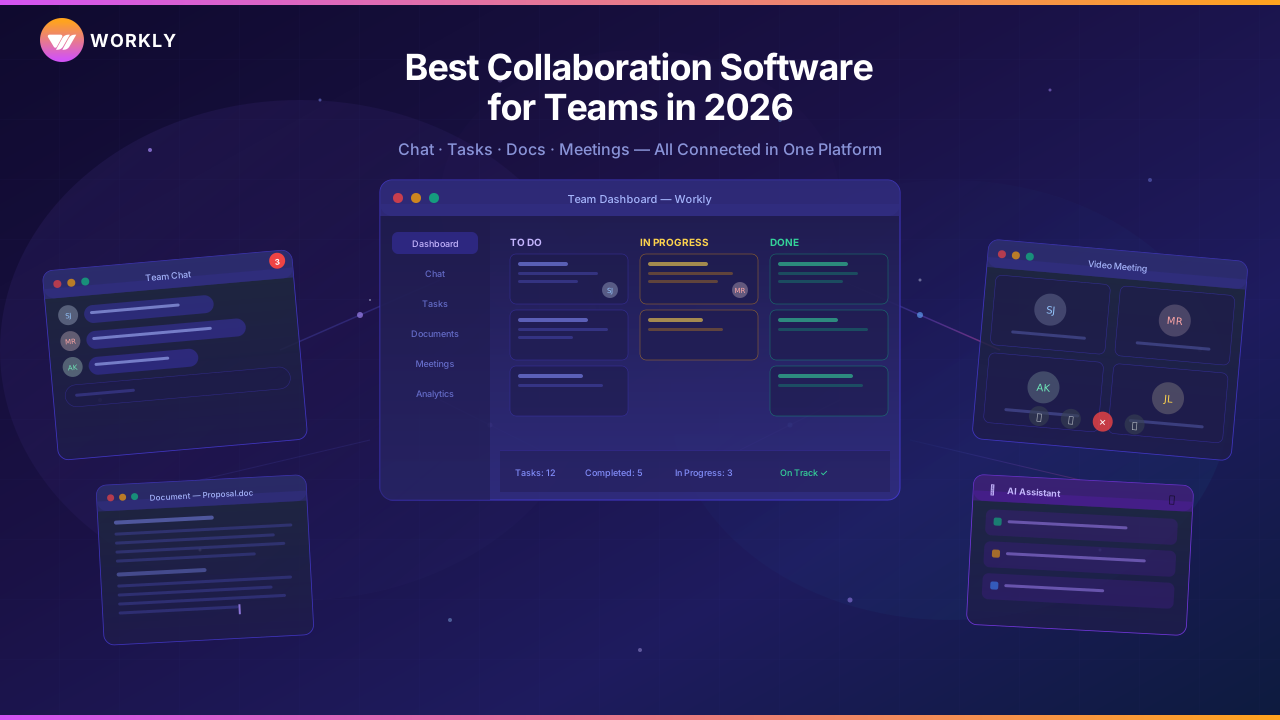
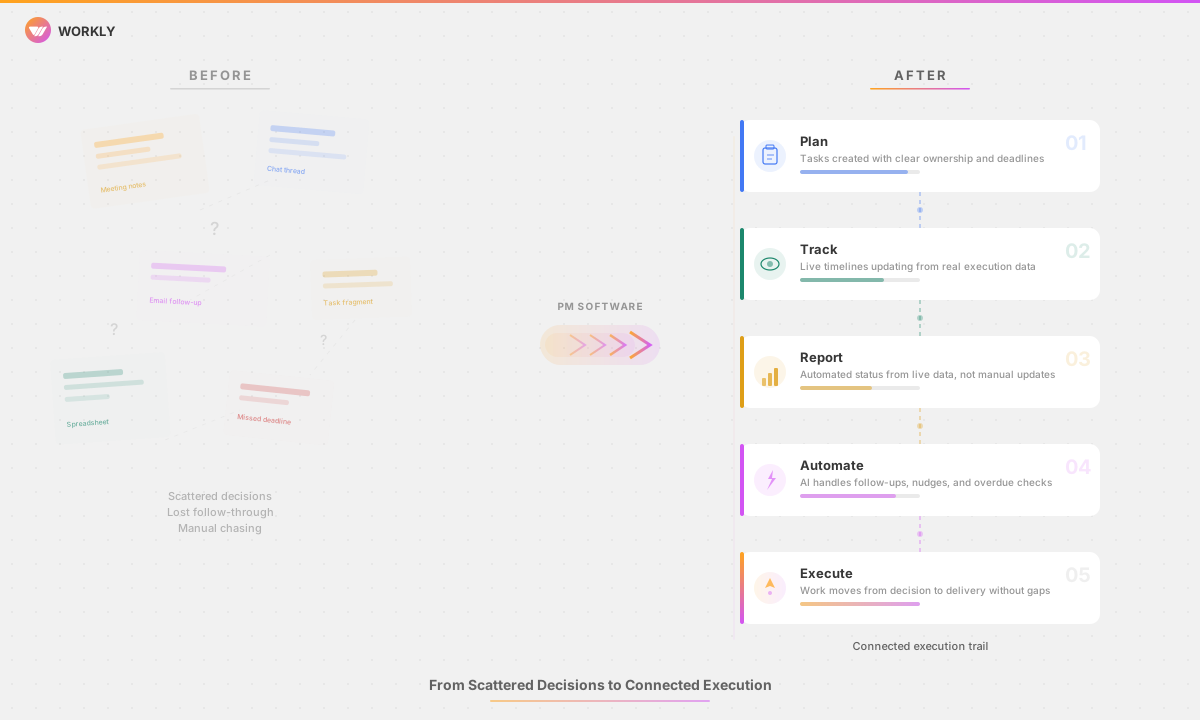
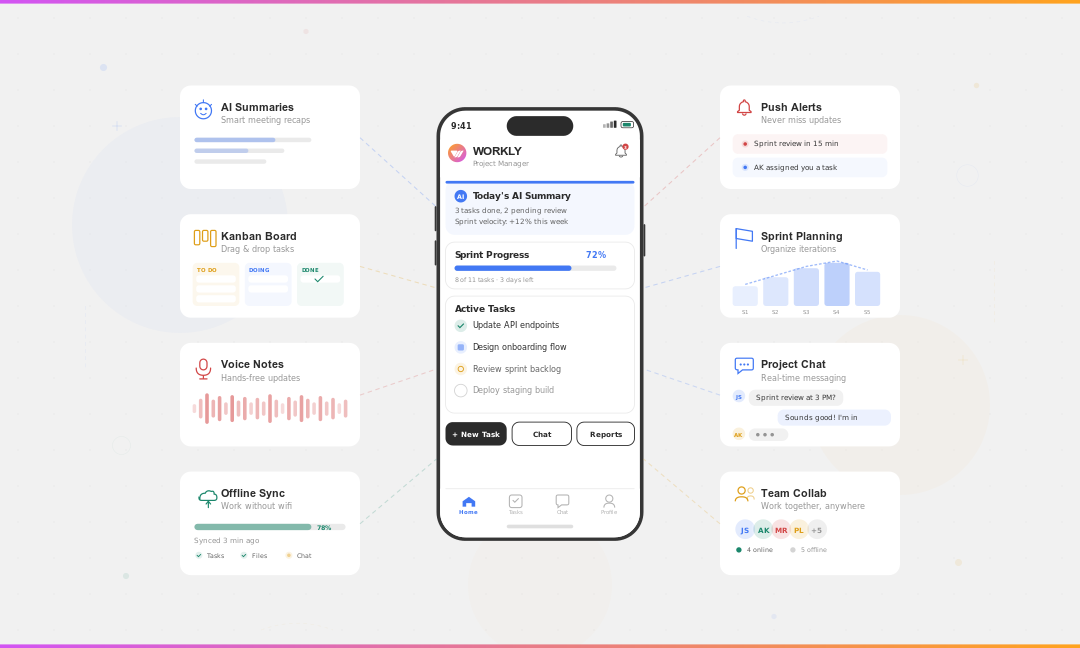
Are project delays really due to the people involved or to outdated tools that teams continue to use? When scaling, this hits harder than before. According to recent reports, over 70% of teams are set to operate in hybrid or fully remote work arrangements. Yet, nearly 45% of projects still run late due to poor …

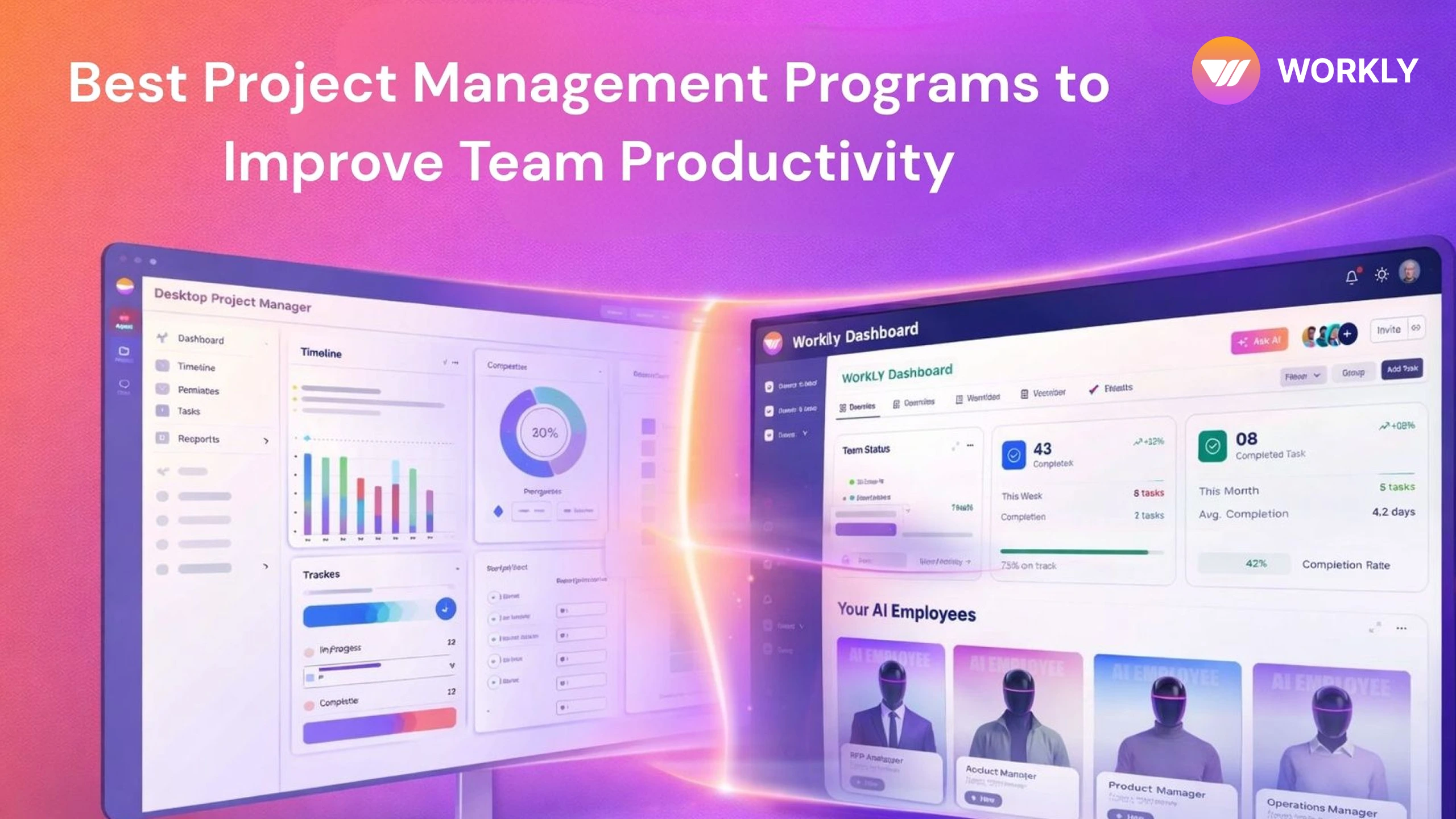
Are project delays really due to the people involved or to outdated tools that teams continue to use? When scaling, this hits harder than before.
According to recent reports, over 70% of teams are set to operate in hybrid or fully remote work arrangements. Yet, nearly 45% of projects still run late due to poor coordination and legacy systems. These gaps led to increased searches for “advanced computer programs for project management.”
Many teams now question whether traditional desktop applications hold up or whether today’s cloud-based systems better align with the modern pace. These project management tools have evolved from basic task tracking to comprehensive project management, moving from offline desktop software to AI-powered cloud platforms.
This article lists leading project management software to help teams and managers choose the best option to boost productivity.
Types of Computer Programs for Project Management
Most project management software is divided into three main categories. Each is designed to target different working styles, levels of collaboration, and scales. Exploring these types of computer programs in choosing software that wins the battle on paper as well as during daily execution.
Desktop Project Management Programs
Desktop project management programs are installed locally on individual computers and are suitable for organizations that require offline access or strict IT policies. These project management software programs have been around for years and remain popular in traditional industries.
Common traits cover:
- Limited real-time collaboration
- Strong planning and scheduling capabilities
- Manual updates and reporting
Microsoft Project stands out as the classic pick. It handles detailed timelines, dependencies, and Gantt charts well for complex, long-term project planning. Still, these programs often fall short of modern collaboration needs, particularly for distributed or fast-moving teams.
Cloud-Based Project Management Programs
Cloud-based project management software runs via browsers or apps and focuses on real-time collaboration. They update automatically, sync across devices, and align perfectly within remote teams.
Typical advantages include
- Real-time task updates
- Easy collaboration across locations
- Automatic backups and updates
- Integration with chat, meetings, and documents
Modern cloud programs such as Workly and Asana lead this category. They eliminate manual updates and keep everyone in sync without endless check-in status meetings. Cloud programs are now considered the preferred choice for most growing teams.
Hybrid Project Management Programs
Hybrid setups combine desktop-style planning with cloud accessibility. This type of project management software is an ideal choice for those teams looking to transition from legacy systems to modern workflows.
While Hybrid tools offer flexibility, be careful: it can get messy if you don’t stay on top of them. Teams need to weigh the balance between control and usability.
Quick Comparison Table: 3 Computer Programs for Project Management
| Program | Best For | Collaboration | Automation |
| Workly | AI-powered execution & cloud work | Real-time, async updates | High (AI agents automate tasks & follow-ups) |
| MS Project | Enterprise planning & desktop scheduling | Limited (manual sync) | Low (manual updates) |
| Smartsheet | Spreadsheet-style tracking | Cloud collaboration | Medium (rules/alerts) |
5 Best Computer Programs for Project Management to Boost Productivity
Choosing the best option depends on how much sharing, self-service, and clear visibility your team needs. Here are 5 popular project management software tools suited to different daily workflows.
1. Workly
Best For: Teams that want AI-powered execution with minimal manual coordination.
Workly tops the list of project planning programs for teams fed up of managing dashboards instead of focusing on productive work.
Most tools confuse teams and drain productivity with endless updates, reminders, and “just checking in” messages. But Workly has completely flipped that equation. This gives you a complete stage to hire AI Employees. They quietly manage the monotonous, invisible grind of coordination, push tasks forward, chase progress, and keep projects alive without asking for permission.
Tasks move, follow-ups happen, and progress stays visible without anyone pushing it. For fast-growing teams that want speed, clarity, and flow, not process overload, Workly keeps work moving. This is what makes it the best project management program to boost productivity.
Key Features
- Custom boards and views
- Smart automations
- Live dashboards
- Task dependencies
- Tool connections
Use Cases
- Handling mixed-team work
- Cutting down on update calls
- Growing without losing grip
Pricing
| Plan | Price (per user/month) | Best For |
| Free | ₹0 | Teams up to 10 users |
| Team | ₹999 | Small teams |
| Business | ₹1499 | Growing companies |
| Enterprise | Contact Sales | Large organizations |
Start your free Workly trial today to hire AI employees to boost handle your day to day task.
2. Microsoft Project
Best For: Enterprise-grade planning and offline project scheduling.
Microsoft Project is the go-to desktop project management program for detailed planning and scheduling. It excels at managing dependencies, timelines, and resource allocation for complex projects. While powerful, it relies on manual updates and thrives in structured environments with central oversight rather than in quick-moving, collaborative teams.
Key Features
- Detailed Gantt layouts
- Resource assigning
- Dependency tracking
- Timeline forecasting
- Offline mode
Use Cases
- Construction projects
- Government setups
- Long-term infrastructure planning
Pricing
- Cloud version from about $10/user/month
- Desktop versions priced separately
3. Smartsheet
Best For: Spreadsheet-style project tracking with cloud collaboration.
Smartsheet combines the comfort of sheets with robust project management capabilities in the cloud. This project management program enables teams to track tasks, dates, and dependencies in a grid-based view, all while enjoying automation and reporting capabilities. Therefore, it is a perfect choice for teams moving from Excel who want more structure without changing their workflow.
Key Features
- Table project layouts
- Auto-rules
- Overviews and reports
- Sharing options
- Connections to other apps
Use Cases
- Operations tracking
- Marketing project planning
- Reporting-heavy workflows
Pricing
- Pro: ₹813.87/user/month
- Business: ₹1718.17/user/month
- Enterprise: Reach out for a quote
4. ClickUp
Best For: Highly customizable project management workflows.
ClickUp delivers a flexible cloud-based project management platform with numerous views, custom fields, and project automation. It is ideally suited for teams looking to tailor workflows as per their needs. While it comes with a feature-rich approach, it requires setup time to avoid complexity during execution.
Key Features
- Multiple task views
- Custom workflows
- Automations
- Dashboards
- Collaboration tools
Use Cases
- Product teams
- Agencies
- Custom workflow environments
Pricing
- Free: Forever
- Unlimited: ₹631.00/user/month
- Business: ₹1081.71/user/month
- Enterprise: Custom
5. Jira
Best For: Software development teams and agile methodologies.
Jira is a cloud-based project management tool for agile development. It supports sprints, lists, and issue tracking at scale. Great for tech teams, but it can overwhelm non-technical users or teams not well aligned with the agile methodologies.
Key Features
- Sprint setup
- Bug/issue logs
- Agile displays
- Reports
- Flow tweaks
Use Cases
- App building
- Agile runs
- Fix tracking
Pricing
- Free: Up to 10 users
- Standard: ₹713.03/user/month
- Premium: ₹1310.67/user/month
- Enterprise: Custom
Benefits of Computer Programs for Project Management for Managing Daily Office Tasks
Daily office work rarely crash from low effort. They slip when tasks slip through cracks, goals shift unseen, and coordination consumes productive hours.
With Computer programs for project management to the rescue, you can streamline the task, cutting through the mess, centralizing tasks, clarifying ownership, and reducing manual follow-ups. When done right, they go beyond project management to streamline regular office operations.
Clear Task Ownership
Project management programs eliminate fuzzy lines of responsibility. Each job lists the clear owner, deadline, and status.
This assists in boosting office productivity by:
- Eliminating “who is handling this?” back-and-forth
- Making responsibility visibility without micromanagement
- Ensuring follow-ups are based on data
Clear ownership eliminates the risk of delays in routine office work.
Better Daily Prioritization
Teams usually juggle too many competing priorities. With project scheduling programs like Workly in place, you can lay out priorities in a clear, visible, and structured way.
They allow:
- Sorting jobs by urgency and importance
- Setting a Clear daily and weekly focus
- Aligning individual tasks and larger goals
Reduced Manual Coordination
No central hub means office communication relies on messages, chats, and quick asks. Project management programs drop that load.
With project management programs like Workly, you can enjoy the following big wins:
- Fewer follow-up messages
- Automatic status visibility
- Less time spent chasing updates
Hence, the team spends more time on execution and less time on coordination.
Improved Collaboration Across Teams
Daily office tasks involve gathering multiple inputs and obtaining approvals from various departments. These project planning programs bring everyone to one place for easier collaboration.
They assist by:
- Keeping discussions tied to tasks
- Sharing updates in one place
- Avoiding miscommunication or information lost between tools.
This works as your go-to companion for the office, especially in hybrid and remote office setups.
Real-Time Progress Visibility
Managers always like to stay updated on what’s progressing and what’s blocked, no endless check-ins. Project management programs provide a real-time view of daily activities.
This brings:
- Faster decision-making
- Early identification of bottlenecks
- Better workload balancing
Scalable Office Workflows
As companies scale, informal processes no longer work. Project management programs provide scalable solutions for day-to-day tasks.
They support:
- Repeatable workflows
- Standard operating processes
- Consistent execution across teams
Desktop vs Cloud: Key Comparison of Computer Programs for Project Management
Choosing desktop or cloud-based project management software isn’t just a technical decision anymore. It’s about how your team actually works. Desktop tools are designed for control and mapping. Cloud-based solutions are for speed, collaboration, and continuous execution.
With hybrid offices and evolving work models, these differences directly affect productivity, visibility, and scalability. Here are the key differences between cloud and desktop project management programs.
Accessibility & Flexibility
Desktop project management programs are tied to specific systems and environments. This limits flexibility when teams work remotely or relocate. VPNs, installations, or the right devices often limit access.
Cloud project management programs flips it:
- Access from any device, anywhere
- Faster onboarding for new team members
- No dependency on local setups
In fast-moving office spaces, the ability to open a project quickly beats install location every time.
Collaboration & Updates
Desktop never aimed at real-time collaboration. Project updates are often manual and shared via files or scheduled syncs, which slow teams down.
Cloud programs flip this model by providing:
- Live task updates
- Shared visibility across teams
- Fewer “status check” conversations
Modern cloud-based project management platforms like Workly bring managers and employees under one roof, reducing the need for constant calls.
Scalability & Growth
The desktop works best in static environments. As teams grow, managing license headaches, access disputes, and data-sharing becomes increasingly complex.
Cloud program allows you to:
- Add users instantly
- Manage multiple projects and teams.
- Support cross-functional workflows
For growing companies, growth isn’t a luxury; it’s a must-have. Cloud Programs for Project Management adapt as teams evolve.
Which Computer Programs for Project Management Should You Choose?
The robust project management program is not the one with fancy features, but the one that adds value to your day-to-day work productivity.
Today, it’s not about the team’s dedication to cross miles, but about the smart approach that makes the work easier and seamless. Therefore, choose the system that can adapt to your organization’s growth stage. Below are various instances where each type of computer program for project management may be the right choice:
Choose Desktop Programs For Complete Control
Desktop project management programs fit well in environments where work is predictable and tightly managed.
They fit ideally when:
- Your team works mostly offline or on a single network.
- Projects follow long, fixed timelines.
- Collaboration is limited to a small group.
- IT policies require local installations.
Choose Cloud Programs For Seamless Collaboration
Cloud-based project management software is well-suited for teams requiring consistent synchronization and visibility.
They shine when:
- Teams are remote or hybrid.
- Projects change frequently
- Multiple departments collaborate daily.
- Real-time updates are critical.
Cloud-based project management software like Workly cuts delays caused by manual syncing and keeps everyone aligned at a click.
Choose Hybrid Programs During Transition
Hybrid Programs is best suited for teams transitioning from legacy desktop tools without committing to a fully cloud-first setup.
They are perfect teams looking for:
- Advanced planning features
- Limited cloud access
- Gradually modernizing processes
Turn to Workly To Transform Project Management Hassle Free
Workly makes project management into pure execution.
No endless chasing, manual updates and status meetings. Workly, the finest AI Employees handle coordination, turn conversations into action, and keep work moving automatically. As you scale, Workly continues to bring pace, clarity, and ownership without chaos.
Start your free Workly trial and let AI lead your projects.
FAQs
Are desktop project management programs still relevant in 2026?
Yes, mainly for regulated or offline-based environments. Most modern teams now chase cloud-based solutions.
Can cloud programs handle complex projects?
Definitely, many cloud programs now handle in-depth planning, automated steps, and solid reporting.
Are AI-powered project management programs reliable?
When implemented well, they eliminate manual work and boost visibility without replacing human decision-making.
Do cloud programs cost more than desktop software?
Not really. Monthly fees often offset maintenance and IT costs.
Which option is best for growing teams?
Cloud-based project management programs like Workly scale more easily and support collaboration.

Emily Carter
Technical writer specializing in SaaS product documentation and in-app guides. Converts engineer-heavy inputs into clear user journeys, FAQs, and release notes.