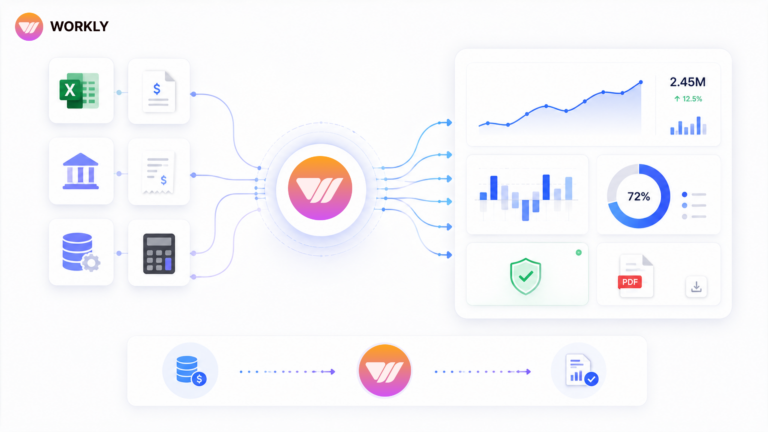
Real-time collaboration tools help teams communicate faster, but speed without execution leads nowhere. The real value comes when ideas instantly turn into actions that move work forward.

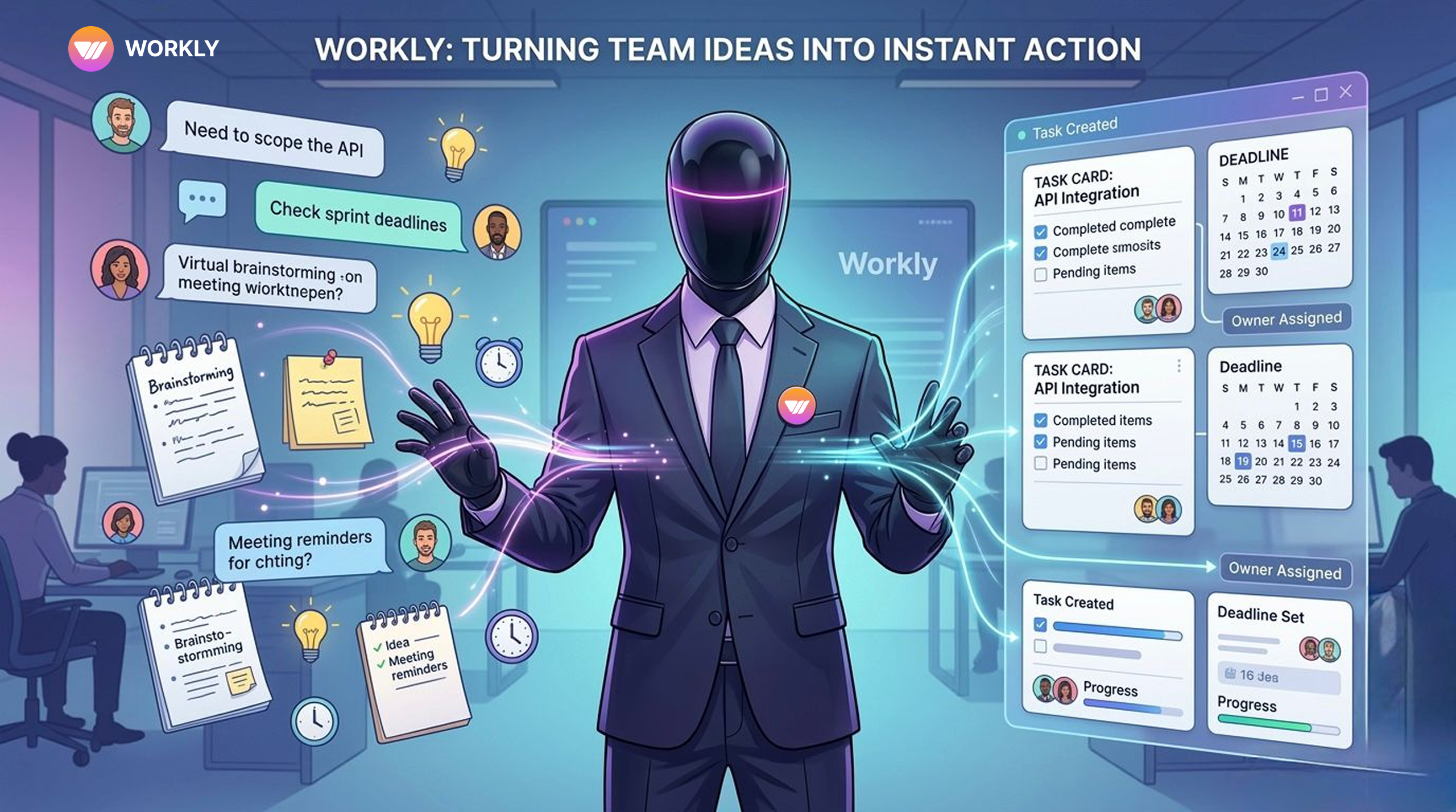
Today, chasing teams won’t do the magic, but playing smart with getting hands-on real-time collaboration tools would. Real time collaboration tools bring more than streamlined communication.
But not every collaboration tool has the power to transform, it’s the real time collaboration tools that shape every project management at a glance. With feature-rich collaboration tools, you get access to advanced AI assistant features that keep reminding you of deadlines, meetings, and much more, so that you don’t miss any commitments.
let you bring every team member under one roof for discussion, turning every idea into action.
Keep reading the blog to explore the power of real time collaboration tools that can shape any long-discussed ideas into actions that deliver.
What Are Real-Time Collaboration Tools?
Real time collaboration tools are web-based applications that enable teams to interact, edit files, and plan work simultaneously. These enable real-time communication via chat, video, shared documents, and task lists, unlike email or other tools.
They usually include:
- Live chat spaces
- Real-time editing for shared documents
- Team apps for working across departments
- Video call features
- Shared dashboards for live team updates
In short, they create a space where everyone works together without waiting.
However, most of these tools stop at good communication. They don’t build clear action steps into the conversation.
Key Components of Real Time Collaboration Tools
Good real-time collaboration tools have basic parts that help teams coordinate quickly. But getting things done needs more than chatting.
Live Messaging Infrastructure
Strong collaboration software has threaded chats, direct messages, and team channels. This creates fast communication.
Real-Time Editing Environment
Real-time editing tools like Workly let several people work on documents, plans, or files together. It eliminates misunderstandings about the versions and accelerates decision-making.
Video and Meeting Integration
Numerous team applications also include video calls, allowing discussions to take place within the application rather than switching between applications.
Shared Workspaces
A good live team platform keeps information visible and in one place for everyone.
Workflow Connectivity
The most important part: turning the discussion to actual work. Without this, teamwork stays at the talking stage.
Essential Features to Consider in Real-Time Collaboration Tools
Not all live collaboration software focuses on finishing work. When choosing one, check how well it handles follow-through.
Instant Conversation-to-Task Conversion
The tool should automatically turn decisions from chat or meetings into tasks. Creating tasks manually causes delays and mistakes.
Clear Ownership
Every task needs an assigned person right away. Accountability can’t rely on casual promises.
Smart Deadline Tracking
Once a person refers to a due date in a conversation, it must turn into an actual deadline with notifications and reminders.
Live Progress View
Dashboards are supposed to indicate the status of tasks without anyone having to type reports.
Automated Reminders
Modern collaboration software should send automatic follow-ups and alerts to protect deadlines.
Easy Integration with Other Tools
An effective live team platform is linked to CRM, files, project tools, and communication.
Ways Real-Time Collaboration Tools Turn Discussion into Instant Action
Live collaboration software is only useful when it reduces the time between generating an idea and acting on it. Otherwise, it just creates more talk. The best tools don’t just hold conversations; they turn them into real progress. Here’s how the better ones do it.
Instant Decision Capture
Fast teams make decisions during chats, calls, or document edits. Good collaboration software spots action items right away and saves them.
No need to write notes later. Agreements become clear next steps immediately.
Conversation-to-Task Conversion
The biggest problem happens between talking and creating tasks. Modern real-time editing tools address this by automatically turning decisions into trackable tasks.
In smart systems, conversations become real work items with owners and assigned due dates.
Clear Ownership from the Start
A task without an owner usually gets forgotten. Good real-time editing tools assign responsibility the moment the task is created.
This makes who is responsible obvious right away and prevents things from dropping.
Automatic Deadline Setting
When someone says, “Let’s get this done by Friday,” the system should turn that into a tracked due date.
Verbal promises become real deadlines, the tool watches.
Ongoing Progress Updates
Older team apps require users to post status updates manually. Newer ones track progress automatically and update views without extra effort.
You see real-time status, not just old reports.
Automatic Follow-Ups Without Constant Checking
Managers waste time chasing updates. Better tools send automatic reminders, flag stuck tasks, and show problems early.
Smart features handle routine follow-up so people don’t have to.
Keeping Context Across Tools
Conversations often move between apps. A solid live team platform keeps chat, meetings, documents, CRM data, and tasks connected. Nothing gets lost when switching tools. All information stays with the work.
Read more about workflow management tools to explore the benefits they bring and the productivity they impact.
Benefits of AI-Integrated Real-Time Collaboration Tools
AI turns real-time collaboration tools from chat platforms into action systems. Instead of just making talk faster, AI adds smart handling of tasks, responsibility, and deadlines.
Here’s what that brings.
Faster Move from Idea to Done Work
Traditional tools let ideas move fast, but action lags. AI closes the gap by turning discussions into tasks right away.
This shortens the planning-to-completion time.
With AI:
- Decisions automatically become tasks.
- Owners are allocated in real time.
- Due dates set without typing
- Work begins immediately after the discussion.
Power does not diminish but remains high.
Less Time Spent Coordinating
The bigger the team, the longer it takes to pursue updates and clarify each person’s responsibilities. Follow-ups are automated with AI employees like Workly.
Instead of manual checks:
- Notifications are sent when tasks are stalled.
- Problems get flagged early
- Problems build up unquestioningly.
- Progress is active in reality.
Coordination does not occur via managers but in the tool.
Better Accountability
A lot of instant team collaboration apps used in Teams make the responsibility unclear. AI ensures that there is a visible owner and schedule for every task.
This generates actual follow-through.
AI systems:
- Stop tasks without owners
- Monitor late work automatically.
- Demonstrate the risks prior to the deadline.
- Maintain ownership of the entire team.
Outcomes are not theorized but measurable.
Live View of Work Progress
AI-powered live team platforms remove the need for constant reporting. Dashboards update from actual work.
Leaders see:
- Current progress live
- Bottlenecks right away
- Who owns what
- Realistic finish estimates
Information stays current, not historical.
Fewer Status Update Meetings
In cases where such instant team collaboration apps have AI tracking, updates are automated. Teams skip repetitive progress checks.
No more asking:
- Who is working on this?
- What’s the latest?
- Are we on schedule?
The tool already shows the answers.
Meetings focus on decisions instead of status.
Scalable Productivity Without Burnout
Growing teams create more communication. Without AI, it becomes overwhelming. AI replaces the regular coordination processes and frees up team bandwidth.
This allows:
- Increased output without workload capacity.
- Less manager burnout
- Consistent processes
- Healthy growth
Workly vs Traditional Real-Time Collaboration Tools
Factor | Workly | Traditional Real-Time Collaboration Tools |
Conversation-to-Task Conversion | Automatic via AI Employees | Manual extraction required |
Ownership Enforcement | Structured and visible | Often informal |
Deadline Automation | Proactively protected | Manually tracked |
Real-Time Execution Visibility | Live dashboards | Status meetings required |
AI-Driven Follow-Ups | Automated and continuous | Manager-dependent |
Cross-Tool Sync | Integrated across 1000+ tools | Limited integrations |
Types of Teams That Need Real-Time Collaboration Tools
Product & Engineering Teams
Planning discussions turn into development tasks right away.
Operations Teams
Processes get coordinated automatically across departments.
Marketing & Agencies
Campaign ideas move quickly to actual deliverables.
Sales Teams
Client discussions automatically create follow-up tasks and CRM entries.
Fast-Growing Startups
Growth stays manageable without extra coordination layers.
FAQs
What are real-time collaboration tools?
They let teams chat, edit documents, and organize work live using messaging, shared files, and updating dashboards.
How are real time collaboration tools different from messaging apps?
Messaging apps focus on chat. Real time collaboration tools add shared workspaces and workflow connections.
Can real-time editing tools replace project management systems?
Not completely. They support group editing, but finishing work needs built-in task tracking and clear responsibility.
How does AI improve live collaboration software?
AI turns conversations into tasks, assigns owners, tracks deadlines, and keeps work moving without manual effort.
Why is Workly different from other instant team collaboration apps?
Workly adds AI helpers that turn discussions into trackable work, rather than just saving messages.
AI-First Collaborative OS
Stop managing tools. Start running work.


Emily Carter
Technical writer specializing in SaaS product documentation and in-app guides. Converts engineer-heavy inputs into clear user journeys, FAQs, and release notes.