We thought we knew how our teams worked. Turns out, we only knew how they thought they worked.

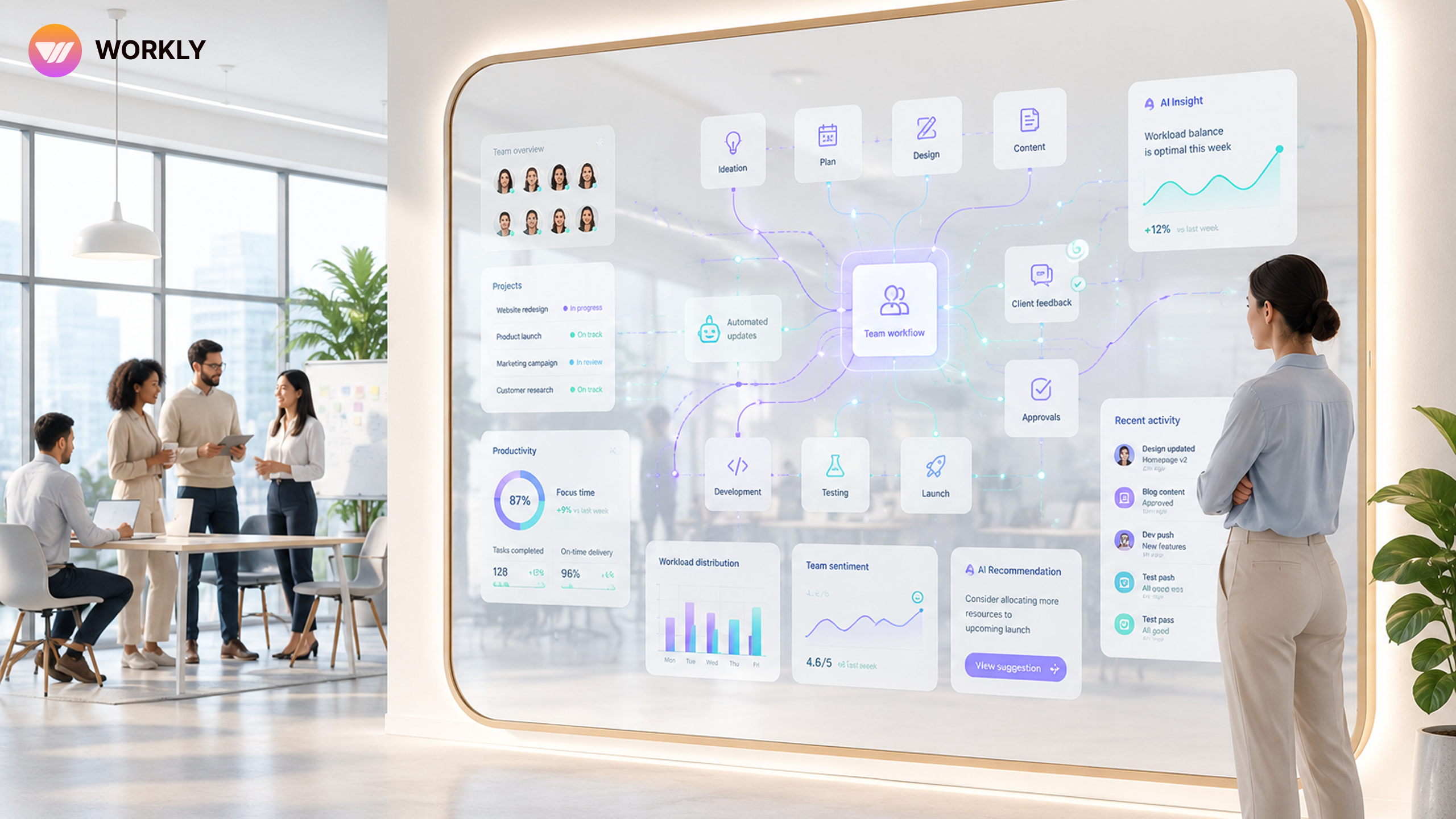
When we deployed an AI Employee across our departments, it handed us a mirror — and what it reflected back was uncomfortable, clarifying, and ultimately transformative.
Every team has a story about its own efficiency. Stand-ups run tight. Deadlines get met. People seem busy productively busy. But busyness and productivity are not the same thing, and for years, organizations have lacked the tools to tell them apart with any precision. AI Employee changed that.
This isn’t a story about AI replacing people. It’s about AI revealing patterns that no manager had the bandwidth or the objectivity to spot on their own.
Your team isn't slow. Your system is.
AI as a Mirror for Team Habits
When we first introduced AI Employee to our operations team, we expected it to automate repetitive tasks and shave time off routine workflows. It did that. But the bigger value came from something quieter: the reports it generated about how work was actually flowing through the organization.
Unlike a manager conducting quarterly reviews, AI Employee observes continuously. It doesn’t get distracted, it doesn’t have favorites, and it doesn’t interpret behavior through the lens of politics or past impressions. It sees what happens — when tasks stall, where handoffs break down, which meetings produce follow-through and which ones evaporate into nothing.
Within the first few weeks, three patterns emerged that no one had formally documented before:
Friday Assignment Slippage: Tasks assigned on Fridays had a 60% higher chance of slipping past their due dates — regardless of team or urgency level.
Approval Loop Redundancy: Cross-functional projects averaged 3.4 redundant check-ins before a final decision was made.
Meeting Overload Effect: Teams that met more than four times a week for syncs were consistently slower to execute than those meeting twice.
The Blind Spots Humans Miss
Here’s the uncomfortable part. These patterns weren’t new. In hindsight, everyone had seen fragments of them. A project manager had noticed the Friday assignment issue before but assumed it was an anomaly. A department lead had sensed approval fatigue but had no data to make the case for change. The meeting-heavy teams had told themselves they were staying aligned.
What Workly’s AI Employee did was connect the dots — at scale, across time, without the cognitive biases that make humans explain away inconvenient patterns. When it surfaced these findings in its weekly digest, it didn’t assign blame. It showed sequences: event A consistently preceded outcome B. That reframing — from fault to flow — made the data actionable rather than threatening.
“It wasn’t that our teams were lazy or mismanaged. It was that our systems had invisible friction baked in — and we had normalized it so thoroughly, we’d stopped seeing it at all.”
This is where AI Employee functions less like a productivity tool and more like an organizational mirror. It doesn’t tell you what to do. It shows you what you’re already doing — with a clarity that internal reviews rarely achieve because they’re shaped by the same assumptions that created the problems in the first place.
Actionable Insights from AI Reports
The AI Employee reports do not read like dashboards. They read like observations from a very attentive, very neutral colleague who has been watching for months. Each report segments findings by department, flags recurring friction points, and — critically — ranks them by estimated impact. This last feature matters. Not every inefficiency is worth fixing. AI Employee helped us distinguish between the ones costing hours per week and the ones merely costing minutes.
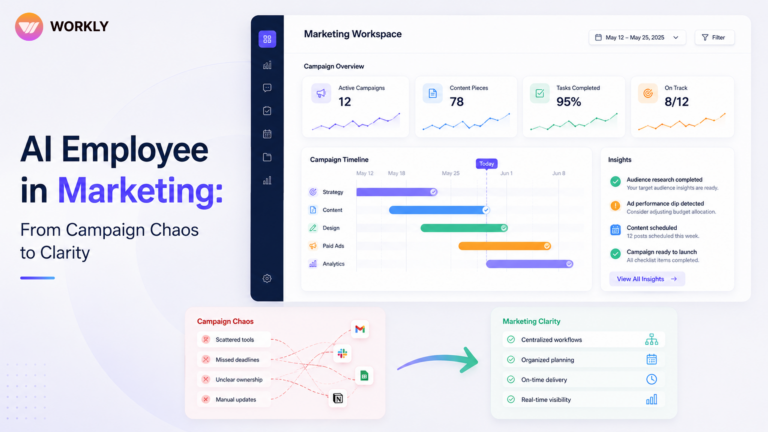
For our marketing team, the biggest insight wasn’t about content production speed — it was about the gap between content completion and content deployment. Assets were finishing on time but sitting in review queues for an average of four additional days. One workflow change — giving leads autonomous approval rights for a defined category of outputs — compressed that gap to under 24 hours.
For operations, the data revealed a more structural issue: the team was world-class at execution but was being pulled upstream into planning discussions they weren’t equipped to influence. AI Employee’s report showed that 22% of their weekly hours were spent in pre-decision meetings. Moving them to post-decision briefings instead freed up nearly a full day per week per person.
How Teams Improved After AI Feedback
The changes weren’t all sweeping. Many were small and surprisingly fast. A few weeks after acting on AI Employee’s insights, results began to show — not through anecdote, but through the same measurement system that had surfaced the problems.
The marketing team saw a 41% reduction in average asset-to-publish time after restructuring the review workflow. Operations recorded an 18% increase in on-time delivery rate after reducing upstream planning involvement. Across cross-functional projects, decision velocity improved by 2.1x after eliminating redundant approval check-ins.
What’s notable is that none of these improvements required new hires, new tools, or new strategies. They required seeing clearly — and then acting on what was already there to see. AI Employee provided the former. Our teams provided the latter.
There’s a broader lesson here. Most productivity conversations focus on doing more. What AI Employee reframed for us is the value of doing less of the wrong things — the meetings that don’t move decisions, the approval loops that signal distrust more than they ensure quality, the workflows that made sense once and calcified into permanent fixtures.
When you have a system that observes without judgment and reports without ego, you get something rare: an honest account of where your organization actually spends its energy. And often, that account looks meaningfully different from the one you’ve been telling yourself.
FAQ’S
What is AI Employee and how is it different from regular automation tools?
AI Employee goes beyond task automation. While regular tools execute predefined workflows, AI Employee observes how work actually flows across your team, identifies recurring patterns, and generates insight reports that highlight where productivity is silently leaking — without needing manual input or constant configuration.
How long does it take for AI Employee to start identifying productivity patterns?
Most teams see their first meaningful insight report within 72 hours of setup. Deeper behavioral patterns — like approval loop redundancy or meeting frequency effects — typically emerge within the first two to three weeks of continuous observation
Does AI Employee monitor individual employees or team-level behavior?
AI Employee focuses on workflow patterns and process behavior, not individual surveillance. Its reports highlight systemic friction points — where handoffs break down, where decisions stall, where time accumulates — rather than singling out people or assigning personal blame.
Which departments benefit the most from AI Employee?
Every department benefits, but teams with cross-functional dependencies — marketing, operations, product, and project management — tend to see the fastest and most measurable improvements. Any team dealing with approval chains, recurring meetings, or multi-step handoffs is an ideal starting point.
Do we need to change our existing tools or tech stack to use AI Employee?
No. AI Employee integrates with your existing workflows and tools rather than replacing them. It works alongside the platforms your team already uses and surfaces insights based on real activity — without requiring a system overhaul or lengthy onboarding process.
AI-First Collaborative OS
Stop managing tools. Start running work.


Rachel Nguyen!
Technical writer with a UX writing edge for enterprise products. Builds onboarding, contextual help, and knowledge bases that cut support tickets.