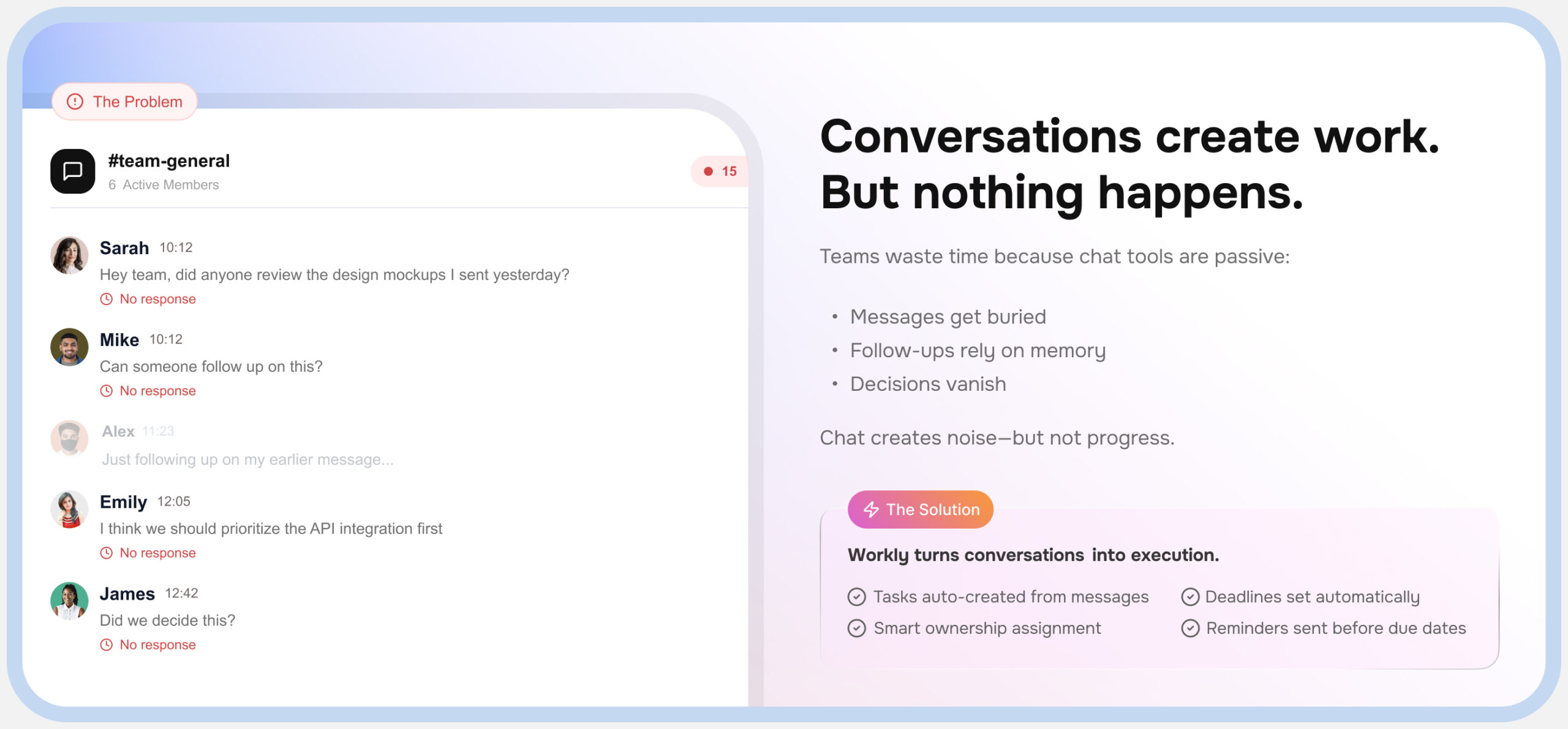
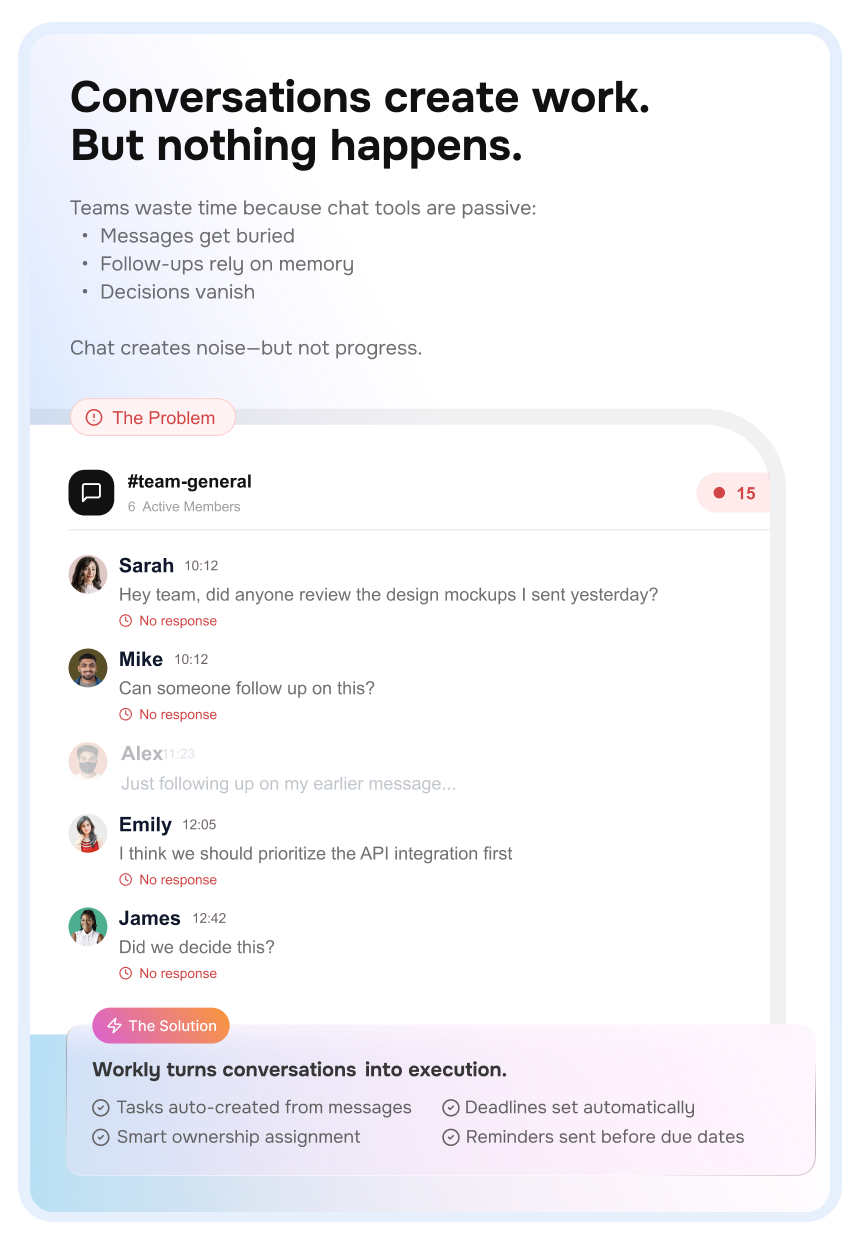
Your team communicates constantly, but critical information disappears into chat history
Your AI Employee Inside Every Chat
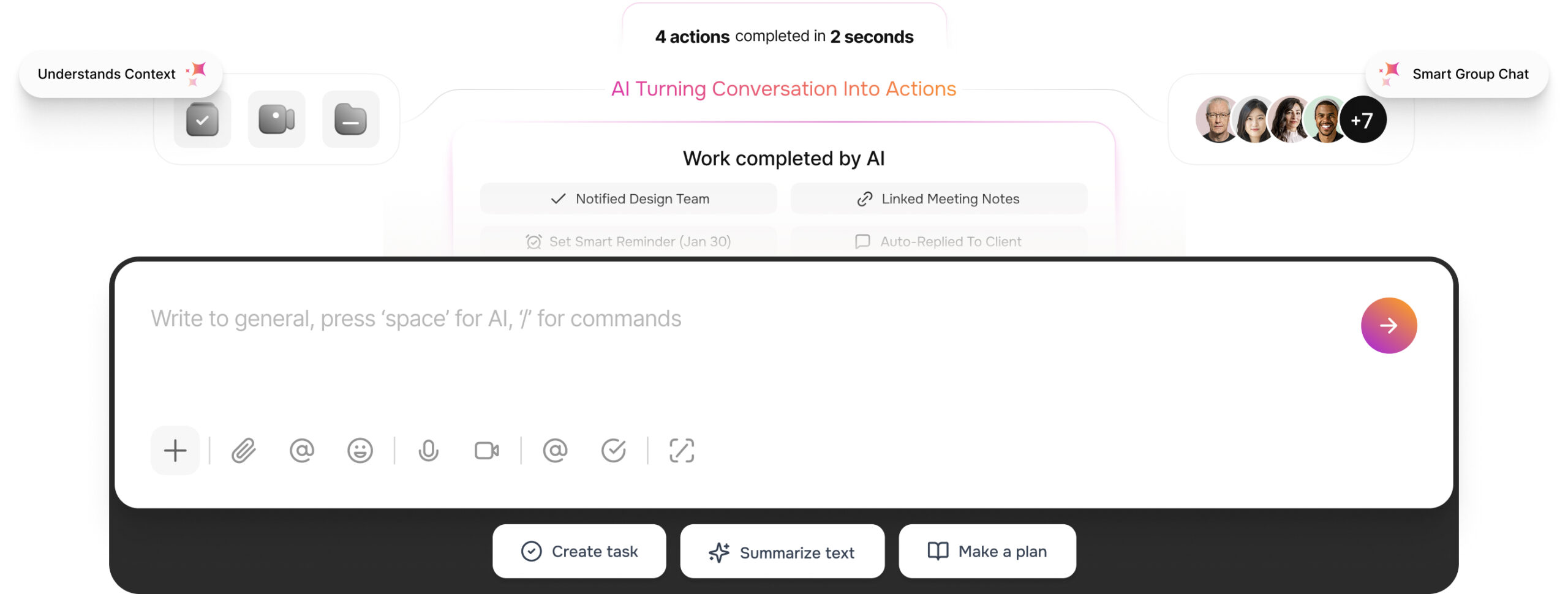
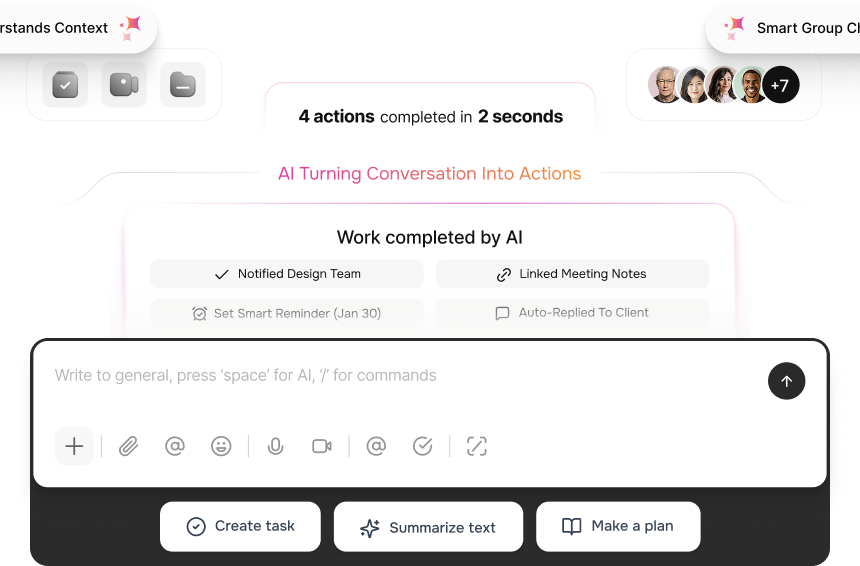
Ask once and Workly breaks it down, assigns owners, sets priorities, and keeps the thread moving.
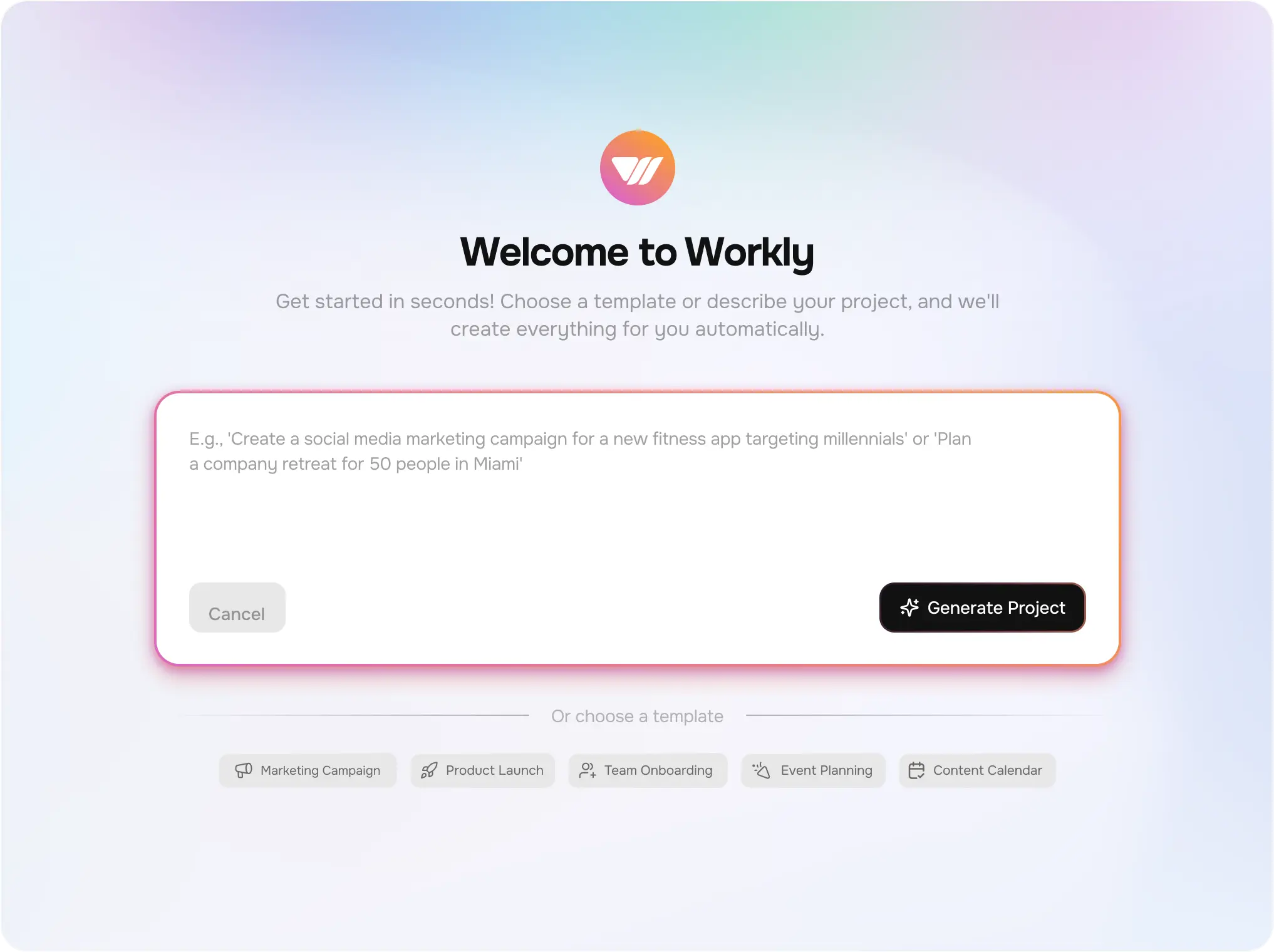
Pull AI into the conversation — instantly
Conversations → Tasks → Owners
Auto-assign owners and suggest priorities
AI knows who, what, and where
AI responds before humans do
Everything You Expect From Chat— Executed By AI
Built for teams that want conversations to turn into real work.
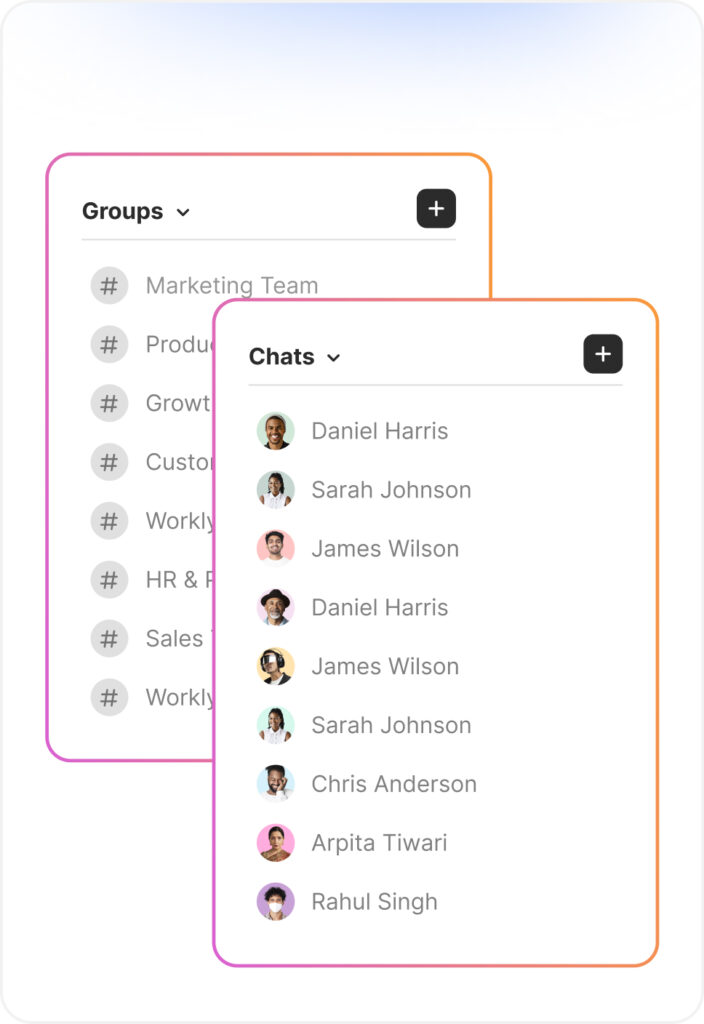
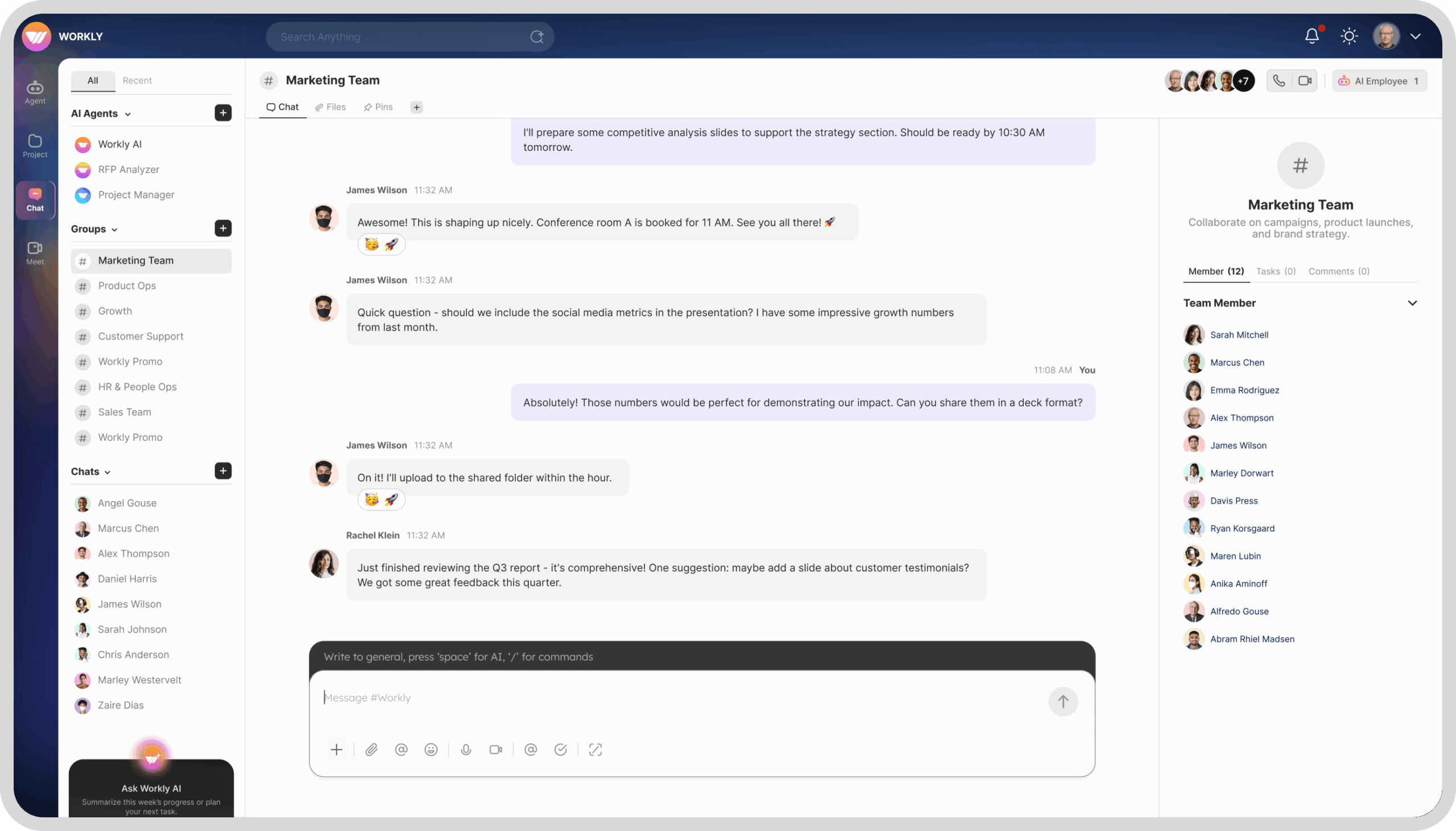
Chats and Channels
Organize work by teams, projects, or topics—with shared AI context.
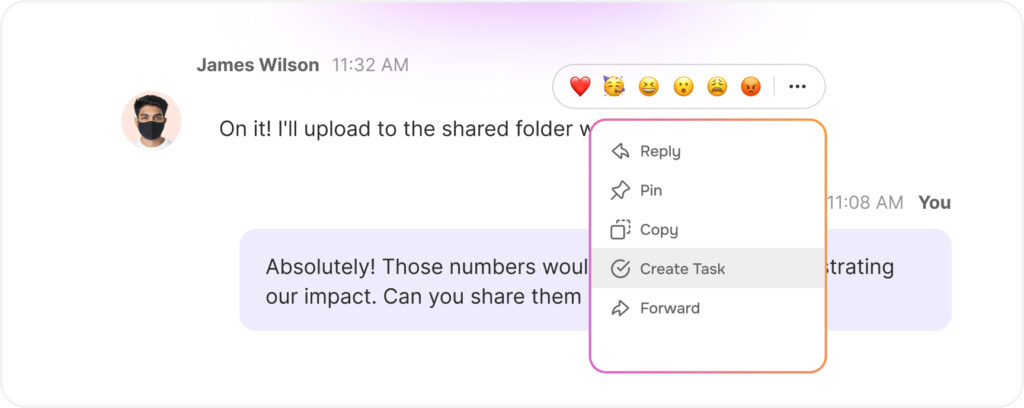
Turn chat into action
Convert tasks directly from messages. AI auto-fills owner, priority, due date, and links to the conversation based on context.
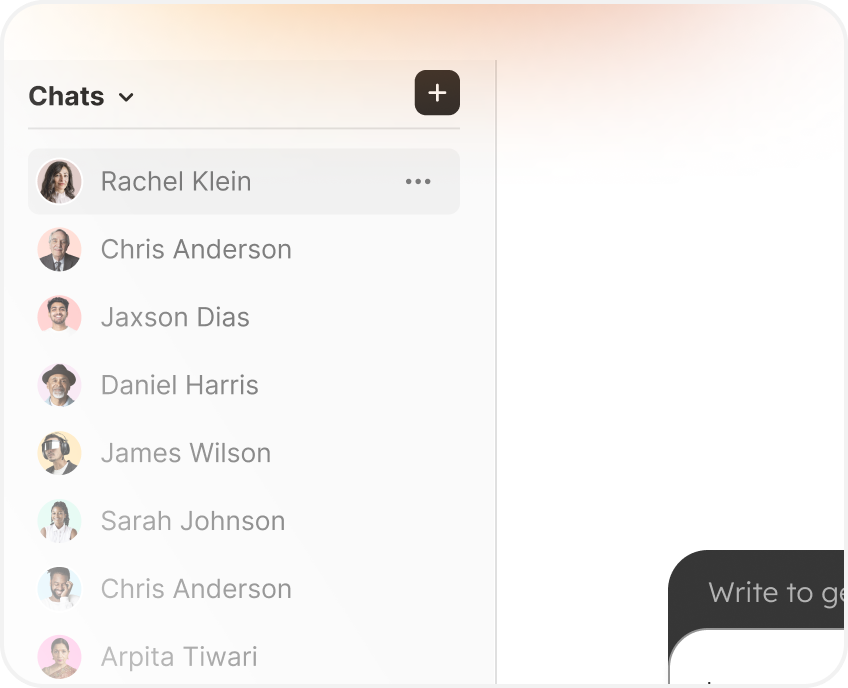
Custom Sidebar
Customize your sidebar to keep important chats handy and noticeable
Custom Views
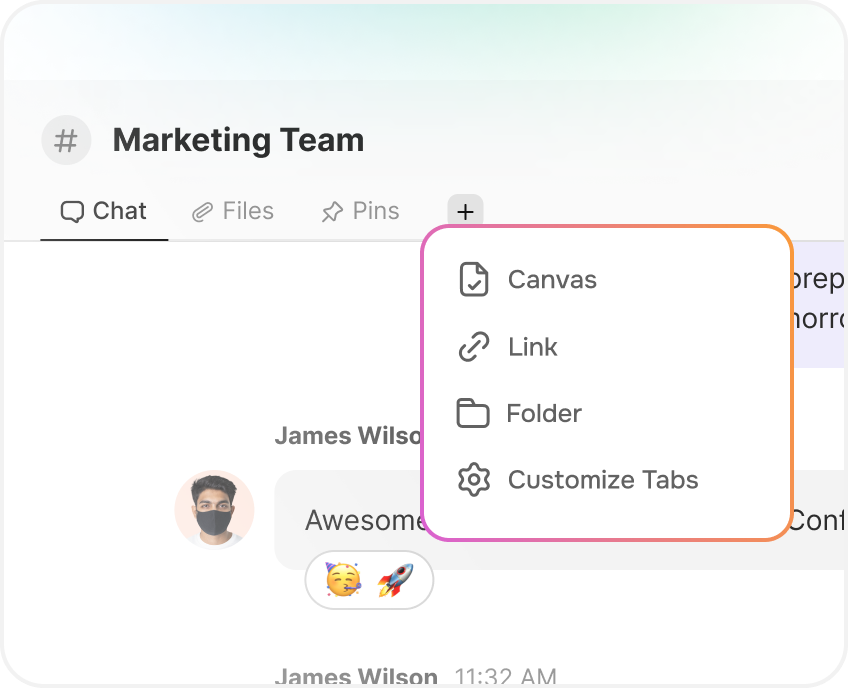
For every project, keep files, pins and notes together without switching tools
Not Random Chatting, Powerful Work Being Done
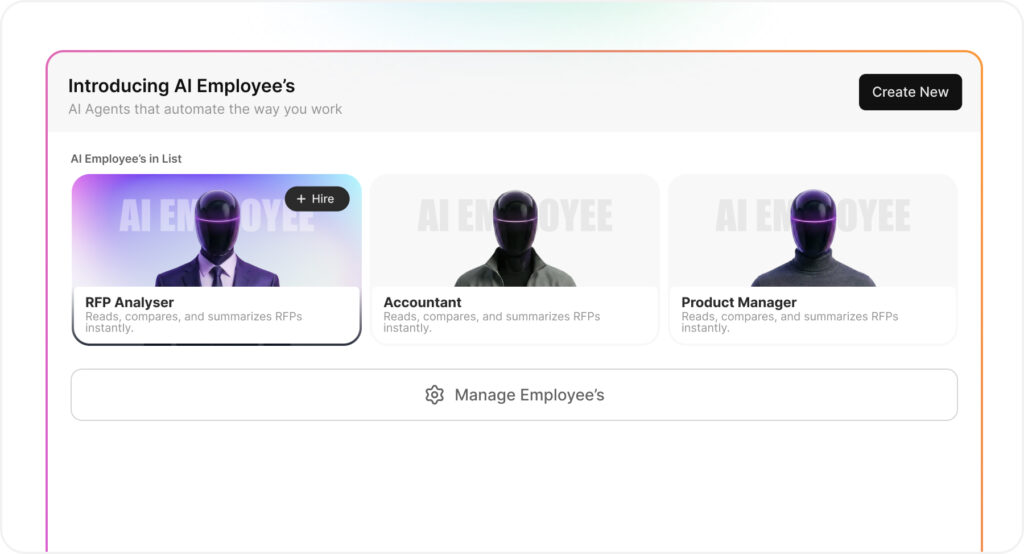
Think of Workly AI Chat as an AI employee inside your conversations. It turns messages into tasks, remembers context, suggests next steps, and nudges owners until things are done
See Work The Way You Need To See It
From endless transcripts and scattered notes to organized decisions and actionable tasks
AI-Powered Sidebar
Keep your AI Employees, key discussions, and live projects front and center — exactly where you need them.
Custom Sidebar
Pin priority chats, AI agents, and projects so your most important work is always within reach.
Smarter teams, less busywork.
Teams using Workly cut routine coordination work by 40%.
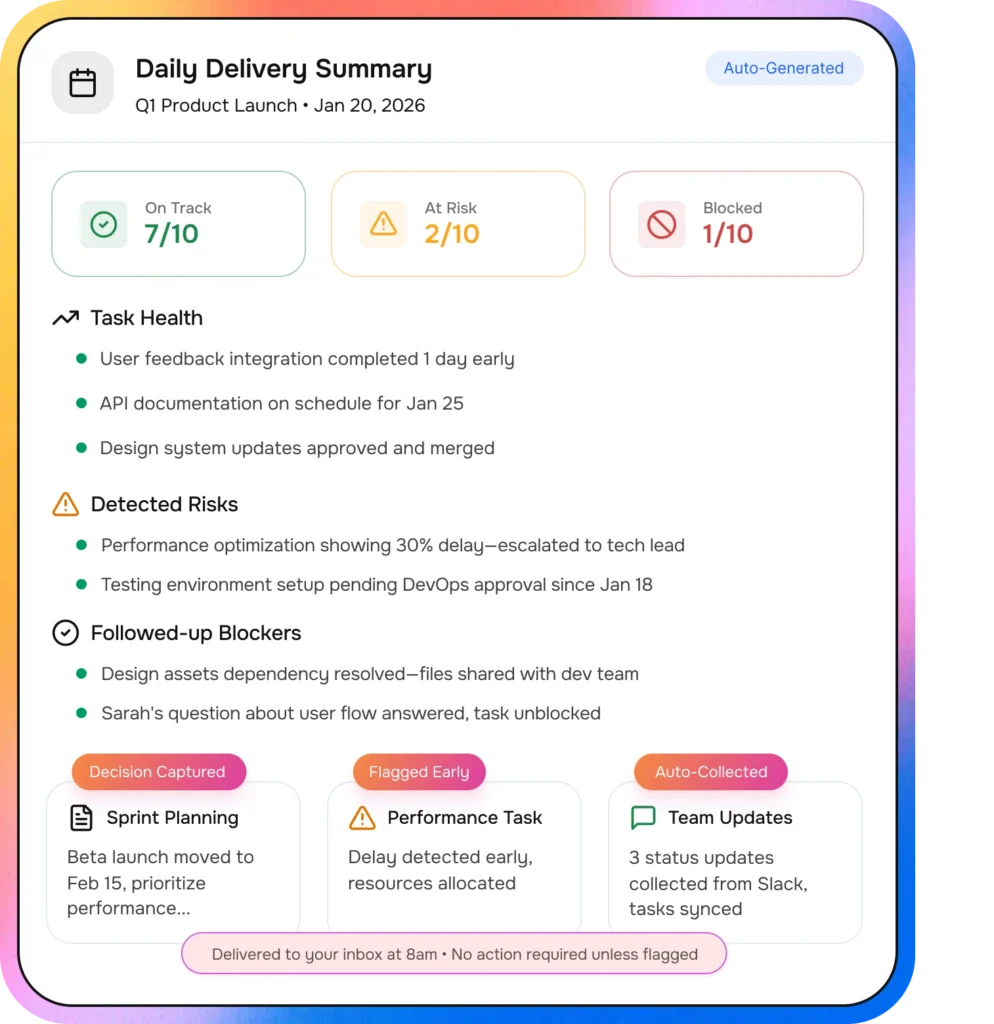
PM Agent Captures Decisions — And Drives Delivery
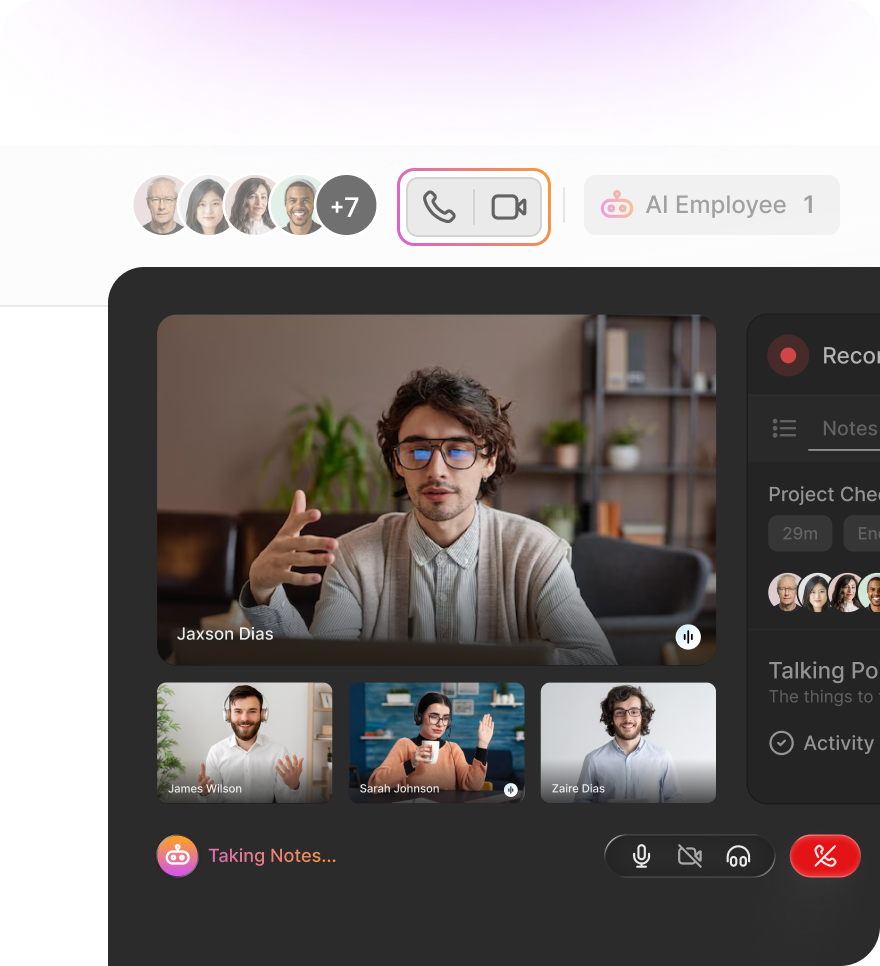
Meetings aren’t notes. They’re commitments. Included in daily delivery summary · No manual updates required
Detects delivery decisions in real time
Confirms owners and responsibilities
Sets timelines based on context
Links tasks to the right project automatically
Tracks execution after the meeting ends
Where Teams Talk And Work Moves
From quick discussions to full execution, Workly transforms conversations into trackable, automated progress.
Workly Chat isn’t just for talking. It’s built to turn conversations into action—so messages become tasks, owners, and next steps, with AI helping you keep everything organized and moving.
Yes. You can convert any message into a task in one click. Workly can also suggest owners, priorities, and due dates, and keep the task linked to the original conversation so context never disappears.
Workly AI can summarize long threads, pull out decisions, list action items, and help you write clearer messages. It can also nudge owners for updates—so you spend less time chasing and more time executing.
No. Tasks stay connected to the chat they came from, so anyone can instantly see why it was created, what was discussed, and what needs to happen next—without digging through old messages.
Yes. You can create project or client-specific channels, keep files/links/pins in one place, and let AI help manage updates and follow-ups—making it easier to run projects without chaos.