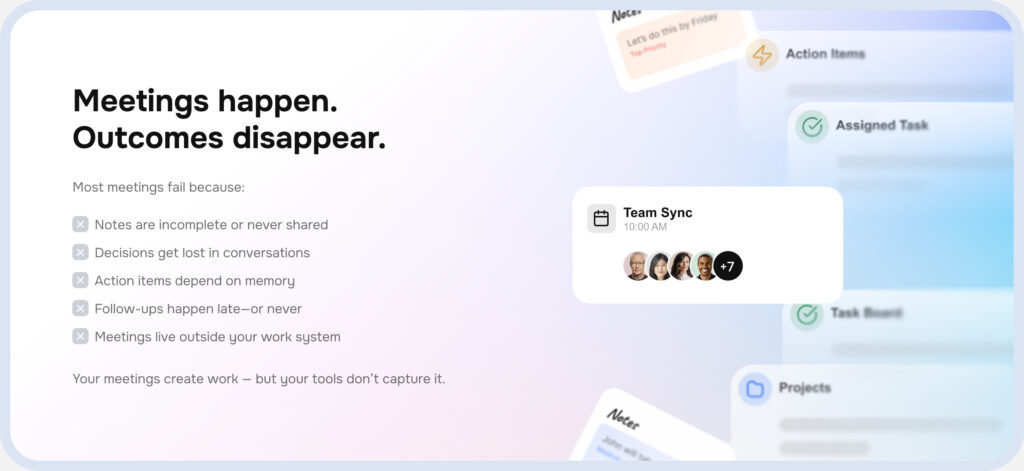
Your team communicates constantly, but critical information disappears into chat history
Your AI Employee Attends Every Meeting
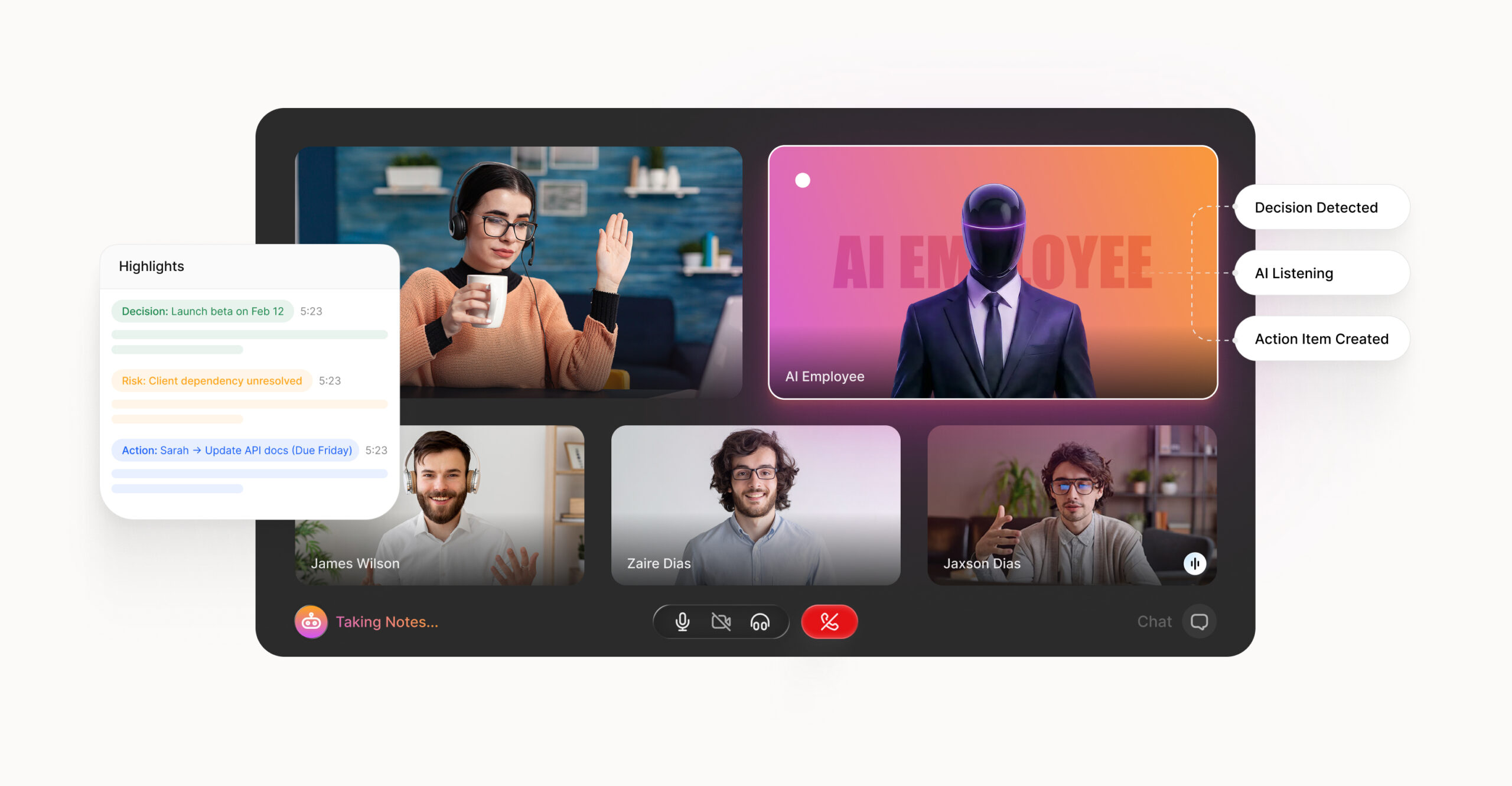
Real-time MoMs, smart task detection, and clear ownership, so everyone leaves the meeting knowing what’s next and who owns it.
AI turns conversations into execution — instantly
AI assigns owners
& enforces accountability
AI prioritizes
what actually matters
AI remembers
every decision made
AI acts before
humans do
Everything You Expect From Meetings — Executed By AI
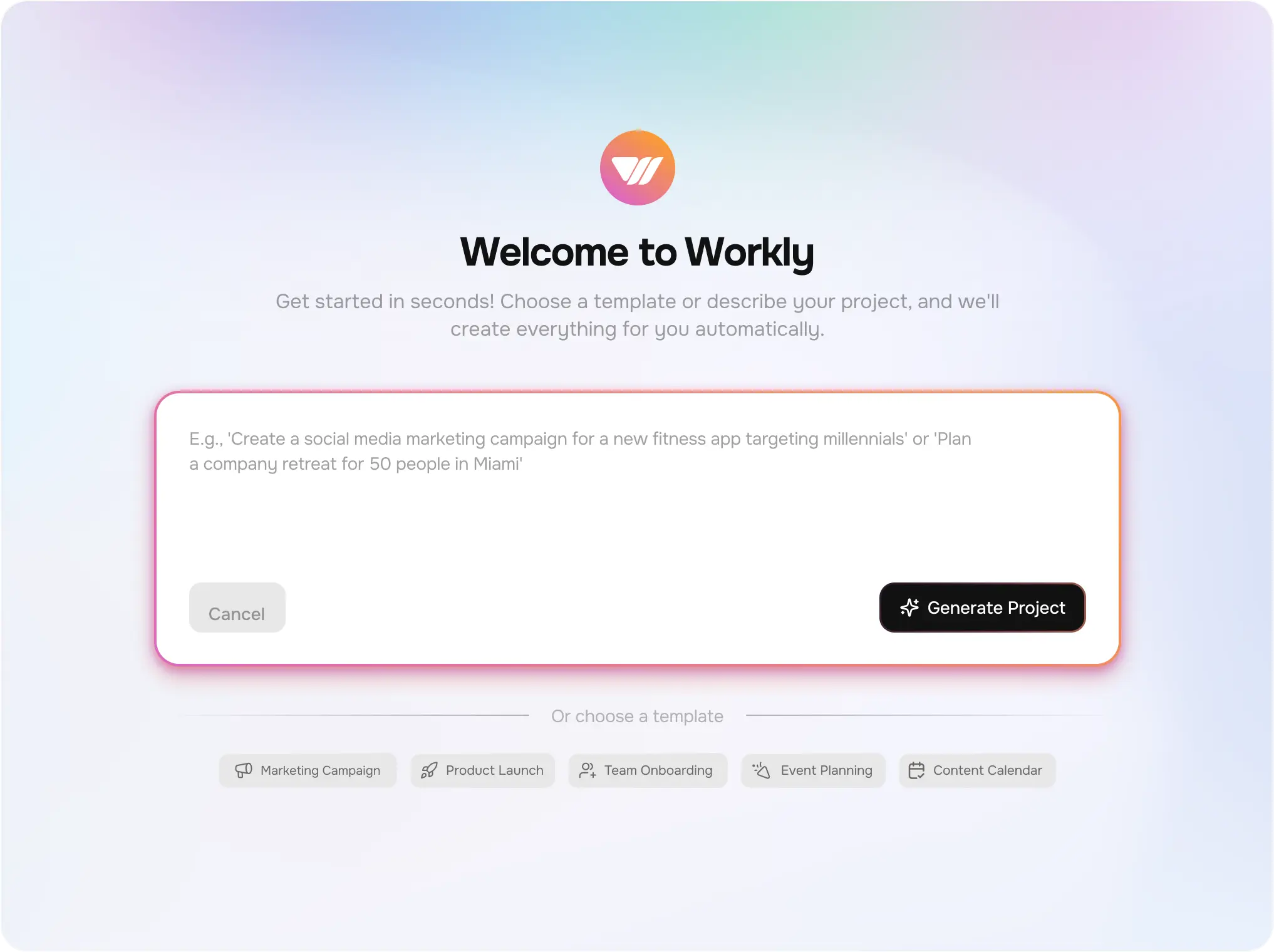
Meetings shouldn’t end in notes. AI in Workly turns every conversation into decisions, tasks, and follow-ups automatically.
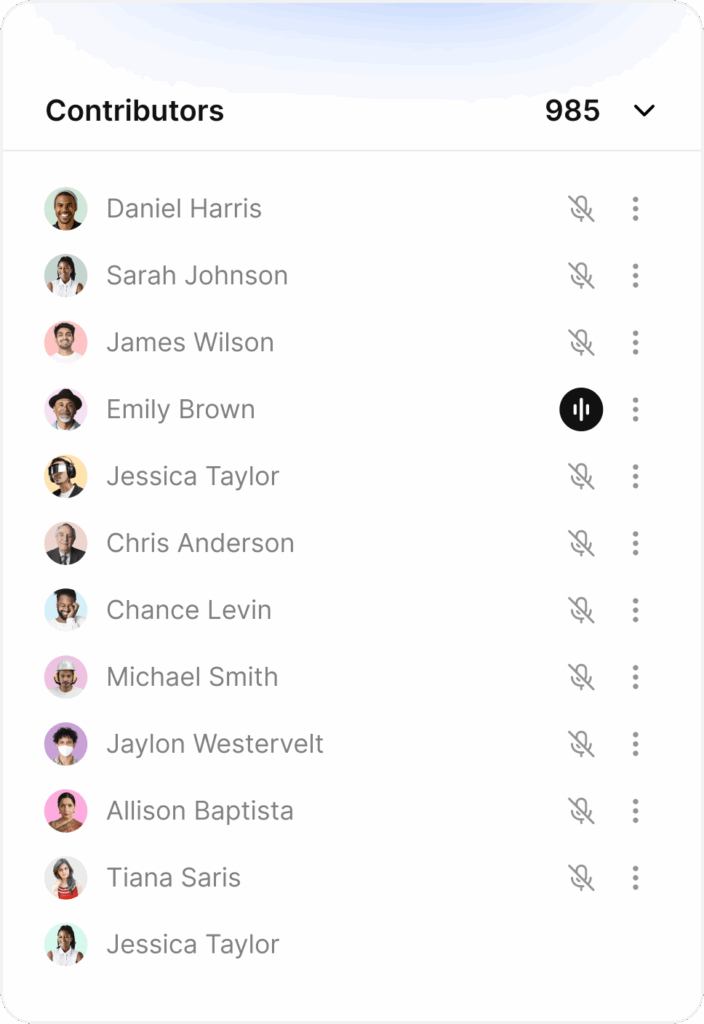
Keep a record
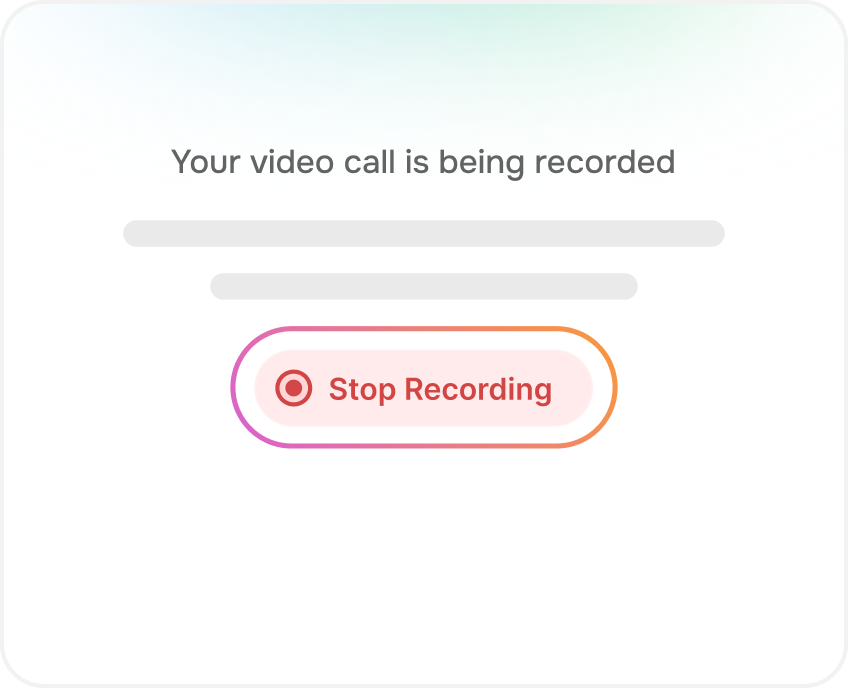
Join voice or video meetings while AI tracks everything in real time.
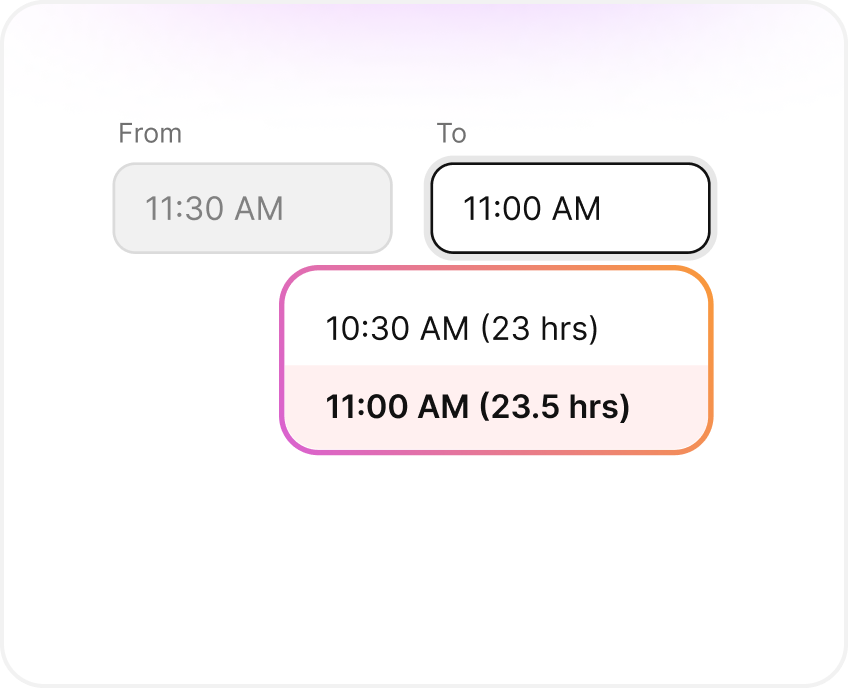
Meet Longer
Adjust time durations according to your meeting requirements.
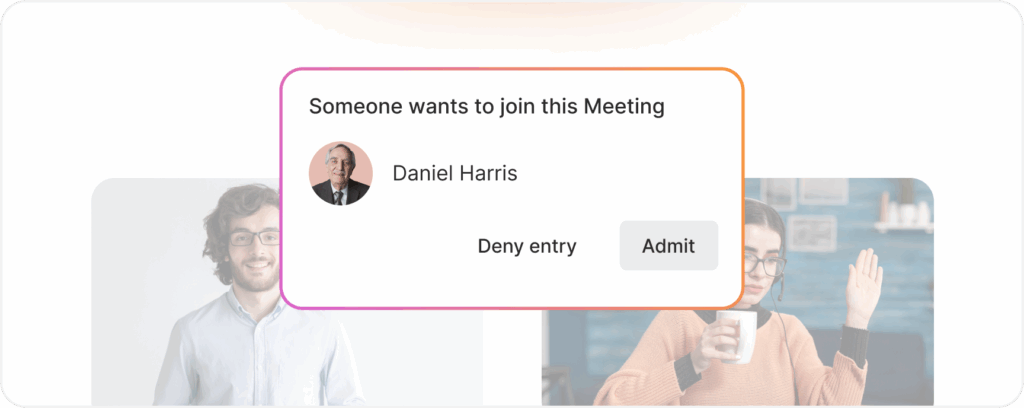
Stay Safe
Admit the right people. Block the wrong ones. In one tap.
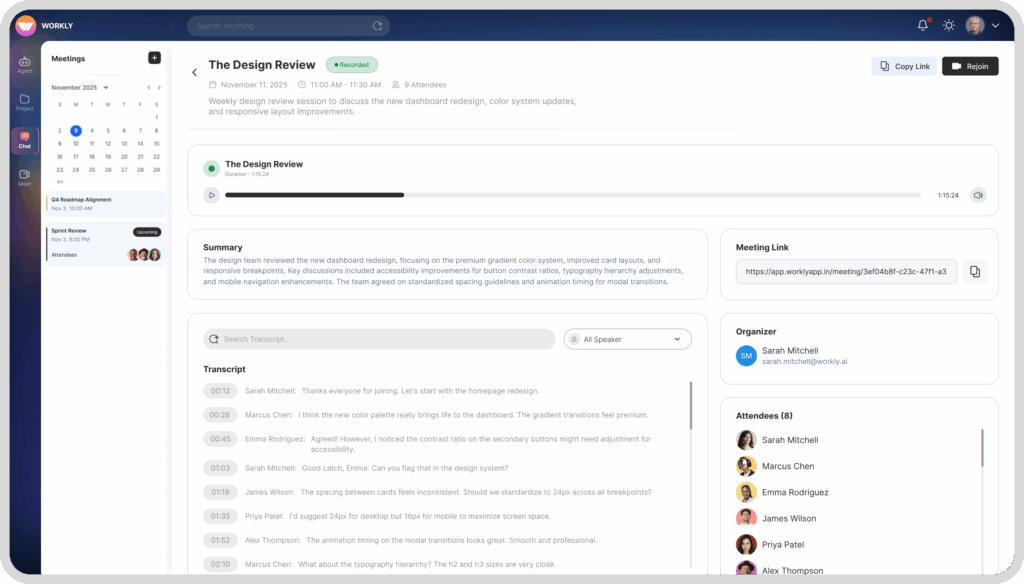
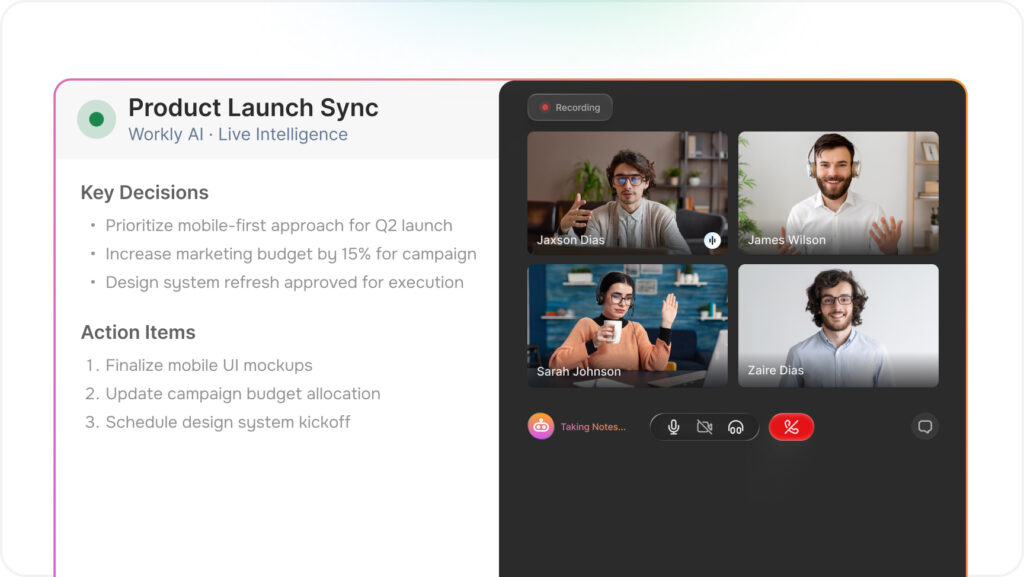
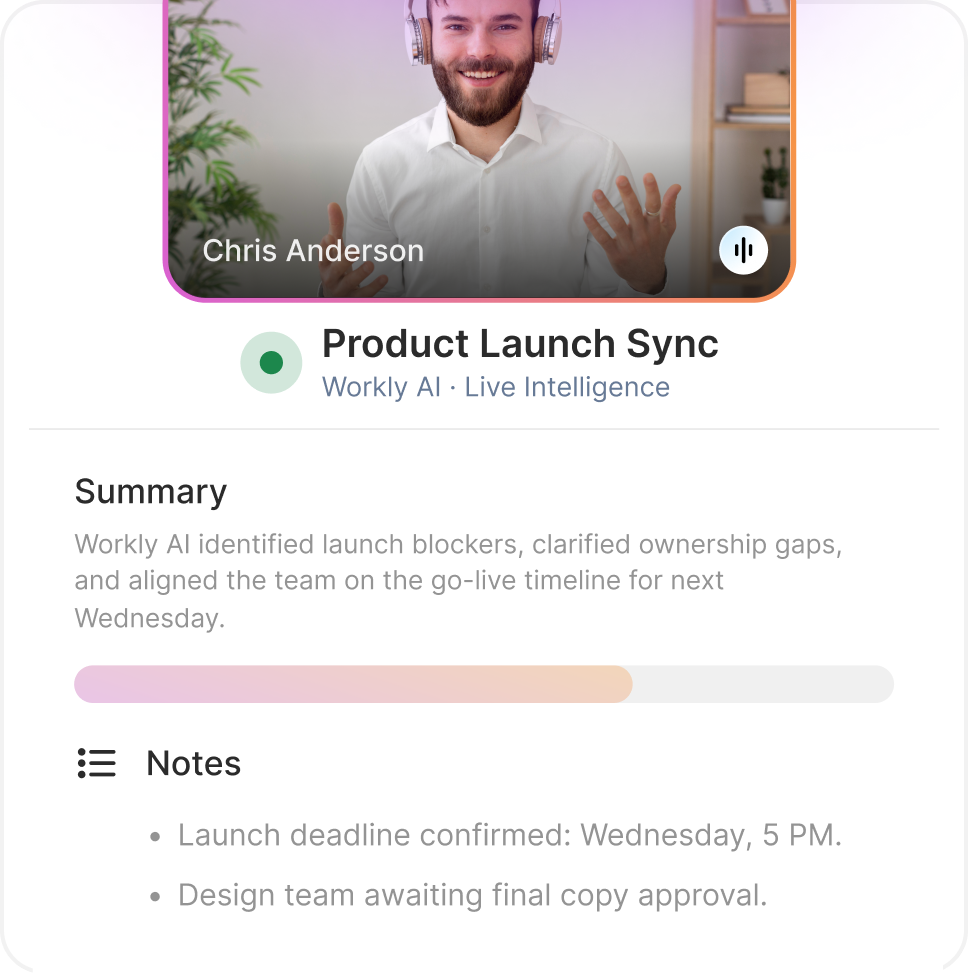
Live Summaries and Transcription
AI identifies decisions and next steps as the meeting happens.
Clarity At Every Stage
Monitor updates, priorities, ownership, and potential risks from a single, real-time dashboard. Understand exactly where your project stands and make confident decisions—without switching tabs or chasing status reports.
See Work The Way You Need To See It
From endless transcripts and scattered notes to organized decisions and actionable tasks
AI Joins Your Meetings. You Don't Chase Action Items.
Workly AI records every meeting, extracts decisions in real-time, assigns tasks to the right people, and automatically updates your projects across all tools.
Live Summaries and Transcription
AI identifies decisions and next steps as the meeting happens.
Smarter Meetings, Powered By AI
From notes to next steps, Workly’s AI ensures nothing gets missed and everything gets executed.
Yes. You’ll automatically receive email reminders 24 hours and 1 hour before your scheduled meeting, along with the meeting link and any preparation materials if applicable.
All meeting notes, recordings, and action items are automatically saved to your Workly workspace. You can access them anytime from the meeting history, share them with teammates who couldn’t attend, or reference them later for follow-ups.
Absolutely. When creating a meeting, just select “Repeat” and choose daily, weekly, or custom intervals. Perfect for standup meetings, weekly check-ins, or monthly reviews. You can modify or cancel any instance without affecting the whole series.
Yes! Workly syncs seamlessly with Google Calendar, Outlook, and Apple Calendar. Meetings you schedule in Workly appear on your regular calendar, and vice versa – keeping everything in sync automatically.
Yes! When scheduling, just add external participants by email. They’ll receive a meeting link that works in any browser – no Workly account needed. They can join as guests while your team enjoys full Workly integration.