From endless transcripts and scattered notes to organized decisions and actionable tasks
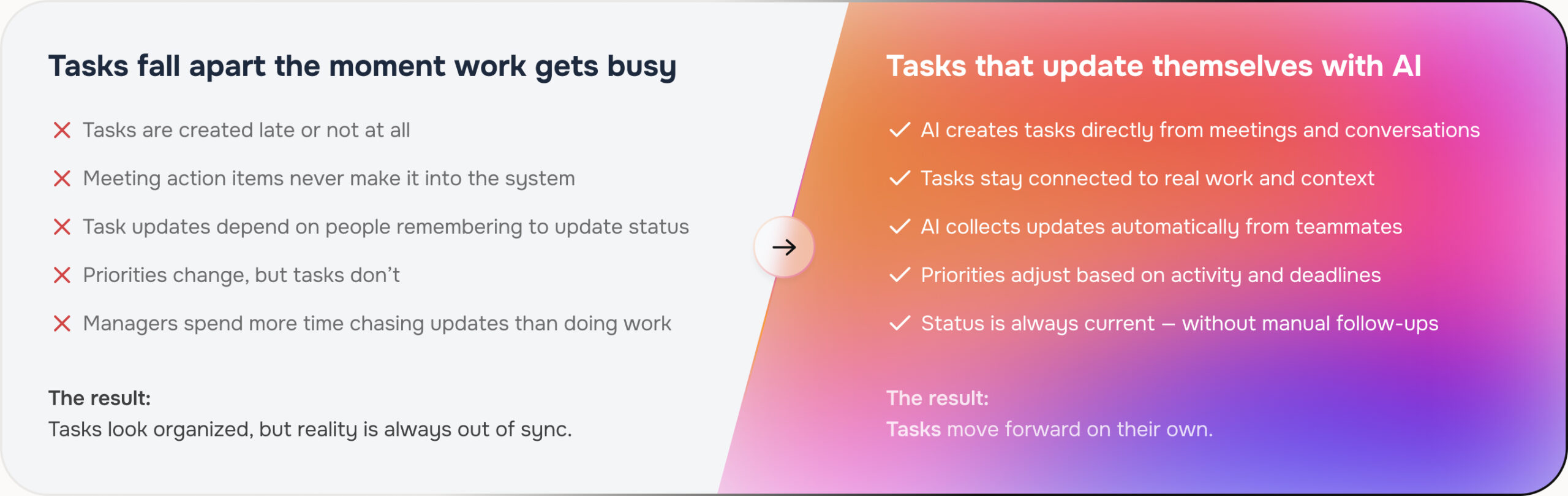
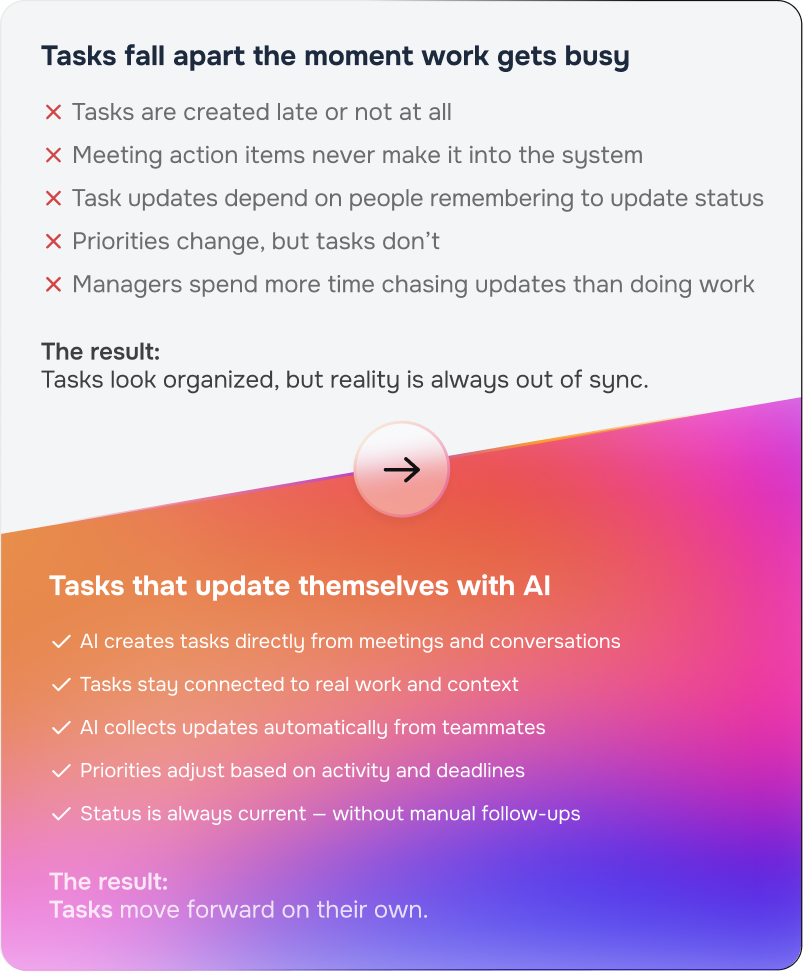
Tasks Created by Work, Not By Humans
From endless transcripts and scattered notes to organized decisions and actionable tasks
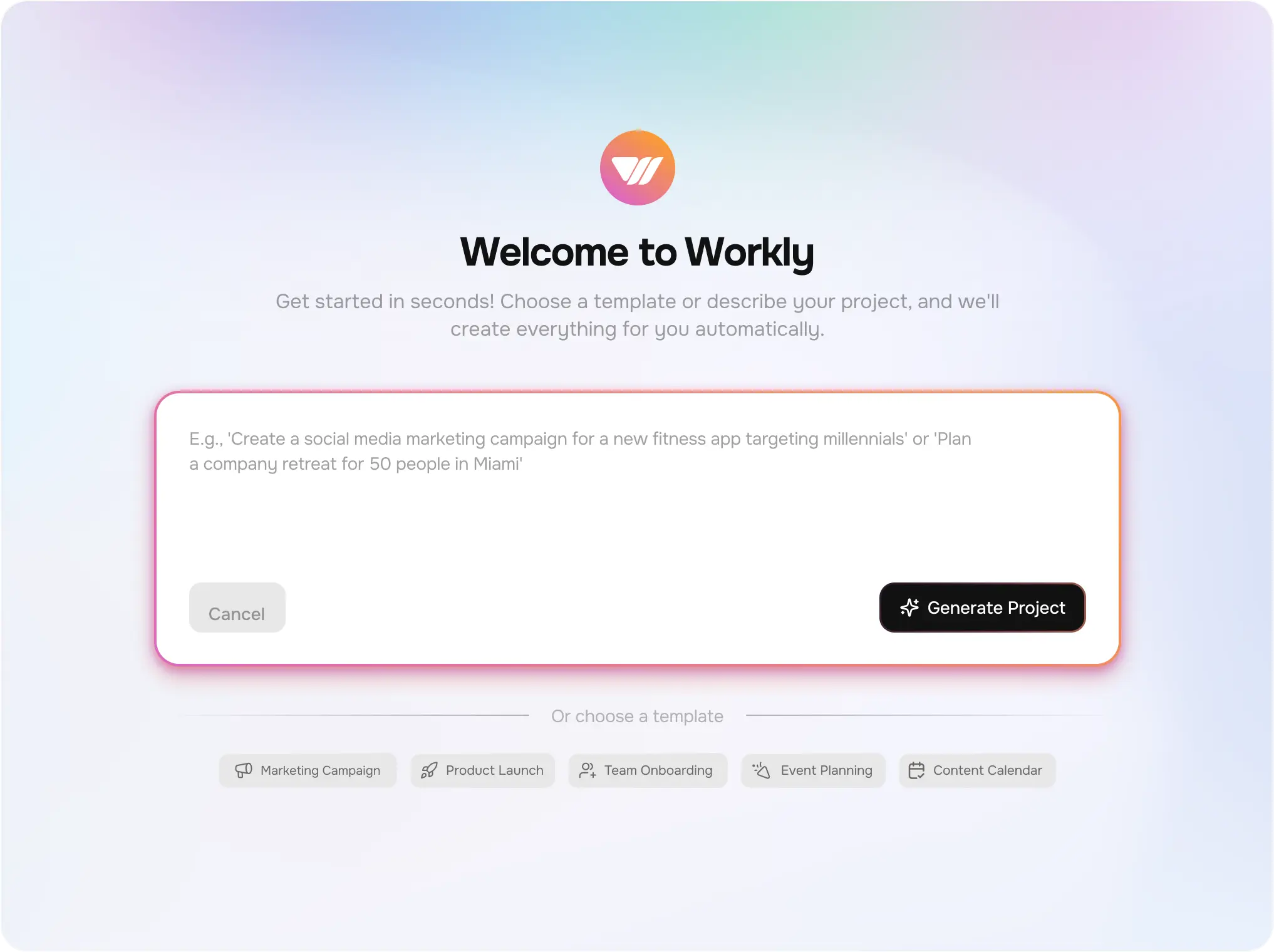
Create full projects automatically with AI
Generate tasks directly from meetings and chats
Auto-assign owners and suggest priorities
AI-generated task summaries for instant clarity
Context-aware reminders (not dumb due dates)
Work Your Way. Execute Smarter.
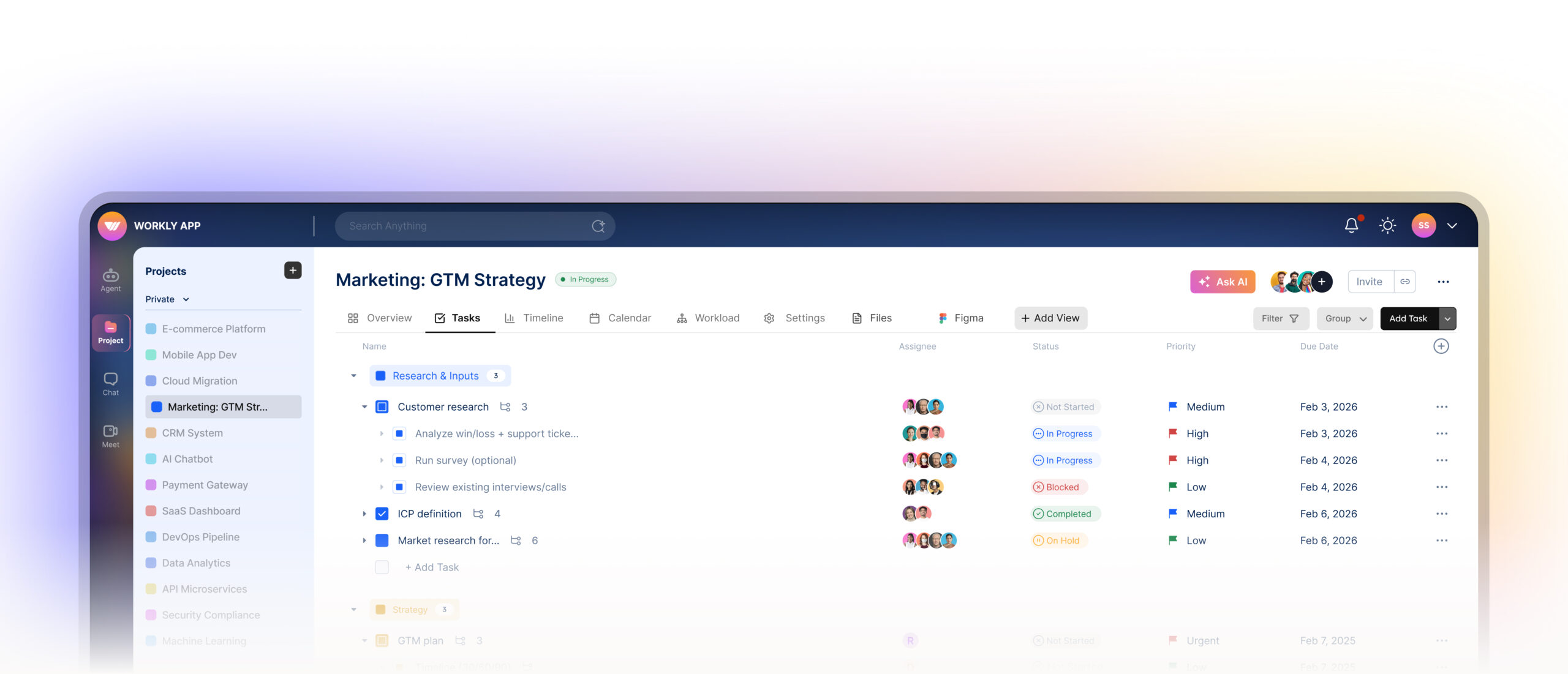
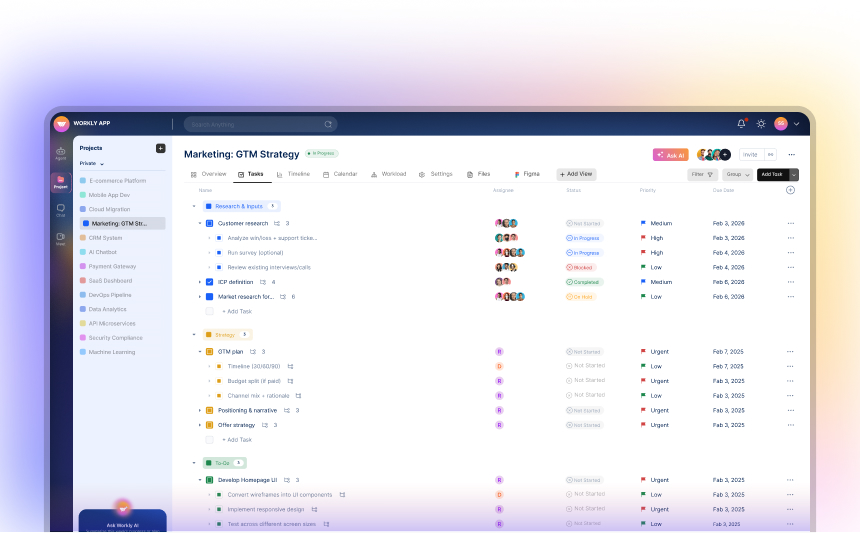
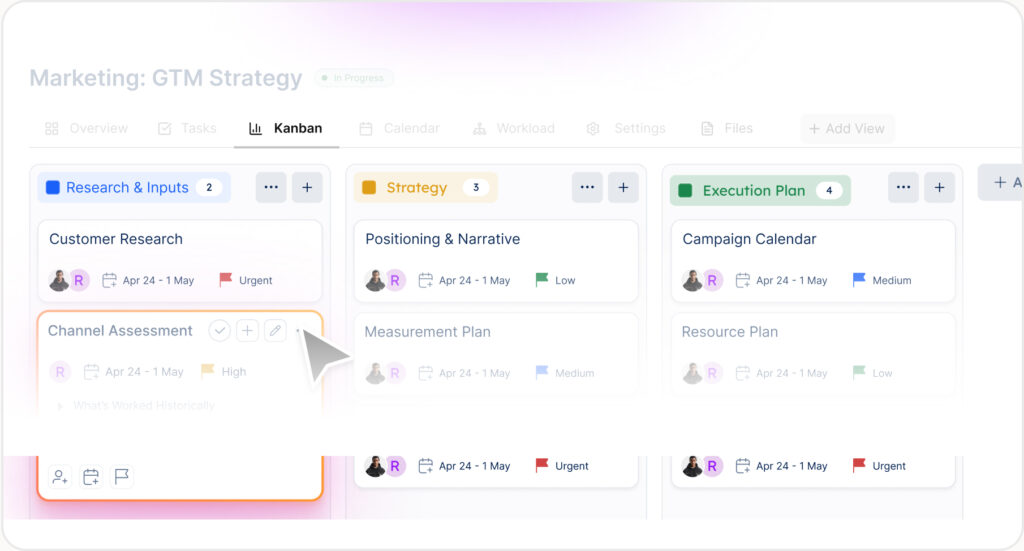
Switch between List, Kanban, Calendar, and Workload instantly — while Workly AI keeps tasks aligned, updated, and moving forward.
Total Control. Zero Friction.
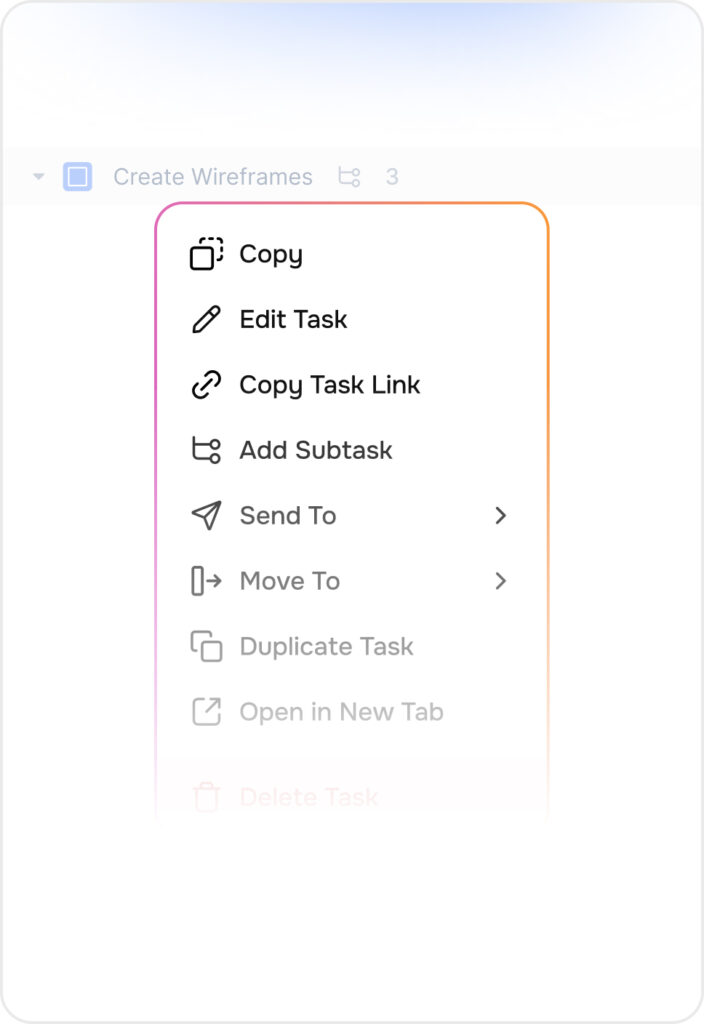
Edit, move, or restructure tasks instantly — without breaking ownership, deadlines, or dependencies.
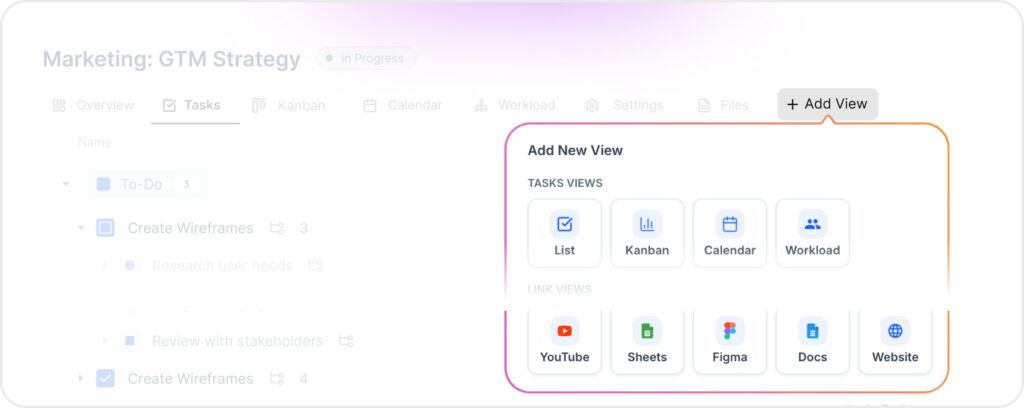
Custom Views
Switch between List, Kanban, Calendar, and Workload while everything stays synced and up to date.
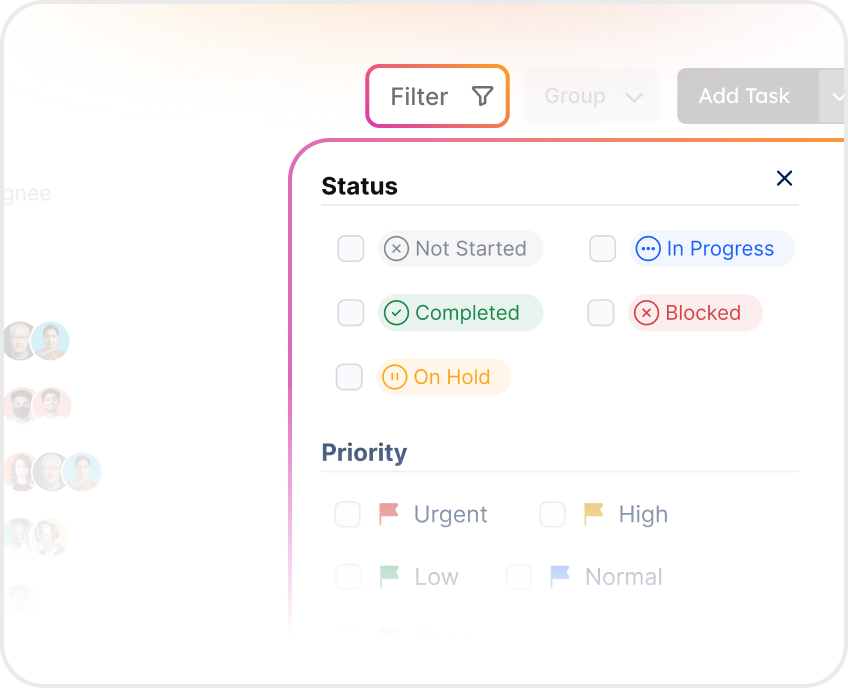
Advanced Filters
Filter by status, owner, or priority to quickly identify blockers and risks.
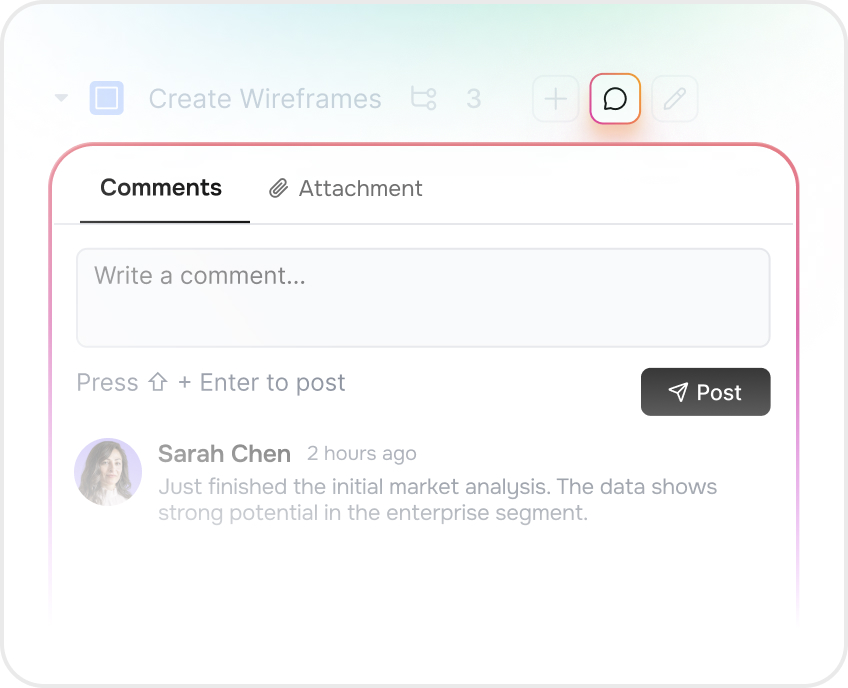
Real-time Comments
Collaborate directly on tasks and turn discussions into clear, trackable action.
Smarter teams, less busywork.
Teams using Workly cut routine coordination work by 40%.
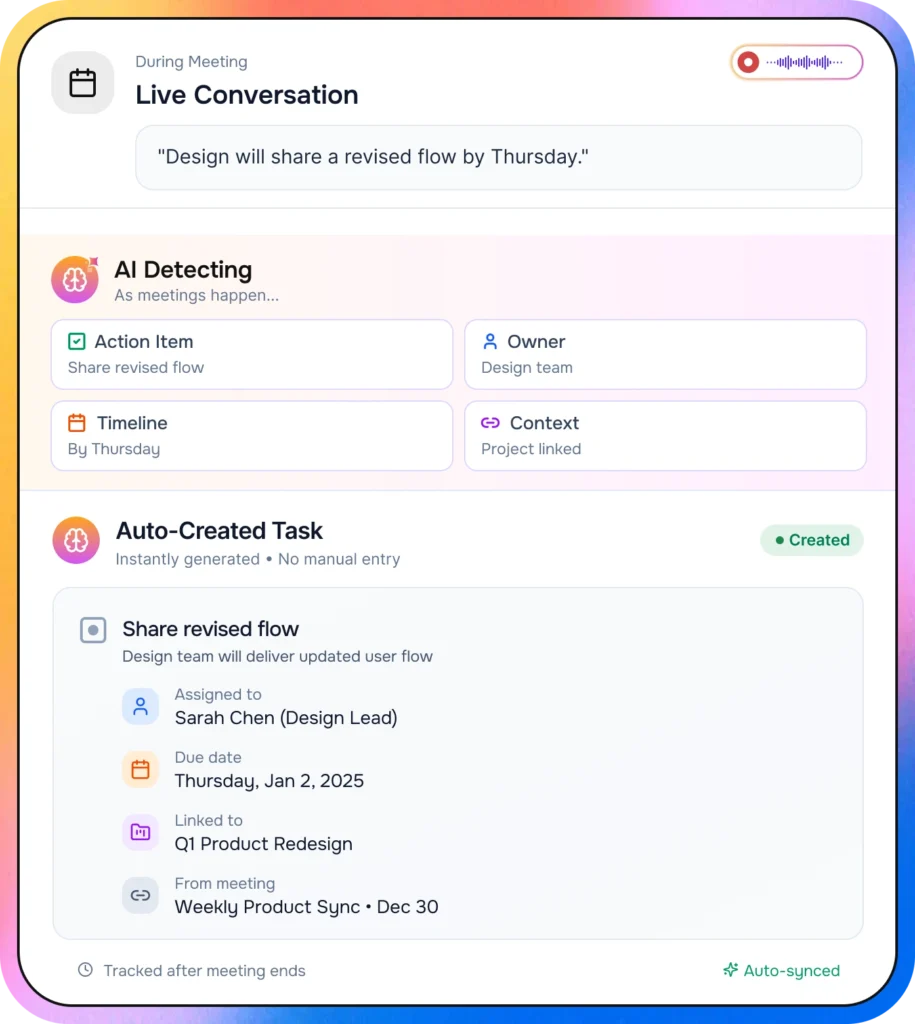
Turn Discussions Into Tasks Instantly
Conversations shouldn’t die inside calls.
As meetings happen, Workly:
Detects action items
Suggests owners
Sets timelines
Links tasks to projects and context
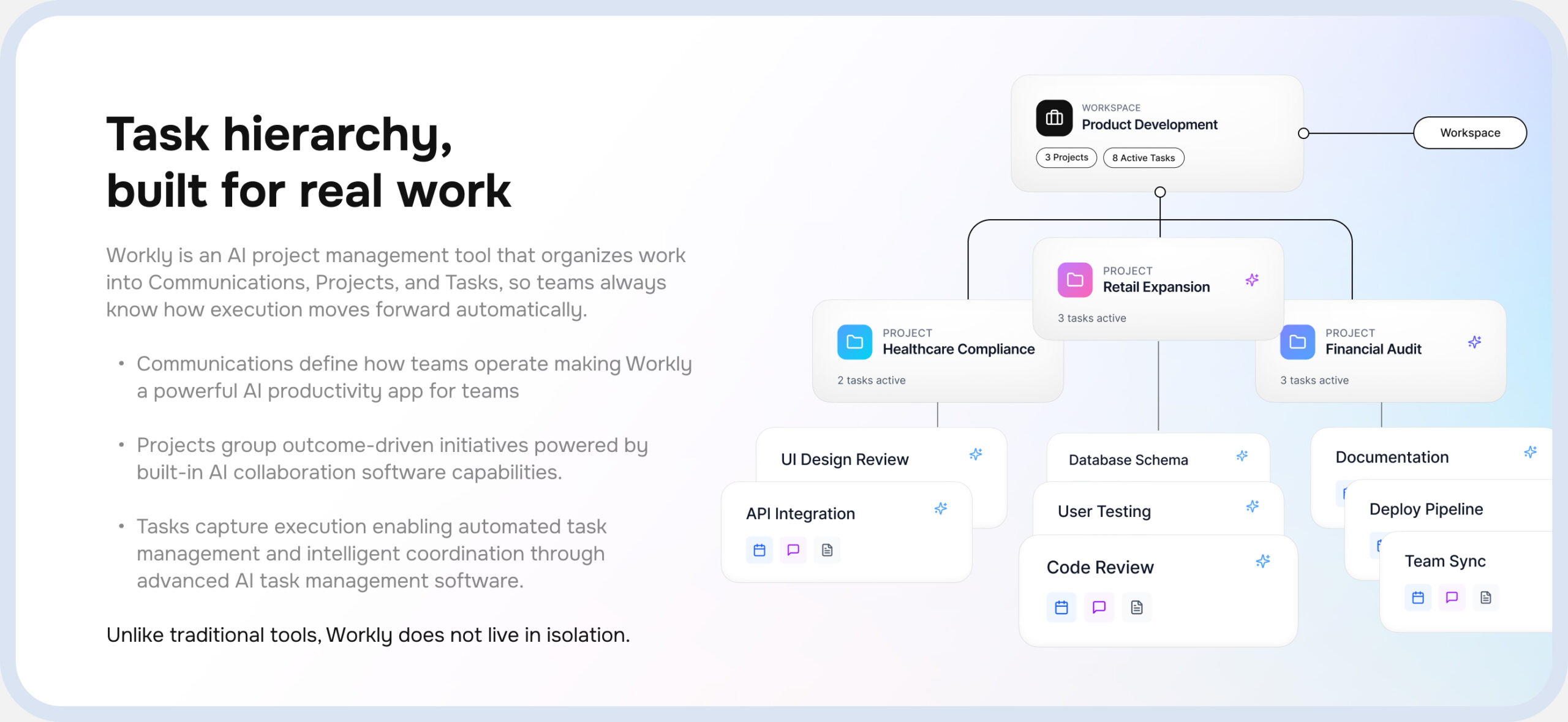
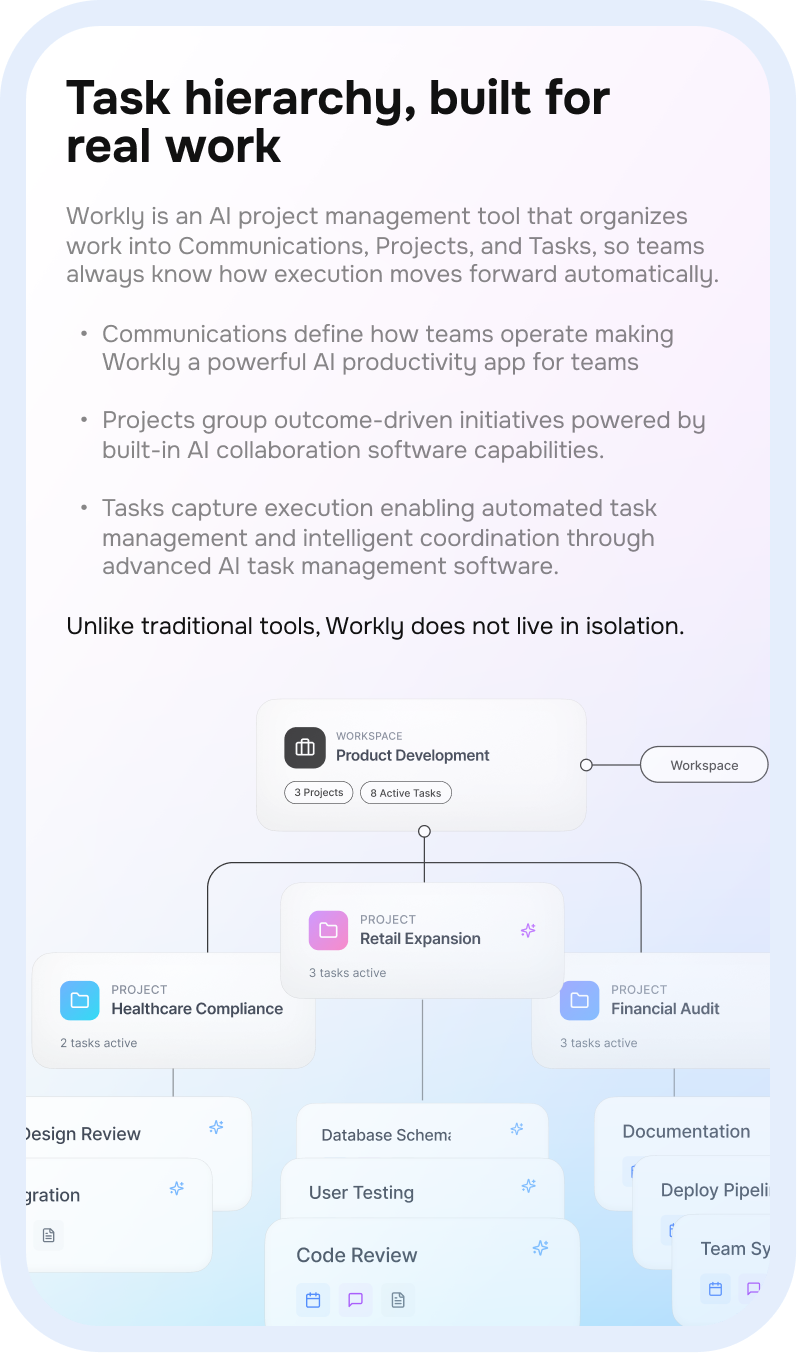
Structure That Keeps Work Connected
From high-level projects to daily execution, Workly keeps every task connected and moving.
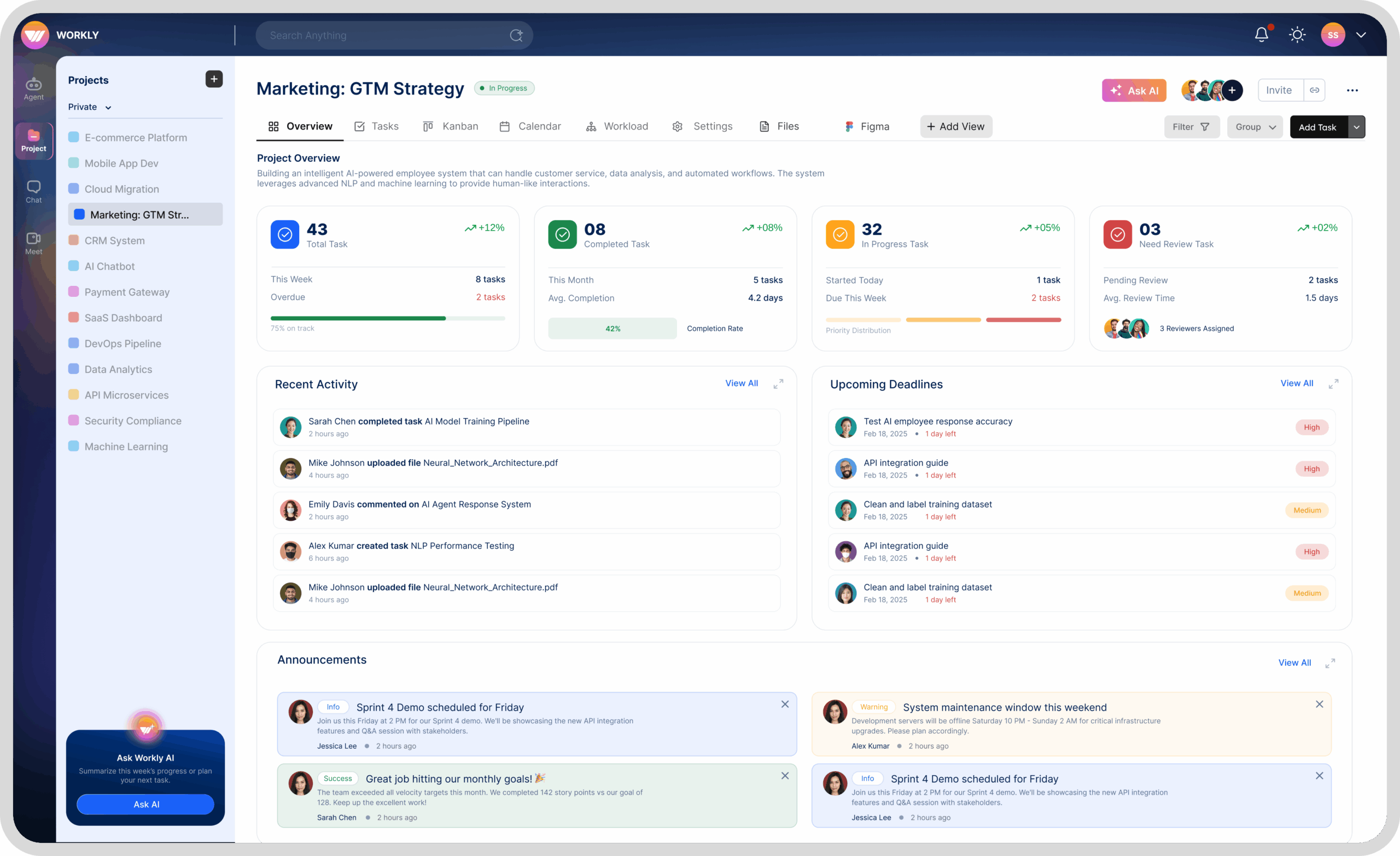
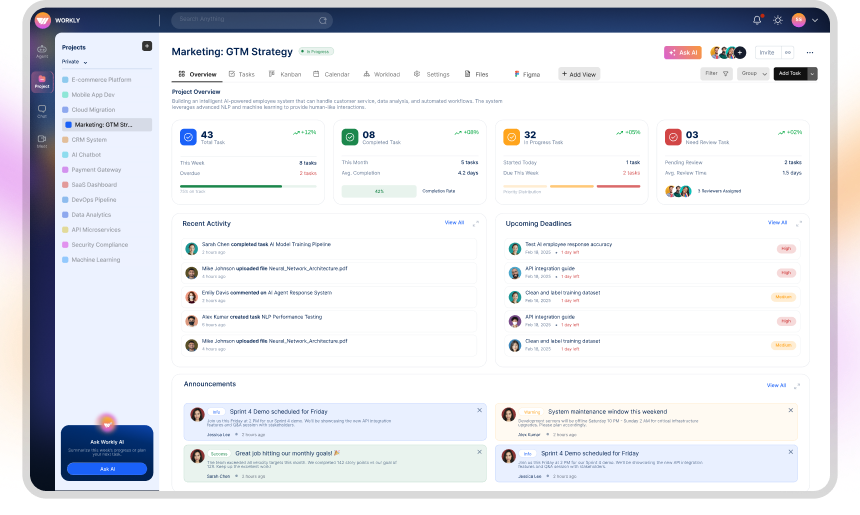
Project Visibility Without The Chase
See progress, priorities, risks, and ownership at a glance, without opening every task or
asking for updates. Workly AI keeps this overview live, making it a true AI productivity app for teams.
Project Visibility Without The Chase
See progress, priorities, risks, and ownership at a glance, without opening every task or
asking for updates. Workly AI keeps this overview live, making it a true AI productivity app for teams.
Tasks That Think Beyond Checklists
From meeting notes to Tasks, Workly AI collaboration software connects everything in one place.
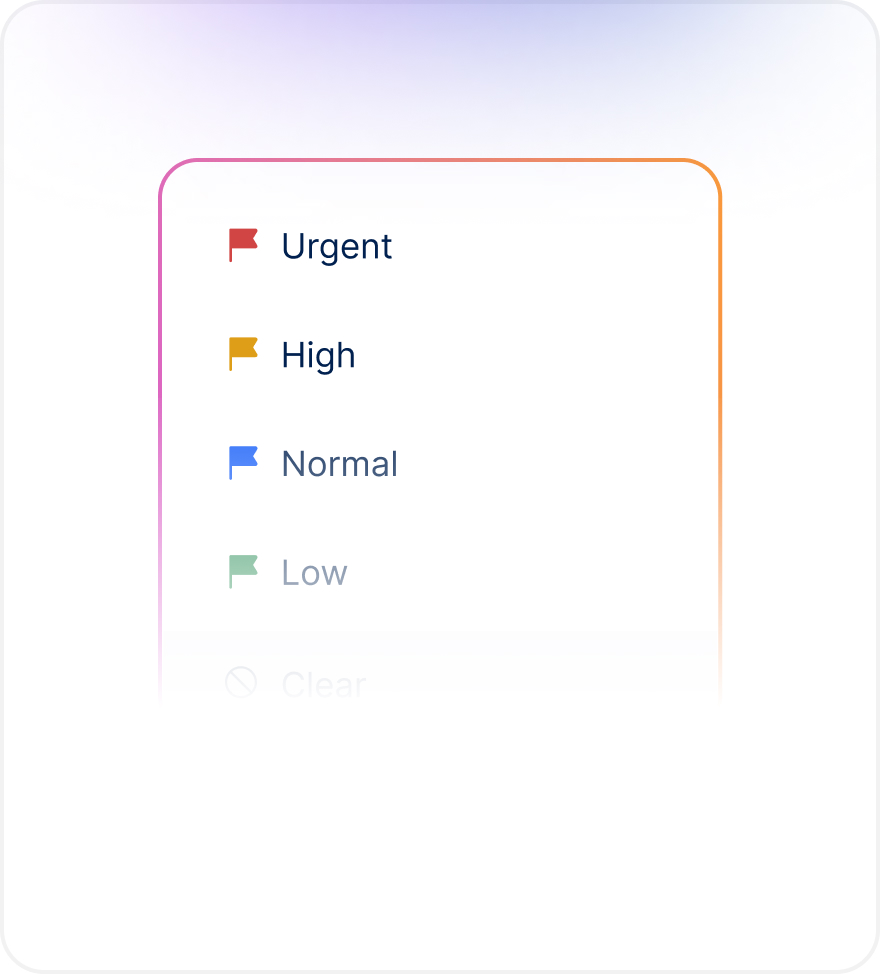
Clear Priorities
Set priority and ownership so everyone knows what matters now.
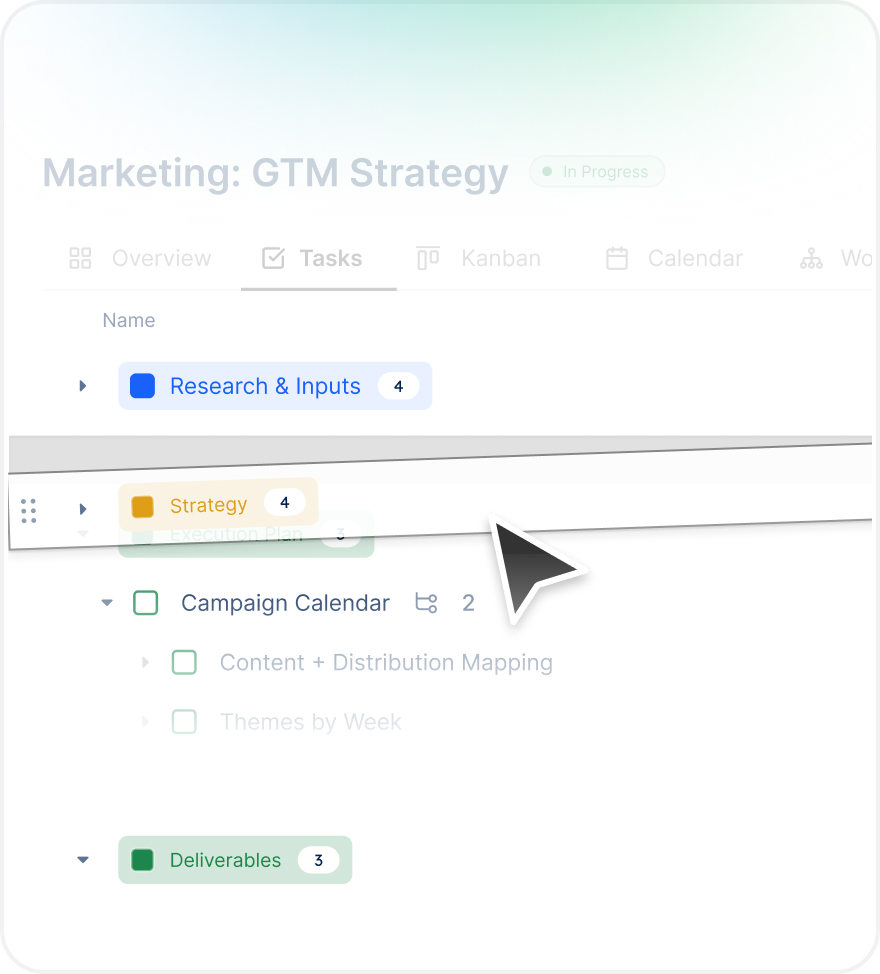
Drag and Drop for structured work
Drag, drop and arrange your tasks as per your requirements
Real-time Updates
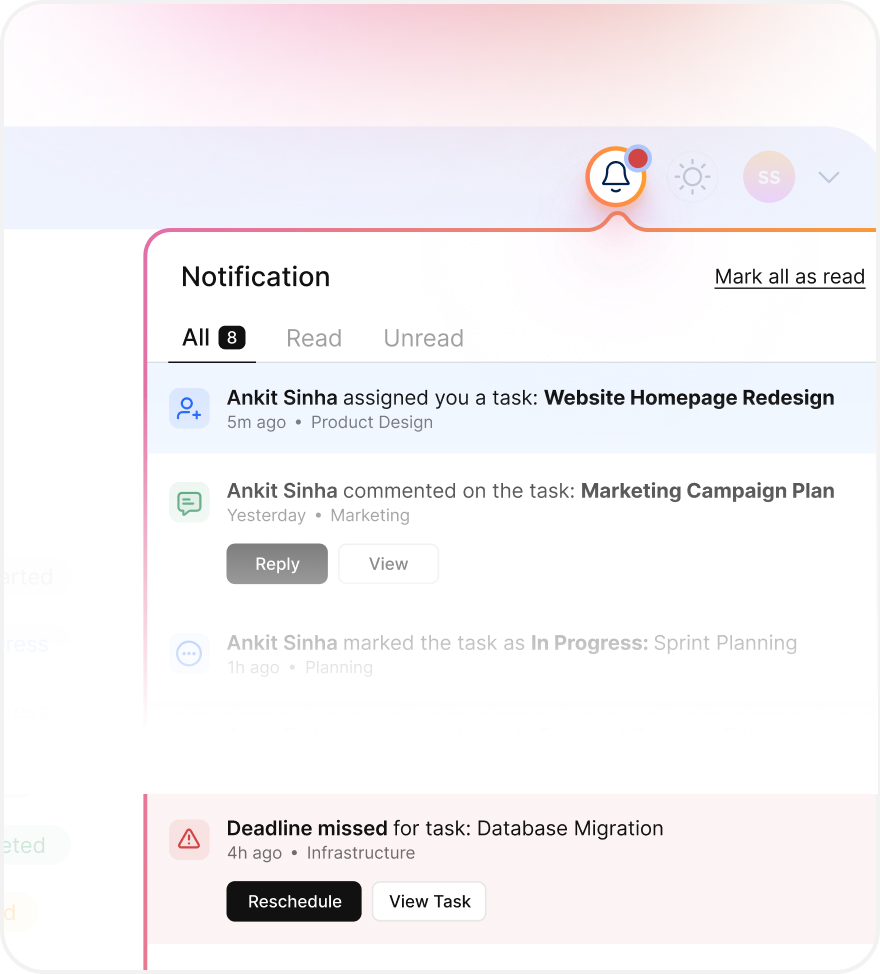
Every update is notified seamlessly ensuring you know who is onto what
Views That Adapt to How Work Actually Happens
This AI-Collaboration Software allows you to switch perspectives without editing your tasks
Clear Priorities
Set priority and ownership so everyone knows what matters now.
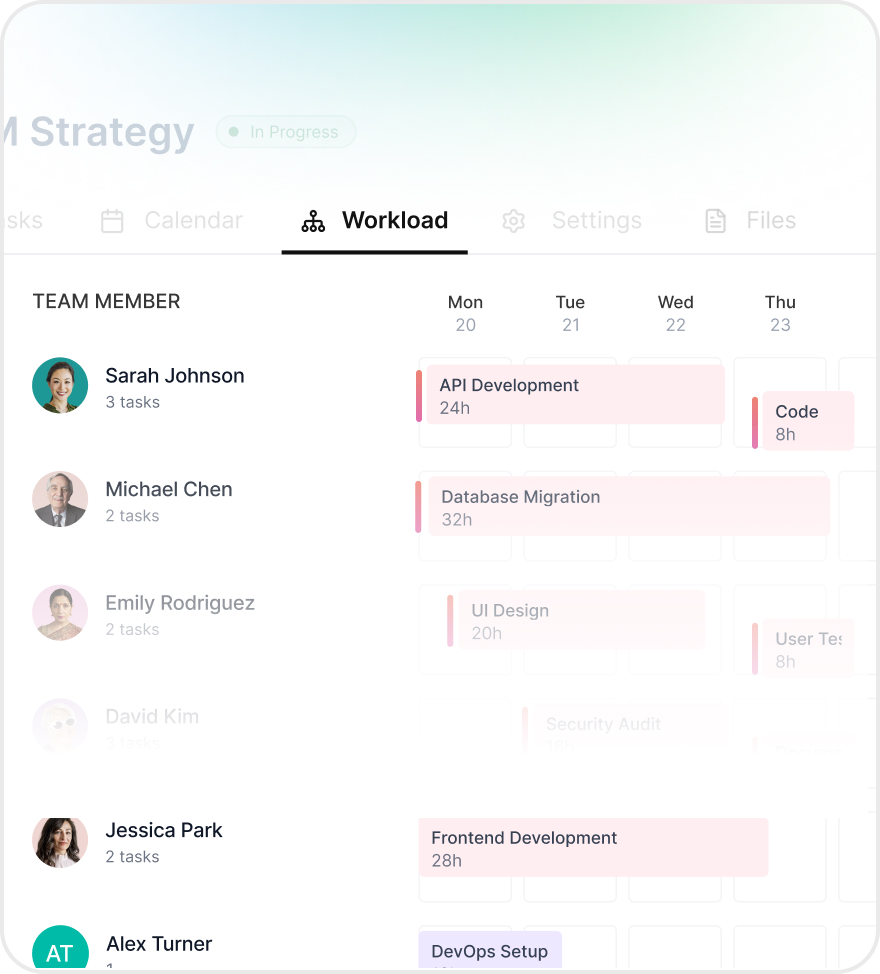
Workload View
See who’s overloaded and redistribute work before deadlines slip.
Tasks That Move On Their Own
Monitor updates, priorities, ownership, and potential risks from a single, real-time dashboard. Understand exactly where your project stands and make confident decisions—without switching tabs or chasing status reports.
Yes. You’ll automatically receive email reminders 24 hours and 1 hour before your scheduled meeting, along with the meeting link and any preparation materials if applicable.
All meeting notes, recordings, and action items are automatically saved to your Workly workspace. You can access them anytime from the meeting history, share them with teammates who couldn’t attend, or reference them later for follow-ups.
Absolutely. When creating a meeting, just select “Repeat” and choose daily, weekly, or custom intervals. Perfect for standup meetings, weekly check-ins, or monthly reviews. You can modify or cancel any instance without affecting the whole series.
Yes! Workly syncs seamlessly with Google Calendar, Outlook, and Apple Calendar. Meetings you schedule in Workly appear on your regular calendar, and vice versa – keeping everything in sync automatically.
Yes! When scheduling, just add external participants by email. They’ll receive a meeting link that works in any browser – no Workly account needed. They can join as guests while your team enjoys full Workly integration.