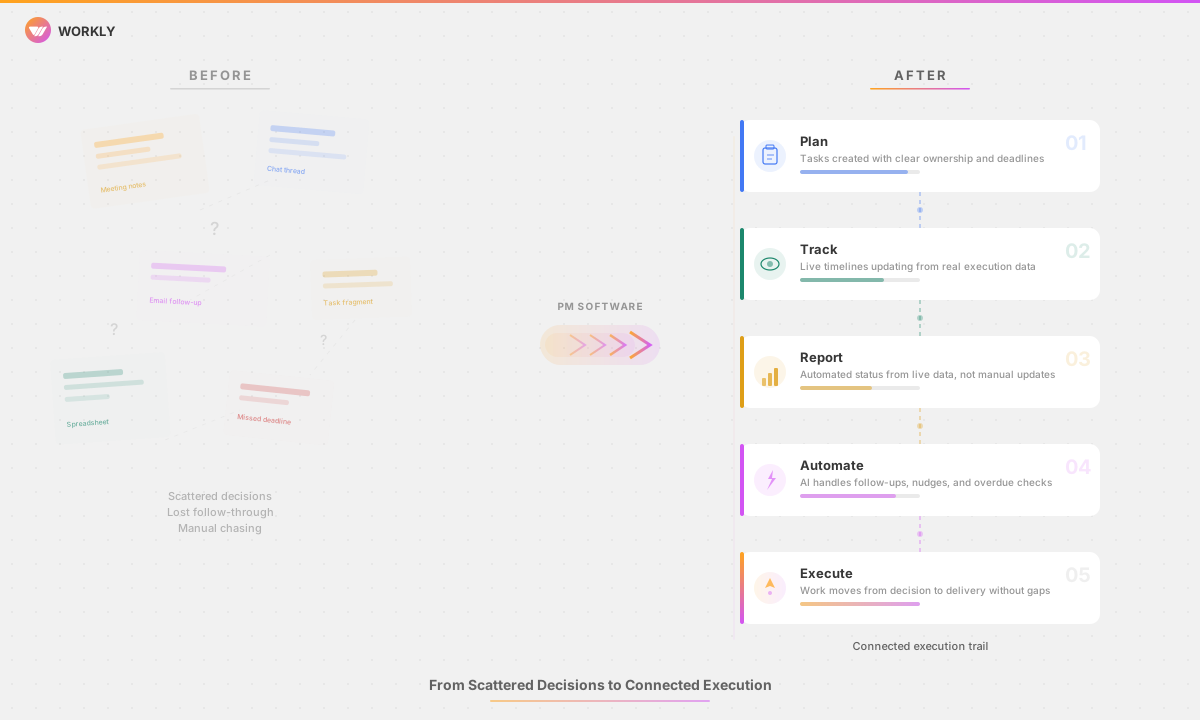
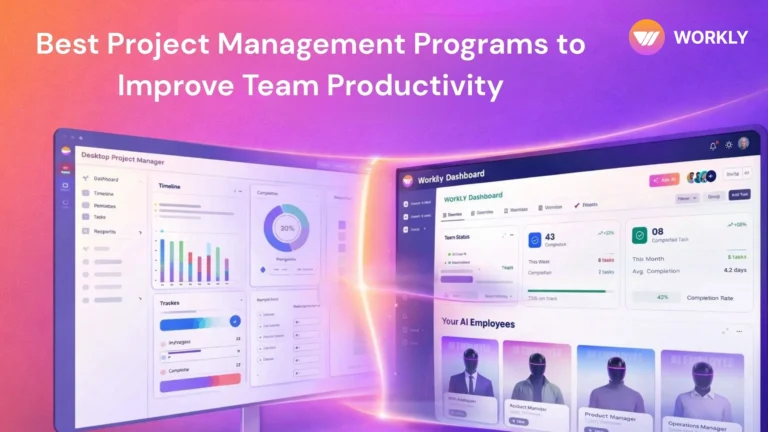
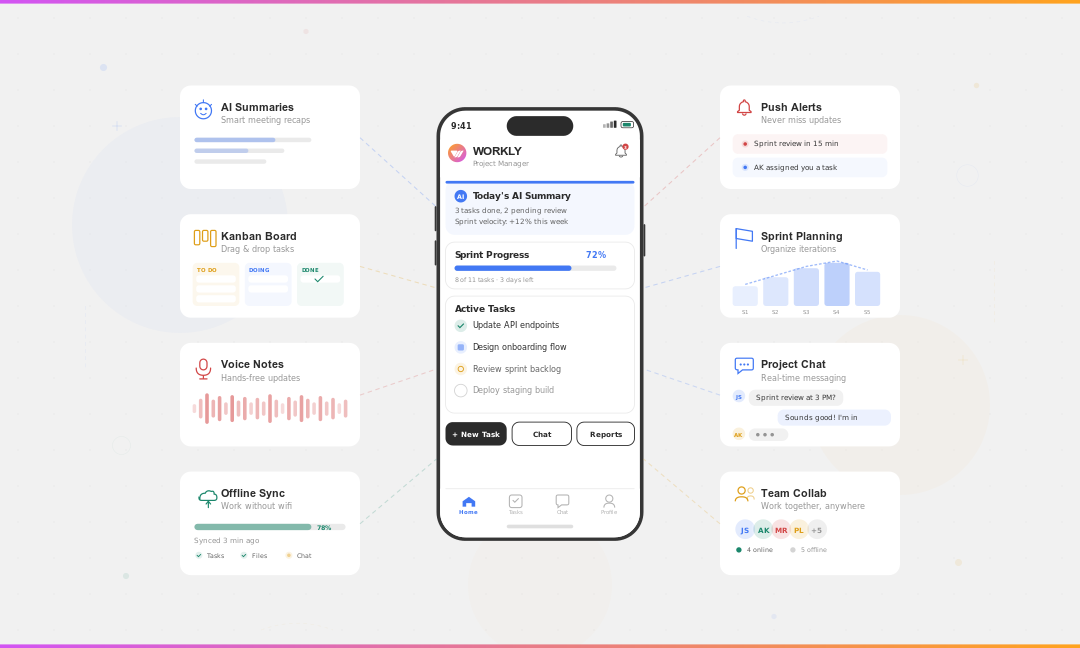
Most teams already use collaboration software but work is still fragmented. This article looks at collaboration software from how teams actually work in 2026 — not as individual tools, but as systems.

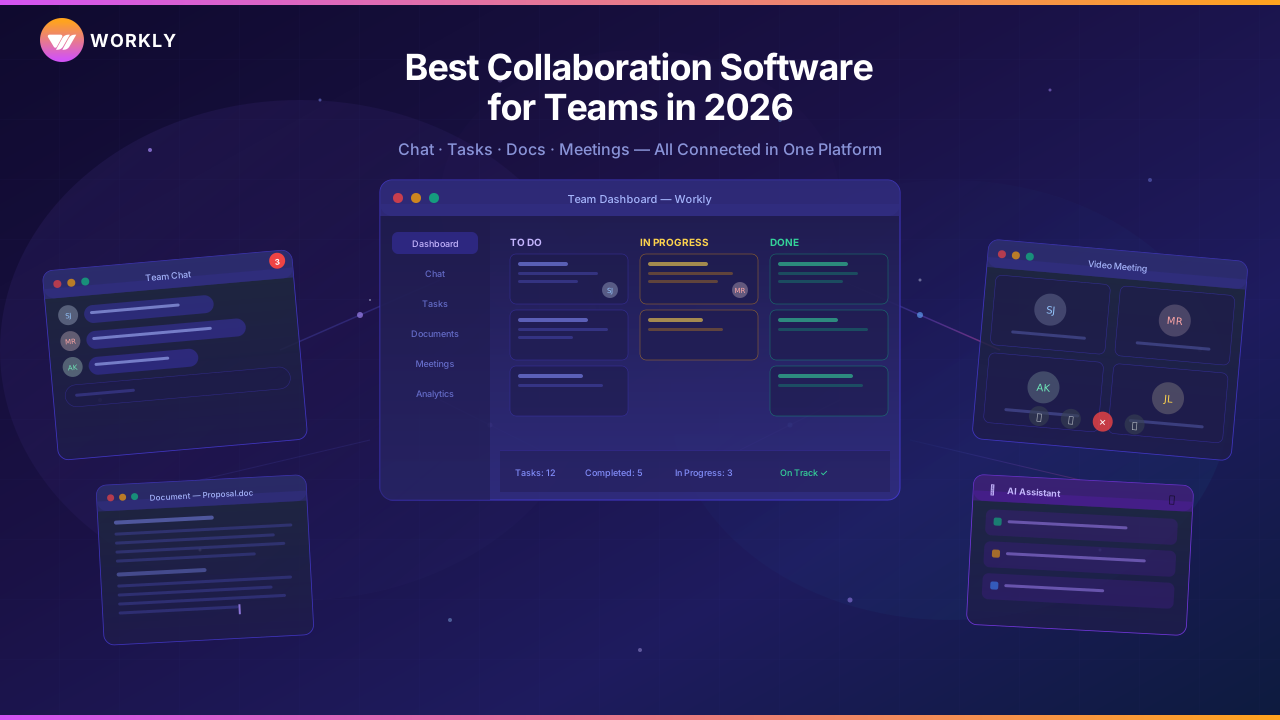
The Four Categories of Collaboration Tools
Understanding categories matters more than comparing features. Most teams don’t fail because they picked the wrong tool. They fail because they built collaboration across tools that were never meant to work as a single system.
Chat-First Collaboration Tools
Chat-first tools focus on real-time communication. They reduce email volume and speed up conversations.
Examples include:
- Slack
- Microsoft Teams
These tools are excellent for quick alignment and informal coordination. Their limitation is that conversations move faster than decisions. Tasks discussed in chat are easy to forget. Ownership becomes implicit. Follow-ups depend on memory.
Chat-first tools are good at talking about work. Less good at holding work.
Docs-First Collaboration Tools
Docs-first tools centre collaboration around shared documents and knowledge.
The most common example:
- Notion
These platforms work well for documentation, planning, and async collaboration. They shine when teams need shared context.
Where they struggle is execution. Documents don’t enforce deadlines. Tasks embedded in docs rely on discipline. As work accelerates, docs become reference points, not execution systems.
Task-First Collaboration Tools
Task-first tools organise collaboration around work items, ownership, and deadlines.
Common examples:
- Asana
- Monday.com
These tools provide structure and visibility. They work well when workflows are defined and stable.
Their weakness shows up when work starts in conversations or meetings. Context gets split. Teams spend time translating discussions into tasks. Follow-ups still require manual effort.
All-in-One Collaboration Platforms
All-in-one platforms aim to combine chat, tasks, documents, and coordination into a single system.
This is where the category is evolving.
Instead of asking teams to move between tools, these platforms try to keep collaboration and execution in one place. The goal is not fewer features, but fewer gaps.
This is where platforms like Workly are positioning themselves.
Collaboration Software Comparison Table
This table is not about completeness. It’s about where each tool puts its centre of gravity.
| Tool | Chat | Tasks | Docs | AI | Price |
|---|---|---|---|---|---|
| Workly | Yes | Yes | Yes | Yes | Mid |
| Slack | Yes | Limited | No | Limited | Mid |
| Microsoft Teams | Yes | Limited | Yes | Limited | Mid |
| Notion | Limited | Limited | Yes | No | Mid |
| ClickUp | Limited | Yes | Yes | Limited | Mid |
| Monday.com | Limited | Yes | Limited | Limited | Mid |
Collaboration Software Reviews
Workly
Workly is built around a simple idea: collaboration breaks after conversations end.
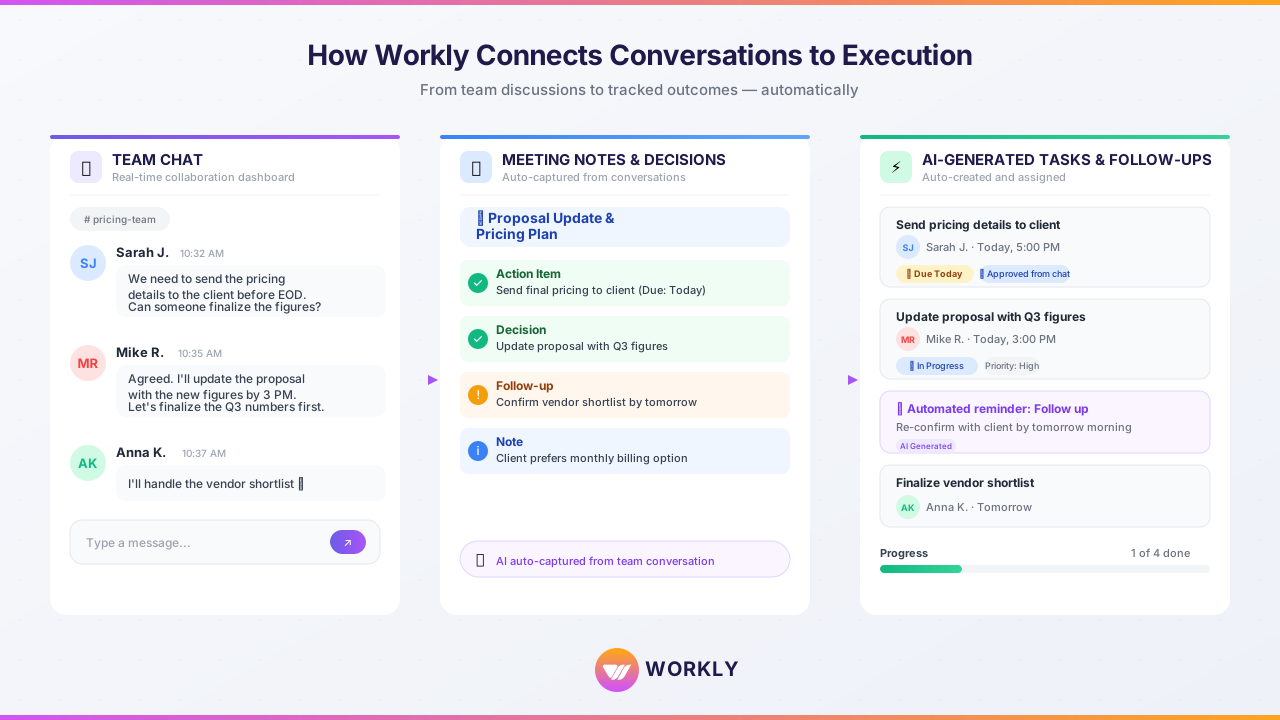
Most teams discuss work in meetings or chat, then manually move outcomes into task tools. That handoff is where execution degrades.
Workly connects chat, tasks, documents, and follow-ups into a single execution layer. Decisions turn into tracked actions. Follow-ups happen automatically. Progress stays visible without constant manual updates.
It’s often described as “Slack plus Asana with AI built in”, but the difference is less about features and more about flow. Work doesn’t need to be translated between tools. It stays connected as it moves.
For teams struggling with scattered tools and coordination overhead, this shift matters.
Slack
Slack remains one of the strongest workplace communication tools available. It’s fast, flexible, and widely adopted.
Its limitation is structural. Slack excels at conversation, not execution. Without strong discipline or additional tools, important work discussed in Slack often fades into history.
Microsoft Teams
Microsoft Teams works well in Microsoft-heavy environments. Chat, meetings, and file sharing are tightly integrated.
Like Slack, it struggles with task continuity. Teams often rely on external task tools to track outcomes, which reintroduces fragmentation.
Notion
Notion is powerful for documentation and knowledge sharing. It supports flexible collaboration and async work.
As collaboration software, it depends heavily on user discipline. Execution signals are weak unless teams build and maintain custom systems.
ClickUp
ClickUp offers breadth. Tasks, docs, dashboards, and workflows live in one place.
This can reduce tool sprawl, but it requires setup and governance. Without it, complexity grows quickly.
Monday.com
Monday.com is highly configurable and visually clear. It works well for structured collaboration.
Its flexibility can fragment usage across teams, which limits cross-team visibility at scale.
How to Choose Collaboration Software That Actually Works
Instead of asking what features a tool has, ask how it behaves when work gets messy.
Key questions:
Where do decisions turn into actions?
How are follow-ups handled?
What happens when no one updates status?
Does collaboration reduce work or create more coordination?
The best collaboration software reduces translation between tools. It keeps conversations, tasks, and context connected as work evolves.
Benefits of Using the Right Collaboration Software
Teams that consolidate collaboration typically see:
- Faster decision-making due to shared context
- Fewer missed follow-ups
- Reduced meeting load
- Clearer ownership
- Less time spent reconciling updates
Studies consistently show productivity improvements when teams reduce tool fragmentation and coordination overhead, not when they add more features.
FAQs
What is collaboration software used for?
It’s used to help teams communicate, share information, and coordinate work without relying on email or manual follow-ups.
Is collaboration software the same as project management software?
No. Collaboration software focuses on communication and coordination. Project management software focuses on structured delivery.
Can one tool replace Slack, tasks, and documents?
In some cases, yes. All-in-one platforms aim to reduce fragmentation, but success depends on how teams actually work.
What’s the biggest mistake teams make when choosing collaboration tools?
Choosing based on popularity instead of workflow fit.
Is AI important in collaboration software?
Only when it reduces manual coordination like reminders, summaries, and follow-ups.
Conclusion
Collaboration software is no longer about chat or file sharing alone. It’s about keeping work connected as it moves across conversations, decisions, and execution.
Teams that treat collaboration as a system, not a set of tools, spend less time coordinating and more time moving work forward.
If your team is juggling chat apps, task tools, and documents with too much manual effort, request a demo of Workly and see what collaboration looks like when everything stays connected.