Project management and program management are not interchangeable, even though they are often treated that way.Projects are bounded. Programs are not. Projects can succeed while the program fails. That usually happens when dependencies, budgets, and priorities collide without anyone seeing the full picture early enough. For PMOs and enterprise leaders, this distinction is not academic. …


Project management and program management are not interchangeable, even though they are often treated that way.
Projects are bounded. Programs are not. Projects can succeed while the program fails. That usually happens when dependencies, budgets, and priorities collide without anyone seeing the full picture early enough.
For PMOs and enterprise leaders, this distinction is not academic. It directly affects delivery.
What Is Program Management?
Program management is about keeping multiple related projects moving in the same direction.
The complexity comes from interaction, not scale.
Programs introduce shared dependencies, competing resource demands, and budget trade-offs that no single project owner can resolve alone. This is where coordination breaks down quietly. Work continues, but alignment erodes.
Program management software is built for this layer. Unlike project tools, which focus on execution inside a boundary, program tracking tools focus on what happens between boundaries. That is where risk accumulates and where delays spread if left unmanaged.
Most enterprises feel this pain long before they have language for it.
Required Features at the Program Level
Portfolio Dashboards That Show Friction
Portfolio views are only useful if they surface tension. Where initiatives compete for the same people. Where timelines start to overlap. Where risk is building but not yet visible at the project level.
Portfolio management software that depends on manual updates rarely survives contact with reality.
Resource Allocation Across Projects
At the program level, resources are finite. Always.
PMO management software must show where capacity is stretched and where trade-offs are being made, even when teams are reluctant to surface them. Without this, prioritisation exists only on slides.
Cross-Project Dependency Tracking
Dependencies are not static. They move as work moves.
Multi-project management software needs to treat dependencies as living relationships, not documentation artefacts. Static logs look fine until the plan changes. Then they are ignored.
Risk Management Where Decisions Happen
Program risk is rarely technical. It is structural.
A delayed handoff. A scope change upstream. A budget shift that affects three teams at once. Program management software needs to make these interactions visible while there is still time to act.
Program Management Software Options for Enterprise Teams
Workly
Workly approaches program management from the execution side rather than the reporting side.
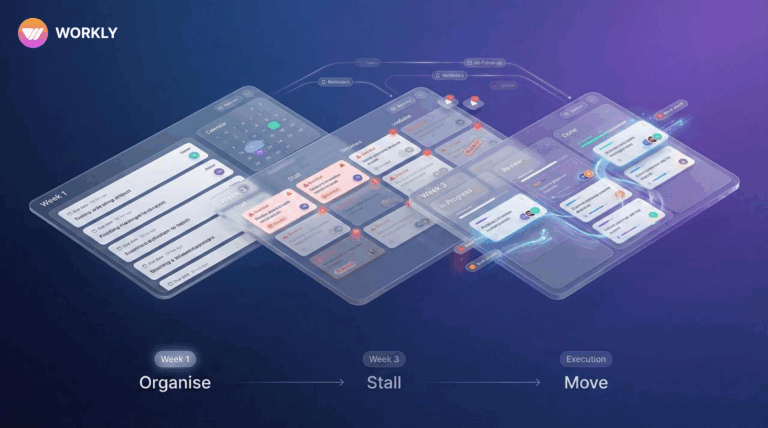
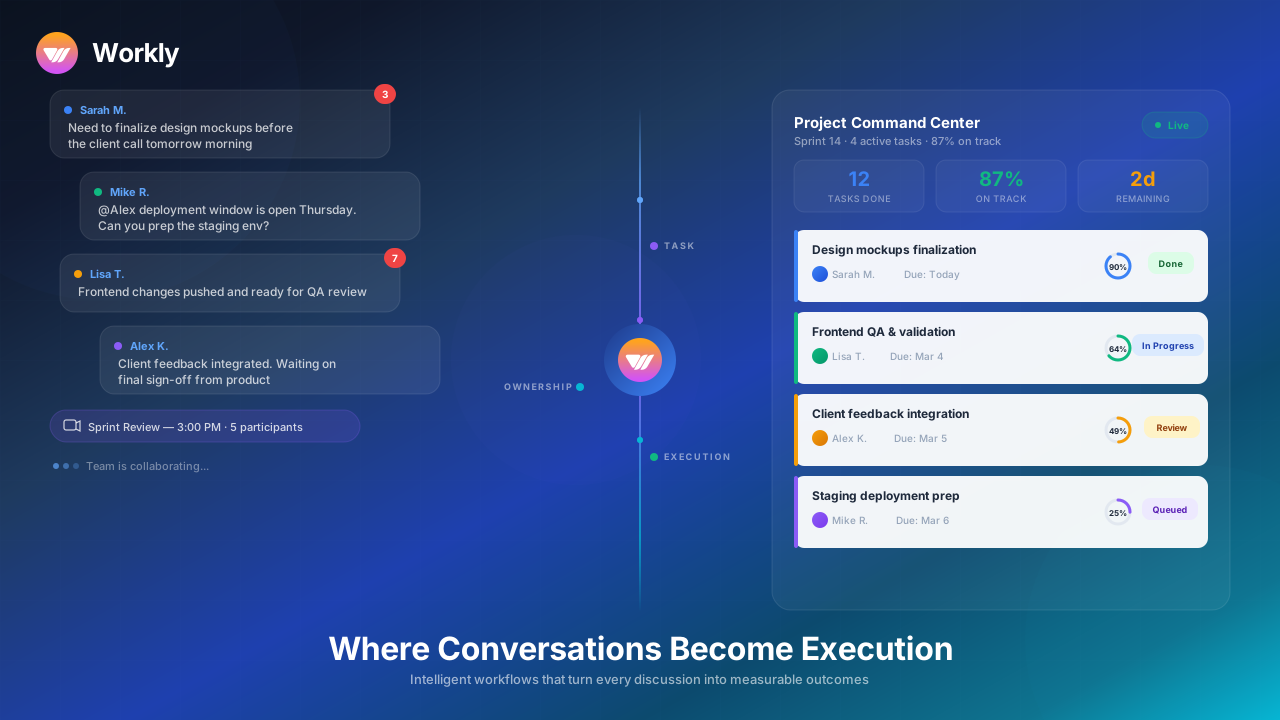
It is positioned as an AI-first, lightweight alternative to traditional PMO management software, but the distinction is practical, not conceptual. Workly focuses on what happens after decisions are made. Where action items live. Where follow-ups stall. Where coordination becomes manual work.
Meetings, discussions, and tasks are connected into a shared execution layer. Follow-ups happen without someone having to remember to chase. Progress signals surface without constant status collection.
For PMOs dealing with coordination fatigue rather than process gaps, this changes the operating load. Less time spent reconciling updates. Fewer blind spots across programs. More confidence that work is actually moving.
Jira Align
Jira Align is built for organisations running large, structured agile programs.
Its strength is alignment. Strategy to funding. Funding to teams. Teams to delivery. In environments with mature agile practices, this structure provides control and consistency.
The trade-off is weight. Setup is non-trivial. Ongoing maintenance requires discipline. In fast-changing environments, responsiveness can suffer under the governance it provides.
Microsoft Project
Microsoft Project remains common in traditional PMO setups.
It supports detailed planning, scheduling, and budget tracking across multiple initiatives. For stable programs with predictable delivery models, this works.
Where programs change frequently, accuracy depends heavily on manual updates. As complexity increases, the tool reflects plans more reliably than execution.
Program Management Software Comparison
Platform | Best Fit | Operating Reality | PMO Overhead |
Workly | Dynamic, cross-functional programs | Execution coordination with automated follow-ups | Low |
Jira Align | Large-scale agile portfolios | Structured alignment and governance | High |
Microsoft Project | Traditional PMOs | Plan-driven scheduling and reporting | High |
This is not about feature completeness. It is about how much coordination work the system absorbs versus how much it creates.
Enterprise Buying Guide
Enterprise buyers should resist feature checklists.
The more useful questions are simpler:
- Where does coordination break today?
- How much effort goes into reconciling updates?
- How early do risks surface?
- How often do programs change direction?
Software that looks comprehensive often increases operational drag. The right system reduces the need for constant human intervention.
Case Example
A services organisation running multiple client delivery programs struggled with late dependency resolution. Individual projects reported progress, but portfolio-level visibility lagged behind reality.
By adopting a program-level system focused on execution visibility and automated follow-ups, the PMO reduced coordination delays and cut time spent on manual status consolidation. Delivery improved without adding new governance layers.
Conclusion
Program management software matters when it keeps work aligned as programs evolve. The most effective platforms do not add complexity. They absorb it. For enterprise teams, the goal is not better reporting. It is sustained alignment across initiatives as conditions change.
AI-First Collaborative OS
Stop managing tools. Start running work.


Rachel Nguyen!
Technical writer with a UX writing edge for enterprise products. Builds onboarding, contextual help, and knowledge bases that cut support tickets.