Most teams don’t lose projects due to poor planning. They lose them in the space between decisions and follow-through. This blog looks at how serious buyers evaluate project management software today.

Introduction
Spreadsheets fail quietly. They work until they don’t, and by the time teams realise it, delivery has already slipped. Moving to project management software is usually framed as an upgrade. In reality, it is a response to loss of control.
The problem is that many teams replace Excel with tools that look better but behave the same. Work gets logged. Progress becomes optional. Someone still has to chase.
What Is Project Management Software?
In practice, project management software is the system that determines whether work actually moves. Not whether it is planned. Whether it moves.
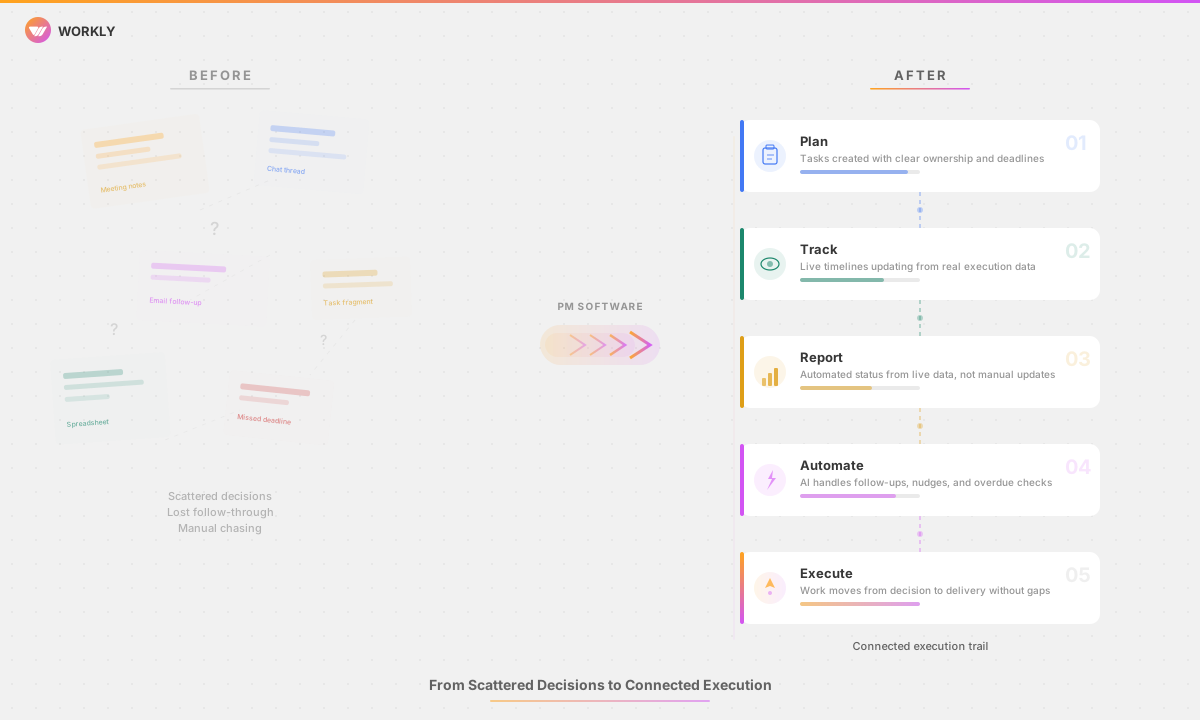
The difference between project management software and individual tools is continuity. Notes capture intent. Chats capture discussion. Task lists capture fragments. Software built for project management is supposed to connect those fragments into a single execution trail. When that connection breaks, teams compensate with meetings, reminders, and escalation.
For buyers, the question is simple. Does the software reduce the effort required to keep work on track, or does it merely document delay more clearly
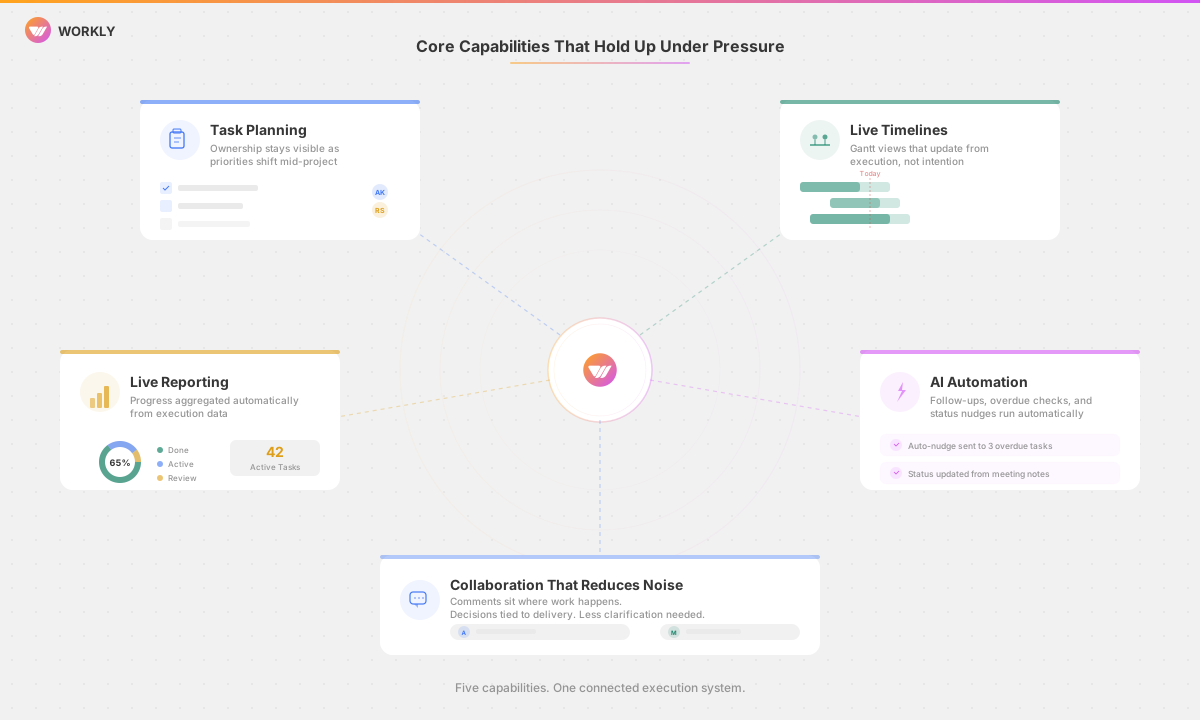
Core Capabilities That Hold Up Under Pressure
Task Planning That Does Not Collapse Mid-Project
Most tasks are created correctly. They fail later. Ownership changes. Dependencies appear. Priorities shift. Team project management software earns its place when it keeps ownership visible and adapts without requiring constant manual correction.
If a system depends on people remembering to maintain it, accuracy decays fast.
Timelines That Reflect What Is Actually Happening
Gantt views are only useful when they update based on execution, not intention. Static timelines turn into theatre. Project management software that connects timelines directly to task movement exposes slippage early, which is when it can still be addressed.
Late visibility is not visibility. It is reporting.
Reporting That Does Not Rely on Optimism
Status reporting breaks when it becomes performative. Enterprise project management software should aggregate progress automatically, not through weekly updates that smooth over problems. The closer reporting is to live execution data, the less time leaders spend interpreting gaps.
Automation That Removes Human Chasing
This is where modern platforms separate themselves. AI project management tools increasingly handle routine follow-ups, overdue checks, and status nudges that teams previously absorbed as invisible labour. The value is not novelty. It is consistent.
When coordination work is automated, delays surface faster and with less friction.
Collaboration That Reduces Noise
Collaboration features only matter when they reduce ambiguity. Comments need to sit where work happens. Decisions need to be tied to delivery.A cloud project management software succeeds when it lowers the volume of clarification required to keep moving.
Top Project Management Software Picks in 2026
Workly
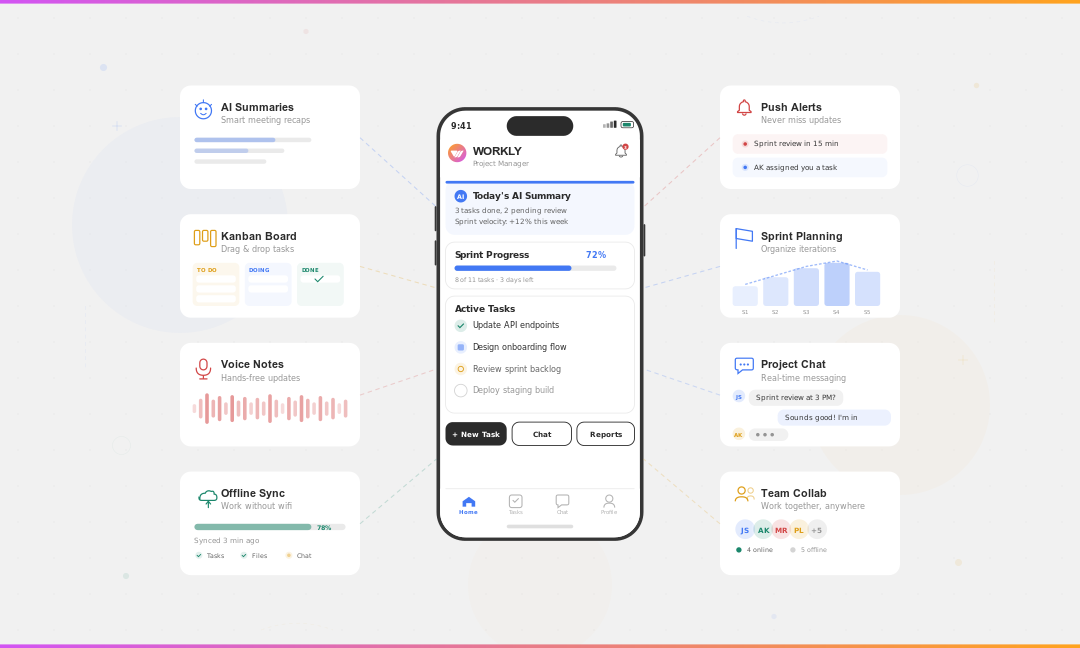
Workly is built around a gap most teams recognise but rarely address directly. Execution breaks after conversations end. Tasks are agreed on, but follow-through depends on memory, discipline, and repeated check-ins.
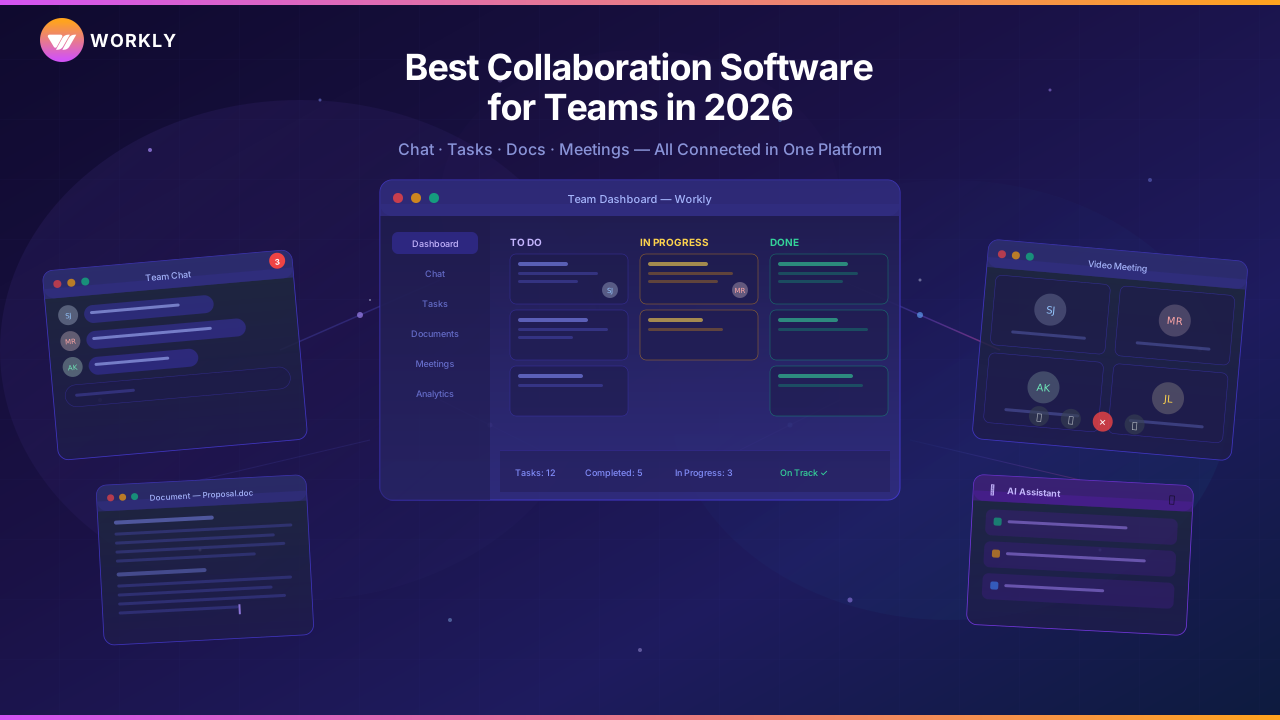
Workly treats coordination itself as a problem to be solved. Meetings, messages, and tasks are connected into a single execution layer. Action items are not only created but actively tracked through automated follow-ups. This shifts coordination work away from people and into the system.
For teams where work is fluid, discussion-led, and cross-functional, Workly behaves less like a tracker and more like infrastructure. It does not ask teams to be more disciplined. It assumes they won’t be, and compensates accordingly.
Asana
Asana works well in environments where processes are already defined and followed. Its structure supports clear planning and execution when teams maintain updates consistently.
As complexity grows, visibility depends heavily on manual upkeep. When that slips, confidence in reporting drops with it.
Monday.com
Monday.com offers broad flexibility. Teams can model a wide range of workflows quickly, which makes it appealing early on.
That same flexibility can fragment usage across teams. Without strong conventions, enterprise-level visibility becomes harder to maintain.
Jira
Jira remains dominant in engineering contexts. Its strength is depth around issue tracking and sprint execution.
Jira frequently needs heavy configuration or extra tooling to support more extensive operational work outside of development teams.
ClickUp
ClickUp consolidates tasks, docs, and dashboards into a single environment. For smaller teams, this reduces tool sprawl.
As organisations scale, the challenge becomes keeping execution signals clear across features and views.
Smartsheet
Smartsheet suits teams coming from spreadsheets who want more structure without a steep learning curve.
Its limitations show when teams require real-time collaboration and automation across complex dependencies.
Wrike
Wrike focuses on enterprise control, reporting, and governance. It fits organisations with formal approval chains and compliance needs.
Speed and flexibility are often traded for structure.
Pricing Comparison Overview
Pricing varies significantly by scale and configuration. Most enterprise project management software options require custom plans.
Use-Case Recommendations
Startups
Startups benefit from project management software that reduces coordination overhead. Systems that actively manage follow-ups allow small teams to move fast without adding layers of process.
Enterprises
Enterprises need consistency across teams. Enterprise project management software must support aggregation and visibility without relying on perfect compliance.
Remote Teams
Remote teams depend on clarity. Cloud project management software that centralises execution signals reduces reliance on synchronous check-ins.
Agencies
Agencies require tight control over timelines and capacity. Tools that connect planning to delivery help prevent late-stage surprises.
How to Migrate from Excel or Notion
Most migrations fail because teams move historical data instead of changing behaviour. The priority should be defining active work and ownership first.
Teams that migrate only their current projects and introduce the software alongside a new operating rhythm see faster adoption and fewer reversions to old habits.
Conclusion
When project management software shortens the time between decision-making and execution, it is crucial. The best platforms in 2026 will be determined by how subtly they absorb coordination work as complexity rises rather than by the number of features. Choosing the right system requires an honest look at how work actually breaks today and whether the software is built to hold it together.