Your work isn’t stuck because it’s unorganized. It’s stuck because nothing is pushing it forward.

You Don’t Have a Tool Problem
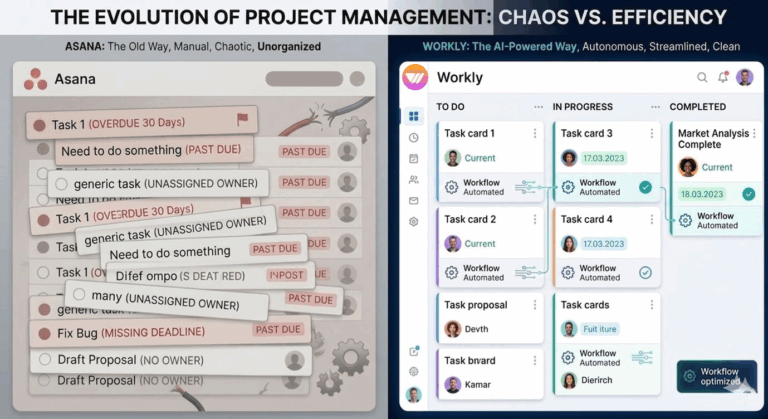
Most teams don’t actually have a productivity problem—they have an execution problem. Because if tools alone were enough, everything inside ClickUp would already be completed. Tasks are clearly listed, timelines are defined, and dashboards look polished and under control. On the surface, everything appears to be working. Yet, despite all this structure, work still lags behind.
ClickUp gives you control over tasks. Workly gives your tasks momentum.
The Illusion of “Everything Is Under Control”
Modern tools are excellent at making work look organized. ClickUp does this particularly well by structuring tasks, mapping workflows, and making progress visible across projects. This creates a sense of clarity and control.
However, there is a gap that often goes unnoticed. Visibility does not equal execution. Just because work is clearly displayed does not mean it is actively progressing. Teams can see everything, yet still struggle to move things forward consistently.
ClickUp: Powerful, But Still Manual at Its Core
ClickUp is undeniably a powerful platform. It offers flexibility, deep customization, and a high level of control, allowing teams to design systems that fit their exact needs. On paper, it can feel like the perfect solution.
But once the system is built, the real effort begins. Tasks still need to be created, assigned, tracked, and updated manually. Follow ups require constant attention, and progress depends on consistent human input. The tool provides the structure, but the responsibility of keeping everything moving still lies with the team.
Where Things Quietly Break Down
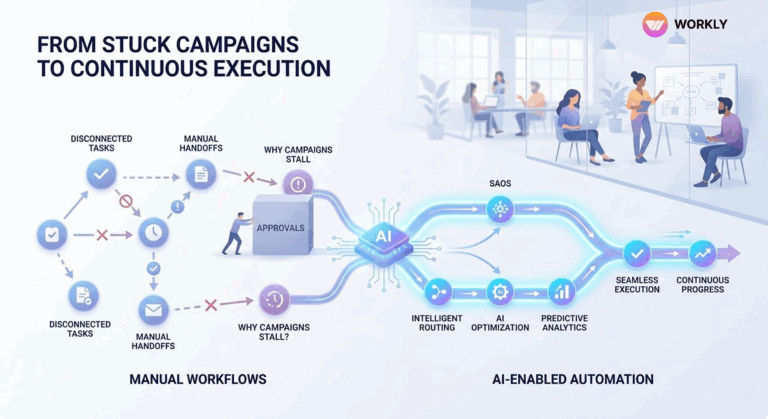
The real friction rarely comes from major failures. Instead, it builds up through small, everyday delays. Someone assumes a task is being handled by someone else. A quick check turns into a delayed response. Work gets pushed to the next day, and then the next.
Over time, these small gaps compound. What starts as minor delays turns into backlogs. The day becomes filled with follow ups, status checks, and reminders instead of meaningful execution. Work is being managed, but not necessarily completed efficiently.
Workly: Designed for Momentum, Not Just Management
Workly approaches the problem differently. Instead of adding more layers of features, it focuses on reducing the effort required to get work done. The goal is not just to organize tasks, but to ensure they move forward with minimal friction.
Tasks do not always need to be created from scratch. Follow ups do not always depend on someone remembering. Repetitive steps do not require repeated manual effort. The emphasis is not on automation for the sake of it, but on eliminating the small delays that slow down execution across teams.
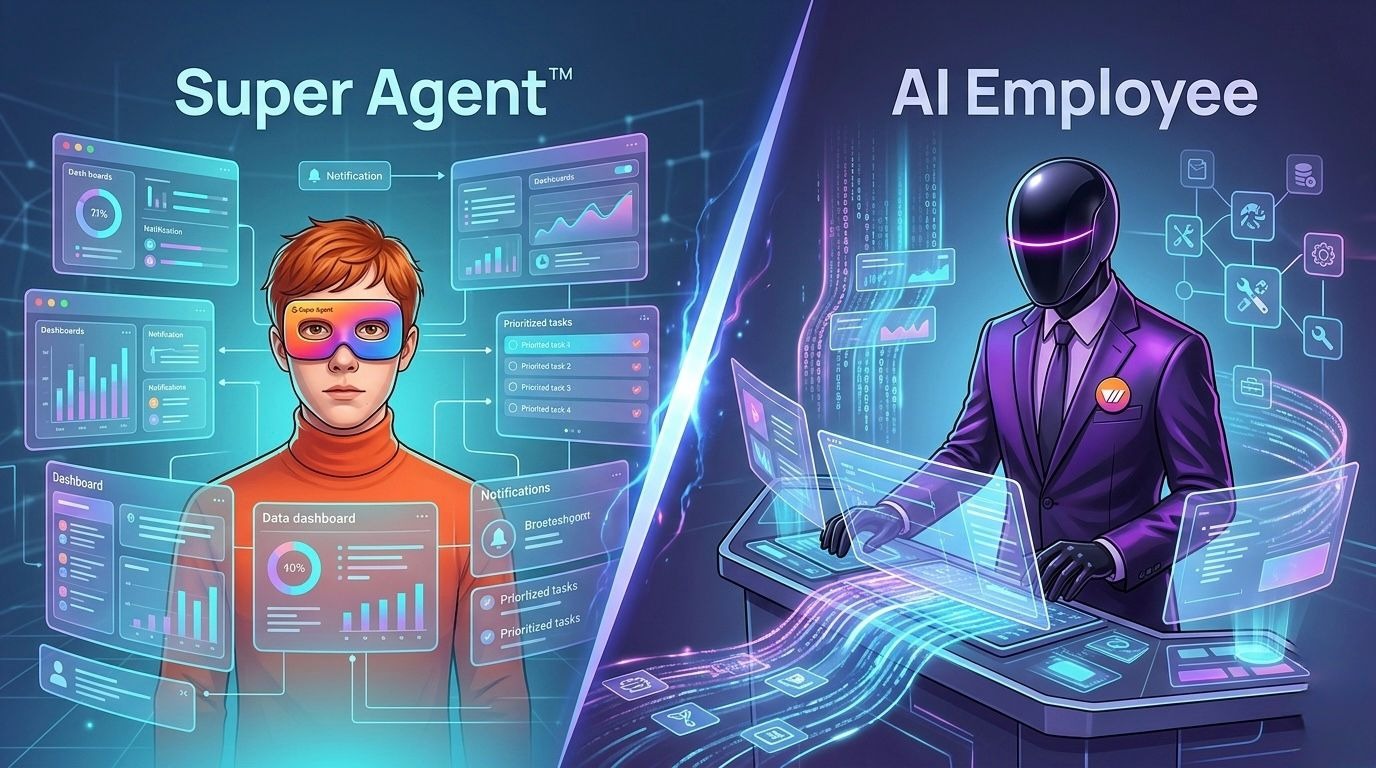
ClickUp Super Agent vs Workly AI Employee: One Helps You Work. The Other Works For You.
Most teams today don’t struggle with planning—they struggle with getting work across the finish line.
Tools like ClickUp Super Agent are a step forward. They bring AI into your workspace, helping you summarize updates, draft content, and keep things organized. It feels faster, smarter, and more efficient.
But here’s the catch—you’re still doing the work.
The AI suggests, assists, and organizes… but execution? That still depends on you chasing tasks, updating statuses, and making sure nothing falls through the cracks.
Now compare that with Workly AI Employee.
Workly doesn’t just sit inside your workflow—it actively drives it. It can automatically move tasks forward, handle routine execution steps, follow up on dependencies, and even complete multi step processes across tools without constant supervision.
ClickUp Super Agent improves productivity
Workly AI Employee replaces repetitive execution entirely
And in fast moving teams, execution—not organization—is the real competitive advantage.
The Hidden Truth About “AI Productivity Tools”
Most AI tools today are designed to make humans faster.
They reduce effort, save time, and improve clarity—but they don’t eliminate the need for constant involvement. Teams still spend hours coordinating, updating, and ensuring things move forward. That’s why even with AI, work often feels… stuck.
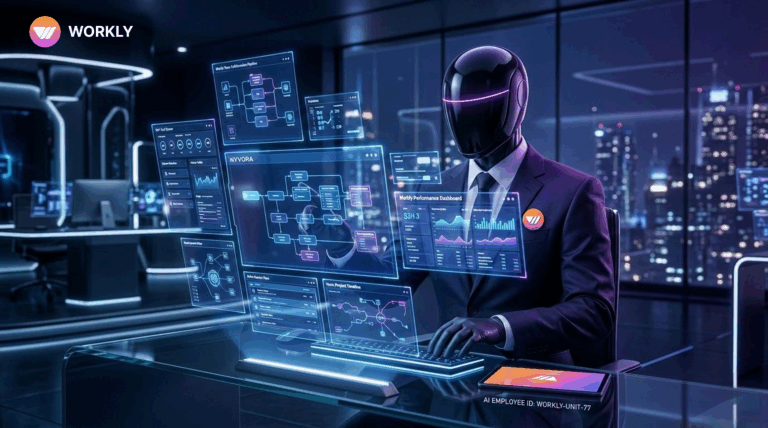
Workly approaches this differently. Instead of just assisting, it behaves more like a digital team member—one that doesn’t wait for instructions at every step. It proactively keeps workflows moving, reduces follow ups, and ensures tasks don’t stall between stages.
The result?
Less managing. More completing.
Assistant vs Executor: The Critical Divide
Capability | ClickUp Super Agent | Workly AI Employee |
Core Role | AI Assistant inside workspace | Autonomous AI execution layer |
Task Management | Helps organize and summarize | Actively progresses and completes tasks |
Execution Ownership | Human driven | AI driven with minimal supervision |
Workflow Movement | Requires manual follow ups | Automatically handles dependencies |
Automation Level | Rule based + assistive AI | Adaptive, multi step execution |
Team Effort Required | High (continuous involvement) | Low (reduced coordination overhead) |
Outcome | Better productivity | Faster, consistent execution |
The Bottom Line
If your goal is to stay organized and improve productivity, ClickUp Super Agent is a solid upgrade.
But if your goal is to remove bottlenecks, eliminate follow ups, and actually get work done faster, Workly AI Employee is built for that reality.
Because in the end, the future of work isn’t about smarter tools.
It’s about who—or what—actually gets the work done.
AI-First Collaborative OS
Stop managing tools. Start running work.


Emily Carter
Technical writer specializing in SaaS product documentation and in-app guides. Converts engineer-heavy inputs into clear user journeys, FAQs, and release notes.