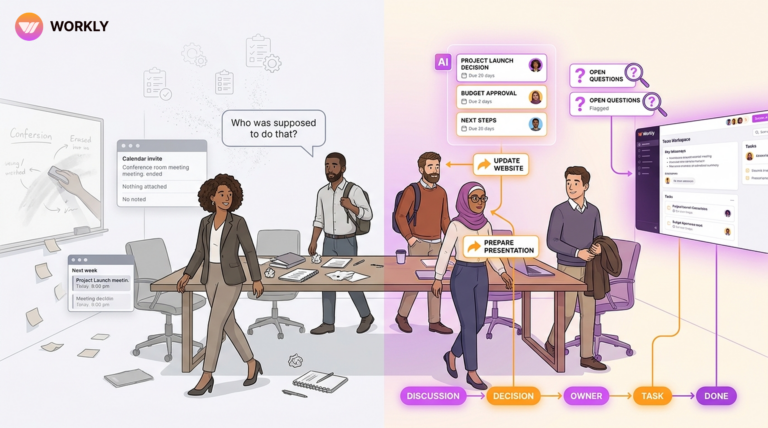
Jira helps you organize tasks. But organizing isn’t execution. Workly’s AI Employee ensures work actually moves without constant follow-ups, meetings, or manual updates.

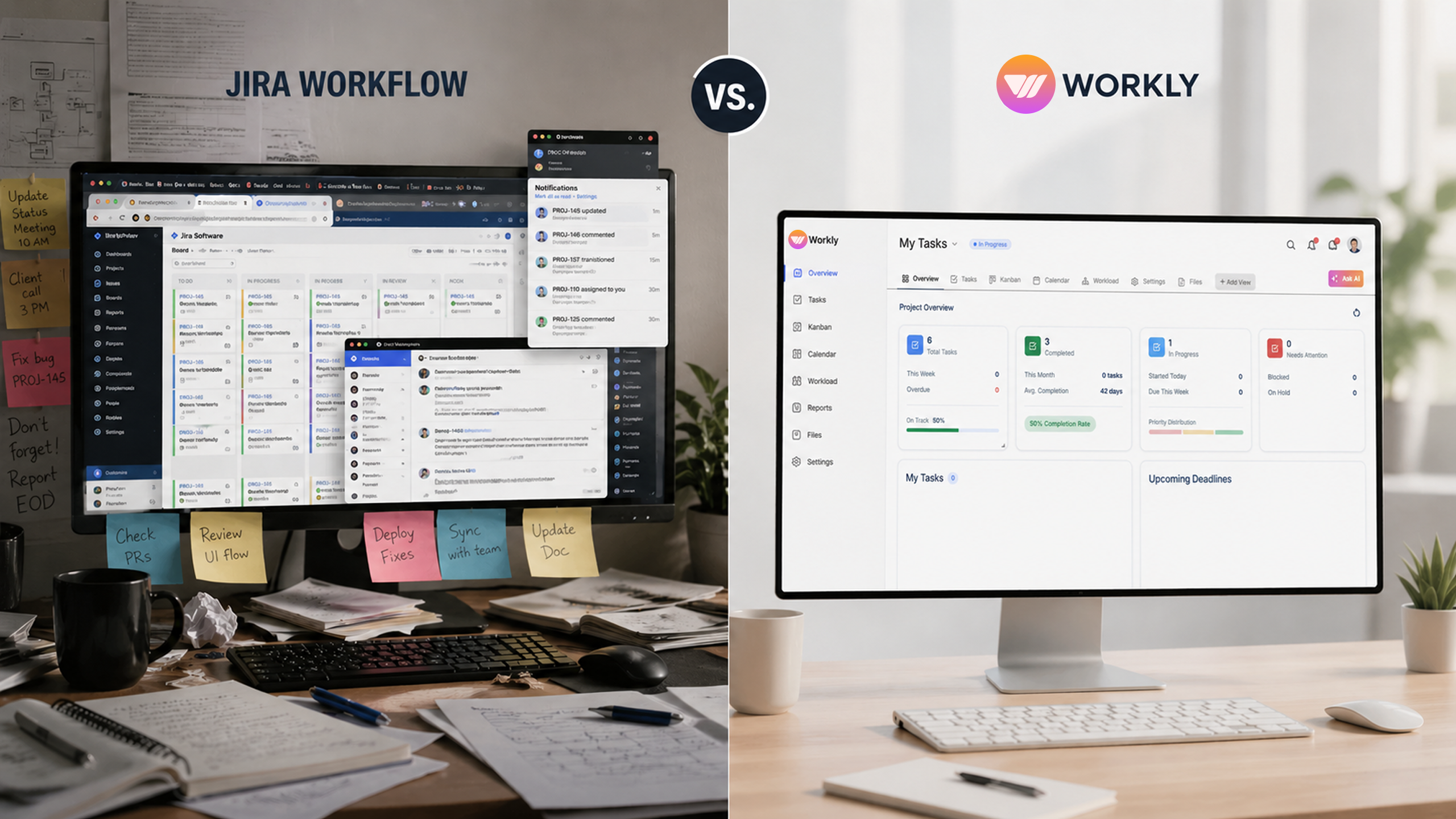
Most teams don’t realize this—but their problem isn’t tools.
It’s what those tools expect from them.
Jira assumes one thing:
That your team will manually keep work moving.
Update tasks.
Track progress.
Follow up.
Fix delays.
And that works… until it doesn’t.
Because as teams grow, execution starts breaking in small ways:
Tasks sit untouched.
Updates get delayed.
Follow-ups become a full-time job.
Not because people aren’t working—but because movement depends on them remembering to push it.
That’s the gap Workly fills.
Jira tracks work. Workly runs it.
Work Shouldn’t Move Because You Chase It Should Move Because the System Runs It
Jira is excellent at structuring work.
But structure without movement creates stagnation.
You still need to:
Check tasks
Remind people
Review progress
Workly flips this completely.
With Workly, the AI Employee becomes the execution layer. It doesn’t wait for someone to notice delays—it actively manages them.
When a task is completed, the next step is triggered automatically. When something stalls, the system nudges the right person. When deadlines are at risk, it escalates.
Work doesn’t wait for action.
The system takes action.
You Don’t Need More Tools You Need Less Coordination
A typical Jira setup rarely stands alone.
Teams end up using:
Slack for communication
Confluence for documentation
Multiple add-ons for automation
Which means execution is spread across tools.
Information gets fragmented.
Context gets lost.
Coordination increases.
Workly brings everything into one system:
Tasks, communication, workflows, and AI-driven execution.
The AI Employee connects all of it—ensuring that work doesn’t just exist in different places, but actually moves across them.
This reduces one of the biggest hidden costs in teams:
coordination overhead.
Simplicity Isn’t a Feature—It’s a Speed Advantage
Jira is powerful—but that power comes with complexity.
Setting up workflows, configurations, permissions, and boards takes time. New team members take time to adapt. Processes become rigid.
Workly is designed differently.
It focuses on:
- Fast setup
- Clear workflows
- Immediate usability
But the real advantage comes from the AI Employee.
Instead of configuring everything manually, you can simply describe what you want—and the system structures it for you.
This reduces the gap between:
Planning → Execution
And that’s where most teams lose time.
Being Reactive vs Being Proactive Changes Everything
This is where Workly fundamentally changes the equation.
Instead of focus
Jira is reactive by design.
You see:
What’s delayed
What’s pending
What needs attention
But action still depends on you.
Workly is proactive.
The AI Employee:
- Identifies delays before they grow
- Nudges action without being asked
- Keeps workflows moving continuously
This removes the constant need to “manage work.”
Because the system is already doing it.
ing only on organizing work, Workly is designed to reduce the effort required to complete it.
It introduces the concept of AI employees—systems that do not just assist, but actively support workflow progression.
Workly helps teams:
- Move tasks forward without constant manual updates
- Reduce the need for repetitive follow-ups
- Maintain momentum across workflows
- Minimize coordination overhead
This is not about adding more features.
It is about removing the friction that slows execution.
Comparison Table
Feature | Workly | Jira |
Core Approach | Execution system with AI Employee | Task & issue tracking system |
Task Movement | Automatic via AI | Manual updates required |
Follow-Ups | AI handles proactively | Done manually by team |
Setup Time | Minutes | Hours to days |
Tools Required | All-in-one platform | Multiple integrations needed |
AI Capability | Built-in AI Employee (acts) | Limited / add-on AI |
Workflow Automation | Native & dynamic | Rule-based, manual setup |
Real-Time Accuracy | Always updated | Depends on user input |
Team Effort | Reduced significantly | High coordination required |
When Work Starts Moving Without You (AI Employee Outcomes)
This is where the difference becomes impossible to ignore.
Execution speed improves because tasks no longer wait for manual movement. The moment one step is completed, the next begins automatically, eliminating idle time across workflows.
Follow-ups almost disappear. Instead of team members constantly checking on progress, the AI Employee ensures that work keeps moving through nudges, reminders, and escalations.
Pipeline and task visibility become reliable. What you see reflects reality because updates are tied directly to execution, not delayed manual inputs.
Team productivity increases—not because people work more, but because they spend less time coordinating and more time executing.
Managers stop chasing updates and start focusing on outcomes. The system provides clarity without requiring constant intervention.
Most importantly, work stops feeling like something you have to push forward manually.
It starts moving on its own.
The Real Shift: From Managing Work to Letting It Run
Jira helps you stay organized.
Workly helps you stay in motion.
That’s the difference.
When:
- Tasks move automatically
- Follow-ups are handled
- Execution is continuous
You don’t need to manage work anymore.
The system does it for you.
FAQs
What is the main difference between Workly and Jira?
Jira focuses on tracking tasks, while Workly focuses on executing them using an AI Employee.
Is Workly easier to use than Jira?
Yes, Workly is designed for quick setup and minimal configuration compared to Jira.
Can Workly replace multiple tools like Slack and Confluence?
Yes, Workly combines tasks, communication, and execution in one platform.
Does Jira have AI features like Workly?
Jira has limited AI capabilities, often as add-ons, while Workly has a built-in AI Employee.
How does Workly improve team productivity?
By automating task movement, follow-ups, and workflow execution, reducing manual effort.
AI-First Collaborative OS
Stop managing tools. Start running work.


Rachel Nguyen!
Technical writer with a UX writing edge for enterprise products. Builds onboarding, contextual help, and knowledge bases that cut support tickets.