Your content calendar isn’t broken your execution is. Workly transforms scattered plans into structured workflows, ensuring every piece of content moves forward and goes live without delays or chaos.

Introduction: The System That Looks Right but Doesn’t Work
Most content calendars create a false sense of control. They look structured, organized, and well thought out. Every piece of content has a deadline, an owner, and a place in the schedule. From the outside, it feels like everything is under control. But the moment real work begins, this structure starts collapsing. Tasks don’t move as expected, dependencies create friction, approvals introduce delays, and suddenly teams are no longer creating content — they are chasing it.
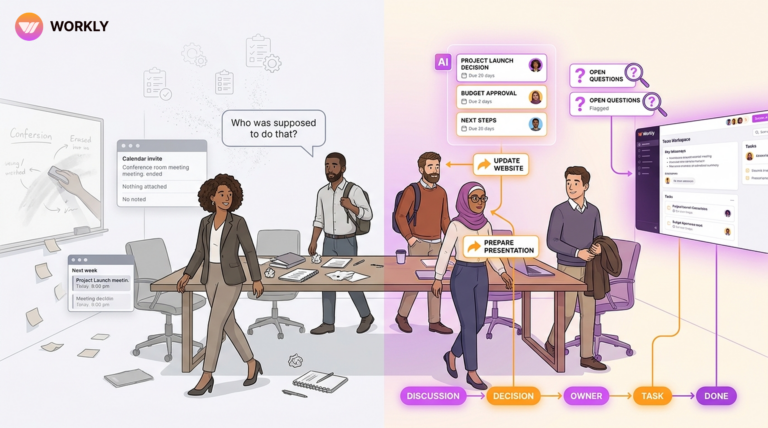
The problem here is not a lack of planning. In fact, most teams plan well. The real issue is that a content calendar is only a passive system. It shows what should happen, but it doesn’t ensure that anything actually happens. And that gap between intention and execution is where content operations fail.
Content chaos starts where execution fails.
Execution is the Missing Layer that Nobody Builds
Content creation is not a single action. It is a sequence of interconnected steps that depend on each other. Writing depends on clarity, design depends on content, approvals depend on availability, and publishing depends on everything being completed on time. This chain requires continuous movement, coordination, and awareness.
Most teams try to manage this complexity manually. They rely on messages, reminders, meetings, and personal accountability to keep things moving. But manual systems don’t scale and they don’t stay consistent. Someone forgets to follow up, someone delays a task, someone else is unaware of a dependency, and the entire flow starts slowing down. Over time, this doesn’t just delay content — it creates a system where nothing feels predictable.
Execution fails not because people are inefficient, but because the system itself is not designed to execute.
Why Traditional Tools Can’t Solve This Problem
Most content tools are built around visibility, not execution. They help teams see tasks, organize timelines, and track progress, but they stop there. They don’t actively move work forward, they don’t enforce dependencies, and they don’t ensure accountability beyond what humans manually enforce.
This creates a hidden workload. Even with tools in place, teams are still responsible for pushing every task, reminding every stakeholder, and ensuring every step happens on time. The tool becomes a dashboard, not a driver. And as content demand increases, this gap becomes more painful. More content means more coordination, more follow-ups, and more chances for things to break.
The Shift: From Managing Work to Letting AI Execute It
To fix execution, the approach itself has to change. Instead of building systems that require constant human effort to function, teams need systems that can take responsibility for execution. This is where the idea of an AI employee becomes powerful.
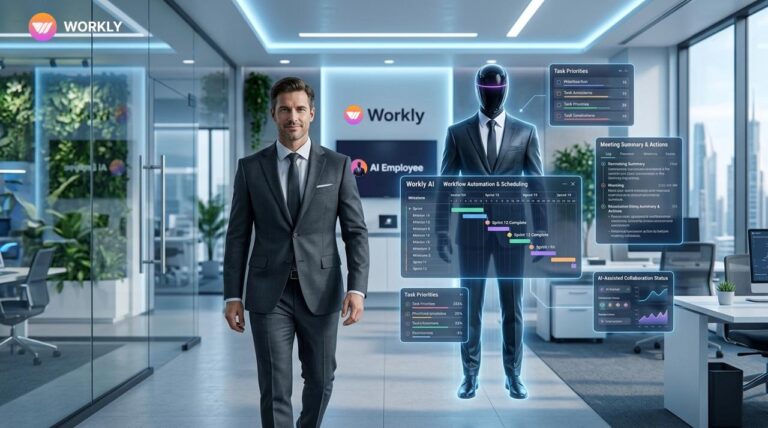
An AI employee doesn’t just assist — it operates. It takes a goal and ensures that the workflow required to achieve that goal keeps moving. It doesn’t wait for instructions at every step, and it doesn’t rely on memory or manual effort. It actively manages the flow of work, ensuring that tasks progress, dependencies are respected, and deadlines are not ignored.
This shift is important because it removes the biggest bottleneck in content operations: human-led coordination.
How Workly’s AI Employee Actually Executes Work Using Prompts
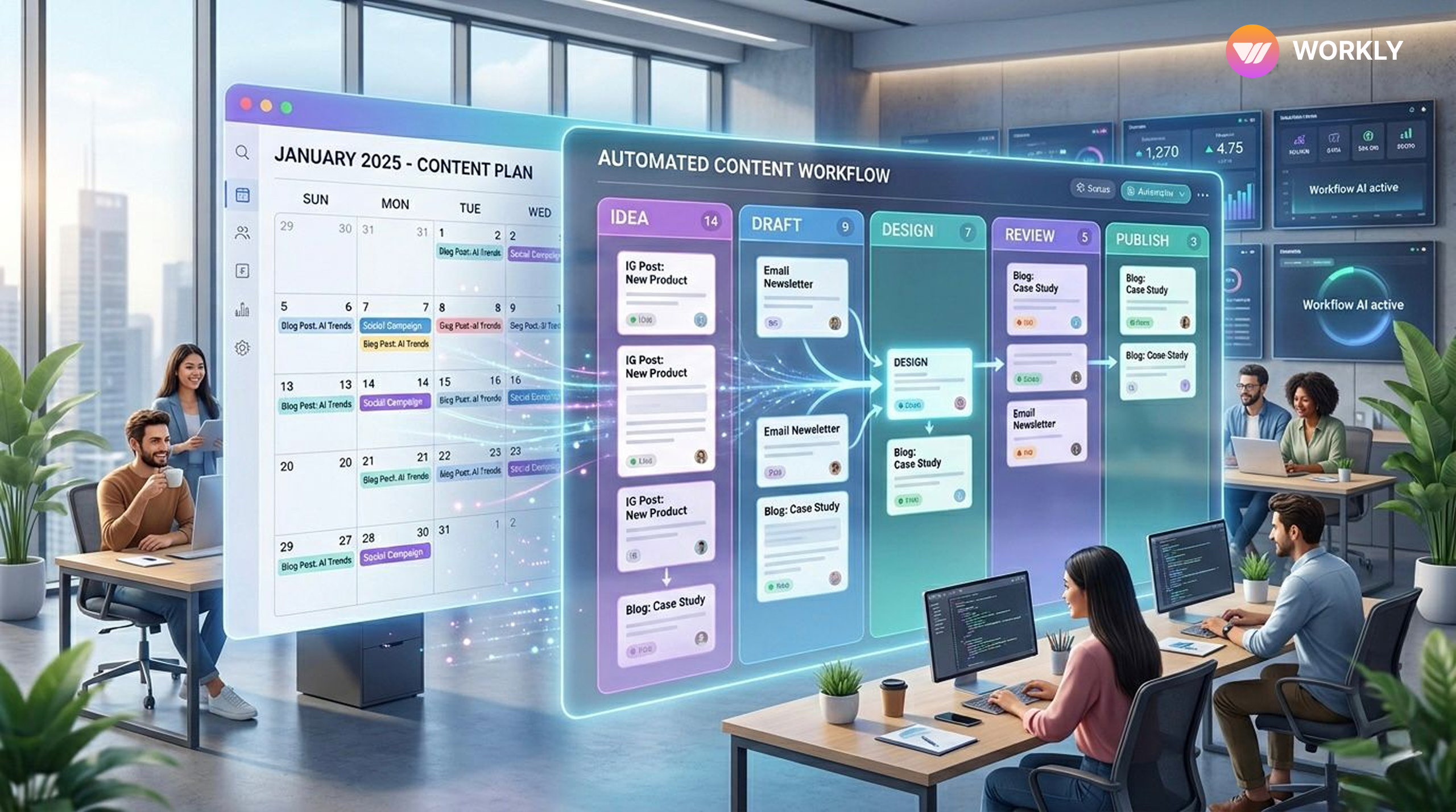
The biggest difference in this system is how naturally execution begins. Instead of setting up workflows manually, teams can simply define intent through prompts. For example, instead of creating tasks one by one, assigning owners, and mapping dependencies, you can instruct the system to create and execute a complete content workflow. That single input is enough for the AI employee to design the structure, assign responsibilities, and initiate the process.
Once the workflow is active, execution no longer depends on someone pushing tasks forward. When writing is completed, the system automatically triggers the next stage, whether that is design, review, or approval. The right person is notified without delay, and the workflow continues without interruption. There is no need for manual handoffs or follow-up messages because the system itself ensures continuity.
Follow-ups, which are typically the weakest part of execution, are handled consistently. The AI tracks progress in real time, identifies delays, and takes action by sending reminders or escalating issues when necessary. This removes the unpredictability that comes with human-dependent follow-ups. Work doesn’t stop because someone forgot — it keeps moving because the system is designed to keep it moving.
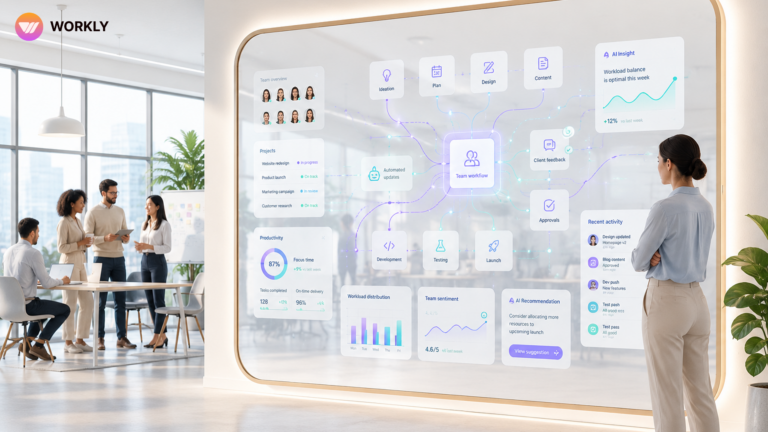
Even visibility becomes effortless. Instead of coordinating with multiple people to understand status, teams can interact directly with the system using prompts. They can ask what is delayed, what is in progress, or what is ready, and receive instant clarity. This reduces dependency on meetings and communication overhead, allowing teams to focus more on creation than coordination.
From Reactive Chaos to Controlled Execution
When execution is handled in this way, the nature of content operations changes completely. Instead of reacting to delays and constantly adjusting timelines, teams operate within a system that maintains flow automatically. Each piece of content moves through defined stages without friction, approvals happen within context, and publishing becomes predictable rather than uncertain.
This doesn’t just improve timelines — it improves the overall quality of work. Teams are no longer distracted by coordination overhead, which allows them to focus on creative and strategic aspects. The stress that usually comes with deadlines and last-minute changes is significantly reduced because the system prevents those situations from arising in the first place.
Scaling Content Without Increasing Complexity
As content demands grow, the limitations of manual execution become more visible. More content means more dependencies, more stakeholders, and more coordination. Without a strong execution layer, this growth leads to confusion and inefficiency.
With Workly AI employee managing execution, scaling becomes structured. Workflows are standardized, coordination is automated, and processes remain consistent regardless of volume. This allows teams to increase output without increasing operational burden. Instead of scaling chaos, they scale efficiency and reliability.
Conclusion: Execution is the Only Thing That Matters
A content calendar is not a system of execution. It is a system of intention. And intention alone does not produce results.
What determines success is whether content actually moves from idea to publication without friction. That requires more than planning — it requires a system that takes responsibility for execution.
Workly’s AI employee brings that missing layer. By turning prompts into workflows, managing task movement, handling follow-ups, and maintaining visibility, it transforms content operations into a system that delivers consistently.
Because in the end, content doesn’t fail due to lack of ideas or planning.
It fails because execution was never truly handled.
FAQ’S
How is an AI employee different from a regular content management tool?
A regular tool helps you organize and track content, but it still depends on humans to execute everything. An AI employee goes beyond tracking—it actively executes workflows, moves tasks forward, manages dependencies, and ensures deadlines are met without constant manual intervention.
Do I still need to manage tasks manually when using Workly?
No. Instead of manually creating and managing tasks, you simply give prompts. The AI employee converts those prompts into structured workflows, assigns responsibilities, and ensures each task progresses automatically from one stage to the next.
How does Workly ensure content doesn’t get delayed?
Workly’s AI employee continuously monitors progress, sends automated follow-ups, and escalates delays when needed. Since task movement and reminders are system-driven, work doesn’t get stuck due to missed follow-ups or lack of coordination.
Can Workly handle complex content workflows with multiple teams?
Yes. Workly is designed to manage multi-step workflows involving writers, designers, editors, and marketers. It automatically handles dependencies between tasks, ensuring each stage starts only when the previous one is completed, keeping everything aligned.
How do prompts actually help in managing content execution?
Prompts eliminate the need for manual setup and coordination. You can simply instruct the AI employee with what you want—like creating a blog workflow or ensuring a deadline—and it handles the entire execution process, from task creation to completion, without additional effort.
AI-First Collaborative OS
Stop managing tools. Start running work.


Rachel Nguyen!
Technical writer with a UX writing edge for enterprise products. Builds onboarding, contextual help, and knowledge bases that cut support tickets.