Most marketing teams don’t fail at campaigns, they fail at launches. These 10 prompts give you clarity, control, and confidence to execute every release without last minute chaos or confusion.

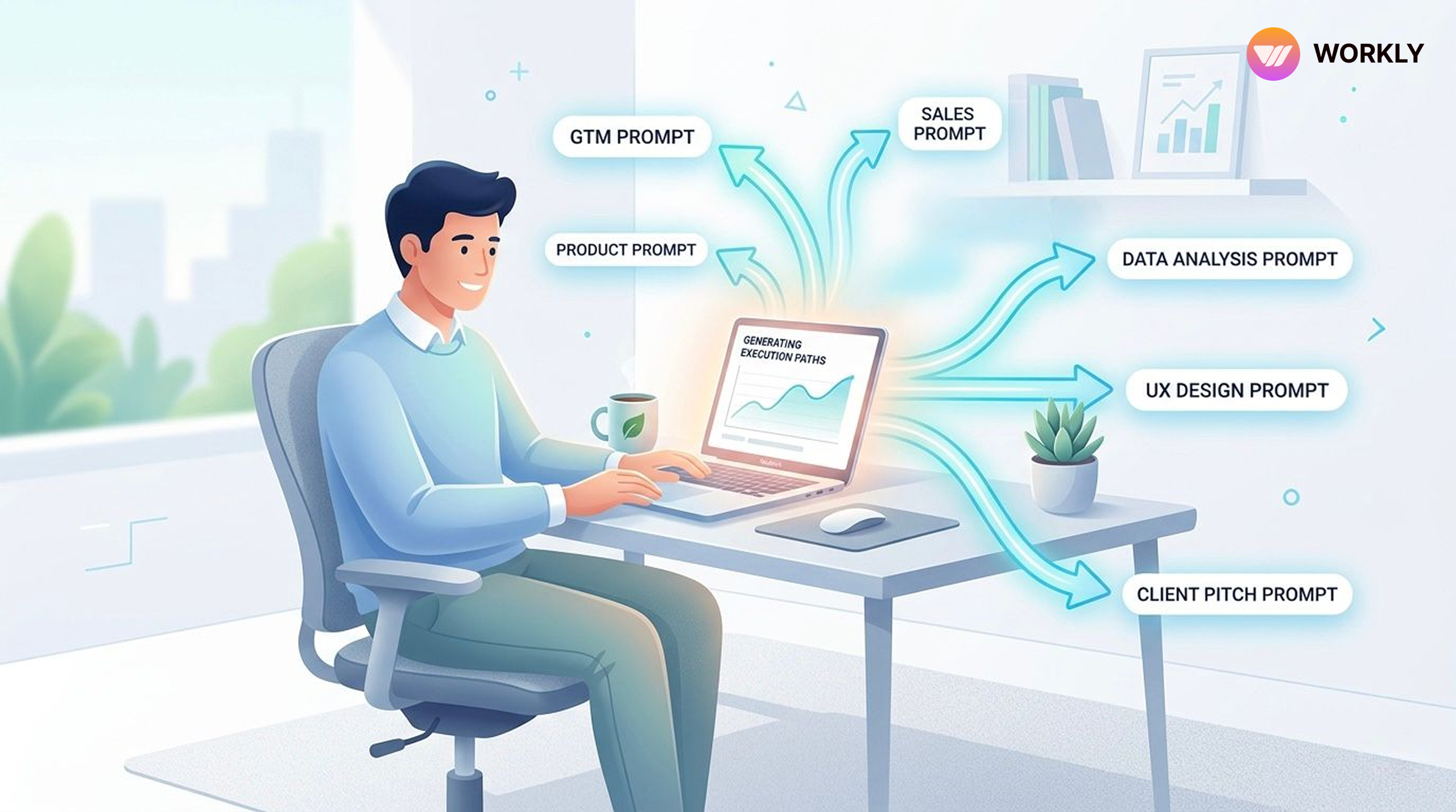
Every launch begins with the same inputs: product, audience, positioning, and timeline. But most launches still feel rushed and disconnected. Marketing pushes campaigns, product pushes features, and teams struggle to stay aligned. The problem isn’t the launch itself, it’s the lack of a structured system behind it. These prompts turn those basic inputs into a coordinated, well-executed release.
Launch chaos ends when prompts take control
Planning & Scoping
- Release Scope Definition
Use this when marketing needs clarity on what exactly is launching. It helps you focus campaigns only on high-impact features instead of guessing.
Prompt:
Act as a product manager. Given this feature list: [paste features], create a release scope document with must-haves vs. nice-to-haves, dependencies, risk flags, and a recommended cut line for v1.
- Reverse Release Timeline
Use this to align campaigns with product timelines. No more last-minute content rush.
Prompt:
I need to ship [feature/product] by [date]. Work backwards and give me a week-by-week release plan covering dev freeze, QA cycles, staging, stakeholder review, and go-live. Flag any tight windows.
Execution & Coordination
- Release Checklist Generator
Use this to ensure marketing never misses launch tasks like emails, landing pages, or announcements.
Prompt:
Generate a pre-launch, launch-day, and post-launch checklist for a [SaaS/mobile/web] product release. Include owners for each item (Dev, QA, DevOps, Marketing, Support) and mark which are blockers.
- Stakeholder Communication Plan
Use this to align marketing with sales, support, and leadership before launch.
Prompt:
Write a release communication plan for internal stakeholders. Include what to communicate, to whom (engineering, sales, support, leadership), when, and through which channel. Release date is [date].
- Risk & Rollback Playbook
Use this before campaigns go live so marketing knows what could go wrong.
Prompt:
For a product release involving [brief description], identify the top 5 risks, their likelihood and impact, mitigation steps, and a rollback plan for each. Format as a decision tree for the release lead.
QA & Stability
- QA Test Coverage Prompt
Use this to ensure marketing doesn’t promote broken features.
Prompt:
We’re releasing [feature]. Write a QA test plan covering happy path, edge cases, regression tests, performance benchmarks, and cross-browser/device checks. Output as a structured test matrix.
- Bug Triage Protocol
Use this to decide if a campaign should proceed or pause.
Prompt:
Create a bug severity classification guide for our release. Define P0–P3 with examples, SLA response times, who gets paged, and the decision rule for delaying vs. shipping with known issues.
Launch & Communication
- Release Notes Writer
Use this to instantly create both technical and marketing-friendly launch content.
Prompt:
Write release notes for [product/version] in two formats: (1) Technical changelog for developers, (2) User-friendly “What’s New” for customers. Features included: [list]. Tone: clear and confident.
- Go/No-Go Decision Framework
Use this in launch meetings to avoid premature campaigns.
Prompt:
Build a Go/No-Go checklist for our release meeting. Include criteria across code quality, test pass rate, infra readiness, support team briefed, rollback tested, and legal/compliance sign-off. Make it a simple scorecard with a threshold recommendation.
Post-Release
- Post-Mortem Template
Use this after launch to improve future marketing campaigns.
Prompt:
Generate a post-release retrospective template for our team. Include sections for what went well, what broke, timeline of incidents, root cause analysis, action items with owners, and process improvements for the next release. Keep it blameless in tone.
What This Means for Marketing
When you use these prompts, marketing stops reacting to launches and starts controlling them.
You get:
- Clear timelines before campaigns start
- Better alignment with product and sales
- Fewer last-minute changes
- Stronger, more confident launches
Instead of chaos, you build a repeatable launch system.
FAQ’S
How can marketing teams actually use these prompts daily?
Marketing teams can plug these prompts directly into their AI employee before every launch. From planning timelines to writing release notes, each prompt replaces manual coordination with structured outputs.
Do these prompts replace collaboration with product teams?
No, they improve it. Instead of chasing updates, marketing gets structured inputs that make collaboration faster and more aligned with product and engineering.
When should marketing start using these prompts in a release cycle?
Ideally from day one. Starting with scope definition and timeline planning ensures marketing is aligned early, not reacting at the last moment.
Can small marketing teams benefit from this too?
Yes, even more. Smaller teams often handle multiple responsibilities, and these prompts reduce workload by automating planning, coordination, and communication tasks.
What is the biggest impact of using these prompts?
The biggest impact is predictability. Campaigns become more structured, launches feel controlled, and marketing teams can execute without last-minute stress or confusion.
AI-First Collaborative OS
Stop managing tools. Start running work.


Rachel Nguyen!
Technical writer with a UX writing edge for enterprise products. Builds onboarding, contextual help, and knowledge bases that cut support tickets.